Contents · 9

A redesign is supposed to help you sell more. But if page URLs, meta tags or structured data get lost in the move, the weeks after launch are spent clawing back lost traffic instead of growing. Search engines don’t see a shiny new site. They see pages that suddenly disappeared.
The good news is that nearly every redesign loss is predictable. Below is the checklist we use when migrating online stores and company websites. It covers three stages: before launch, launch day, and the first two weeks after.
First, decide whether you need to migrate at all
The safest redesign is one where URLs don’t change. If the platform still does its job and the problem is look and usability, you can often update the theme and templates without touching the URL structure.
If you are switching platforms, say from a custom build to Shopify or WooCommerce, or restructuring the catalogue, you need the full checklist.
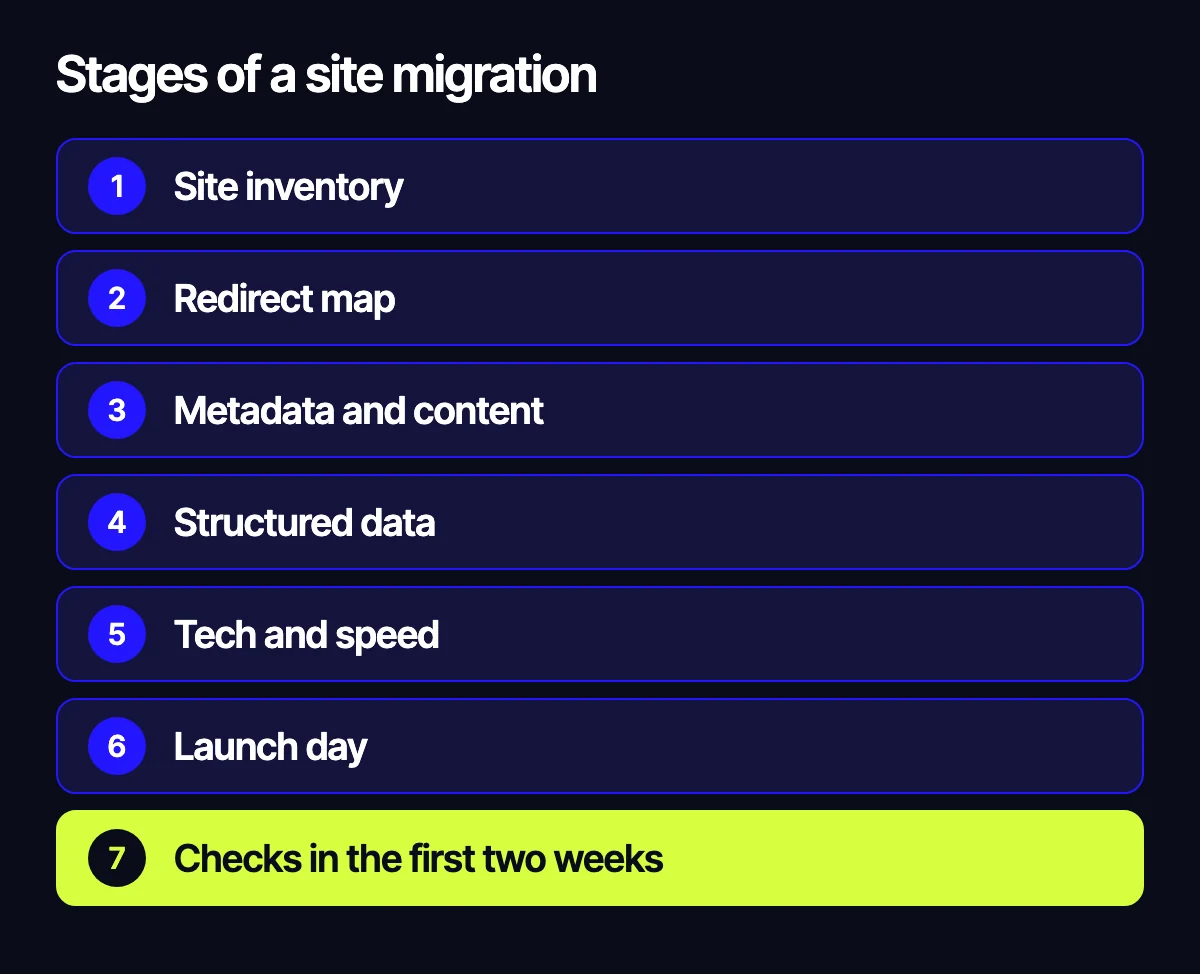
Stage 1. Inventory the current site
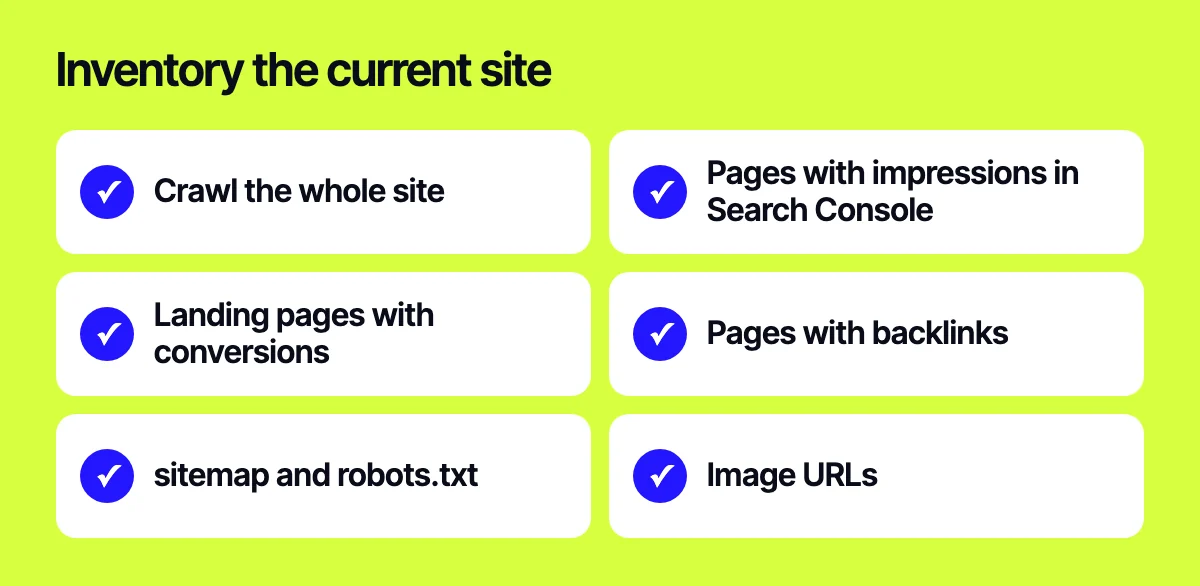
You can’t preserve what you haven’t counted. Before development starts, build a complete list of pages:
- A crawl with Screaming Frog, Sitebulb or similar: every URL, status code, title, description, H1 and canonical.
- Pages from Google Search Console that get impressions and clicks.
- Landing pages from GA4 with traffic and conversions.
- Pages with external backlinks.
- Your current sitemap files and robots.txt.
- Image URLs, if products get traffic from image search.
Merge these into one spreadsheet. Flag the pages that bring in the most traffic and orders. You’ll check them first and most often.
Stage 2. The redirect map
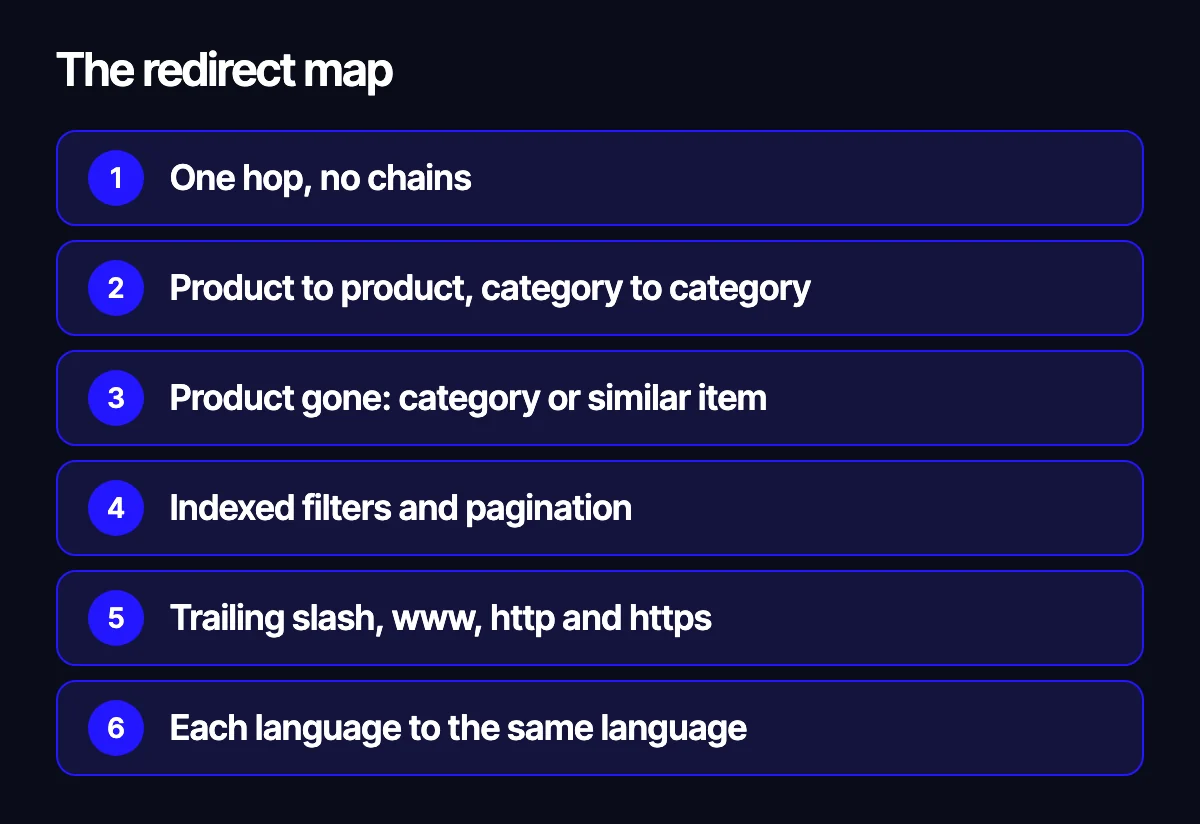
Every old URL that changes should point to the closest matching new URL with a 301. Rules of thumb:
- One hop. Chains like old → interim → new slow down crawling and leak signals.
- Product to product, category to category. Redirecting everything to the home page is treated by Google as a soft 404.
- If a product is gone for good, send it to its category or the nearest alternative.
- Don’t forget filter and pagination pages if they were indexed.
- Check trailing slash vs no slash, www vs non-www, http vs https.
- On a multilingual site, keep languages aligned: the Spanish page goes to the Spanish page, the English one to the English one.
Test the redirect map on staging before launch. Run the list of old URLs and confirm each one returns a 301 and lands on the right page with a 200.
Stage 3. Metadata and content
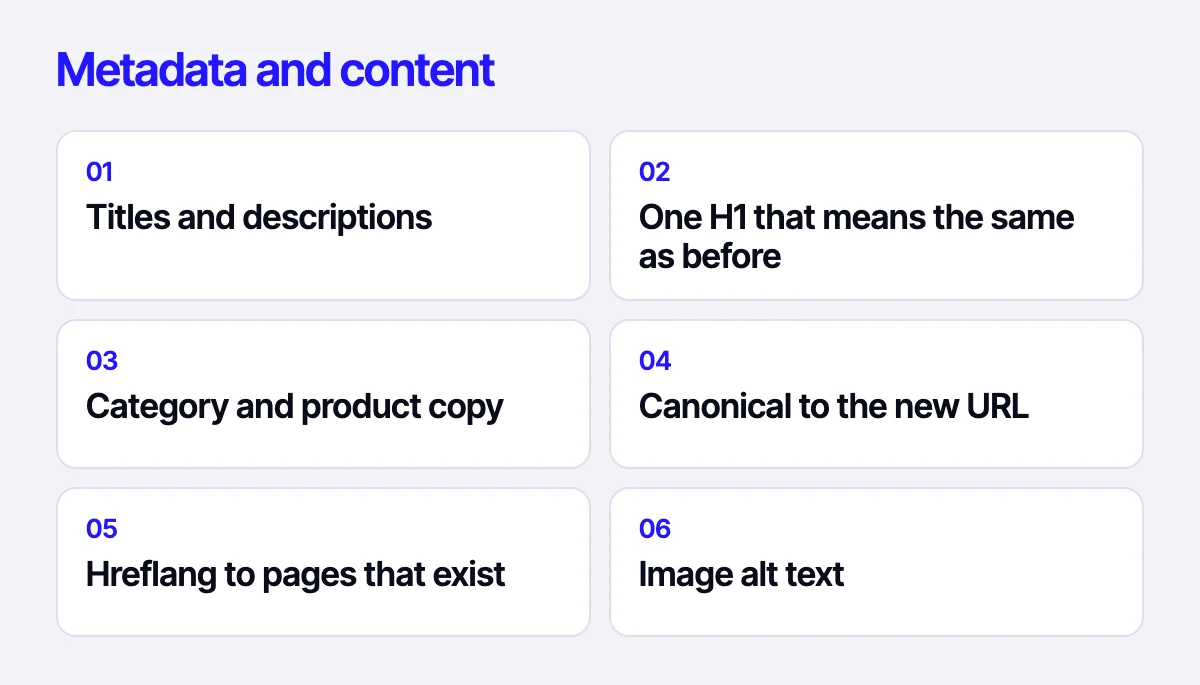
New templates often regenerate meta tags from scratch, and titles and descriptions that were tuned over a long time vanish. Check that:
- Titles and descriptions are carried over for all important pages, with templates set for the rest.
- Each page has a single H1 that matches the old one in meaning.
- Category copy and product descriptions survived the move and aren’t hidden in tabs that never render.
- Canonical tags point to the correct new URL, not the staging domain.
- Hreflang for each language version points to pages that actually exist.
- Product image alt attributes are preserved.
A word on blocking indexing. Staging sites are usually closed with noindex or robots.txt. The most common launch mistake is that those settings travel to the live site. Check this first.
Stage 4. Structured data
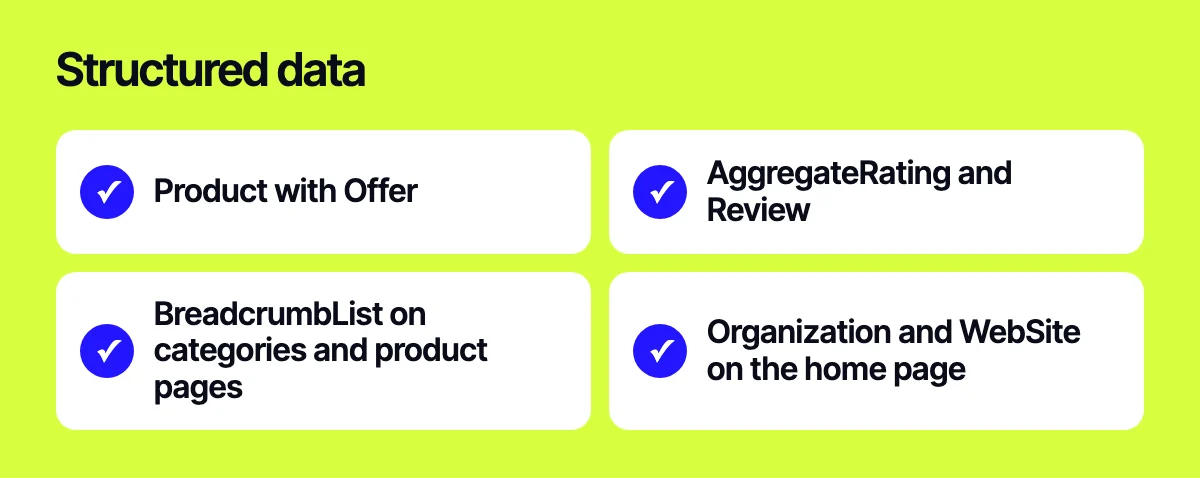
Structured data powers rich results: price, availability, ratings, breadcrumbs. A new theme can easily drop it. For a store, check:
- Product with Offer: price, currency, availability.
- AggregateRating and Review, only if reviews are genuine and visible on the page.
- BreadcrumbList on categories and product pages.
- Organization and WebSite on the home page.
Validate templates in Google’s Rich Results Test and the Schema Markup Validator. If products are synced to Google Merchant Center, make sure price and availability in the markup match the feed. Mismatches can get products disapproved.
Stage 5. Technical setup and speed
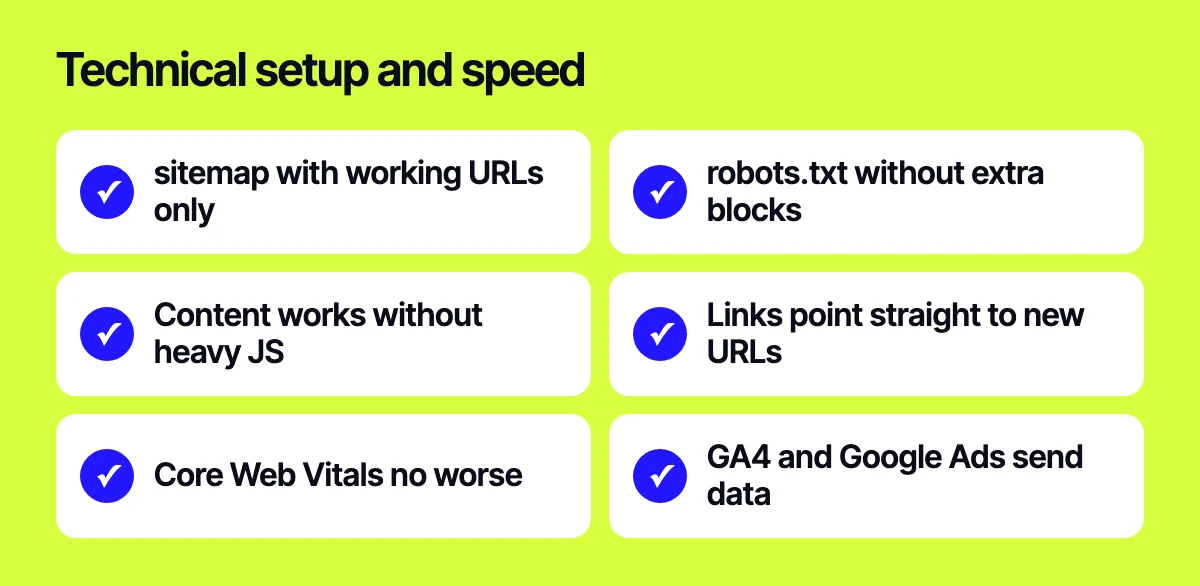
- The new sitemap.xml lists only live URLs that return 200 and aren’t noindexed.
- robots.txt doesn’t block CSS, JS or sections that should be indexed.
- Main content and links are available without heavy JavaScript, or the page renders correctly in Search Console’s URL Inspection tool.
- Internal links in menus, footer and body copy point straight to new URLs, not through redirects.
- Core Web Vitals on key templates are no worse than before.
- GA4, Google Ads and ecommerce event tags are installed and sending data.
Launch day
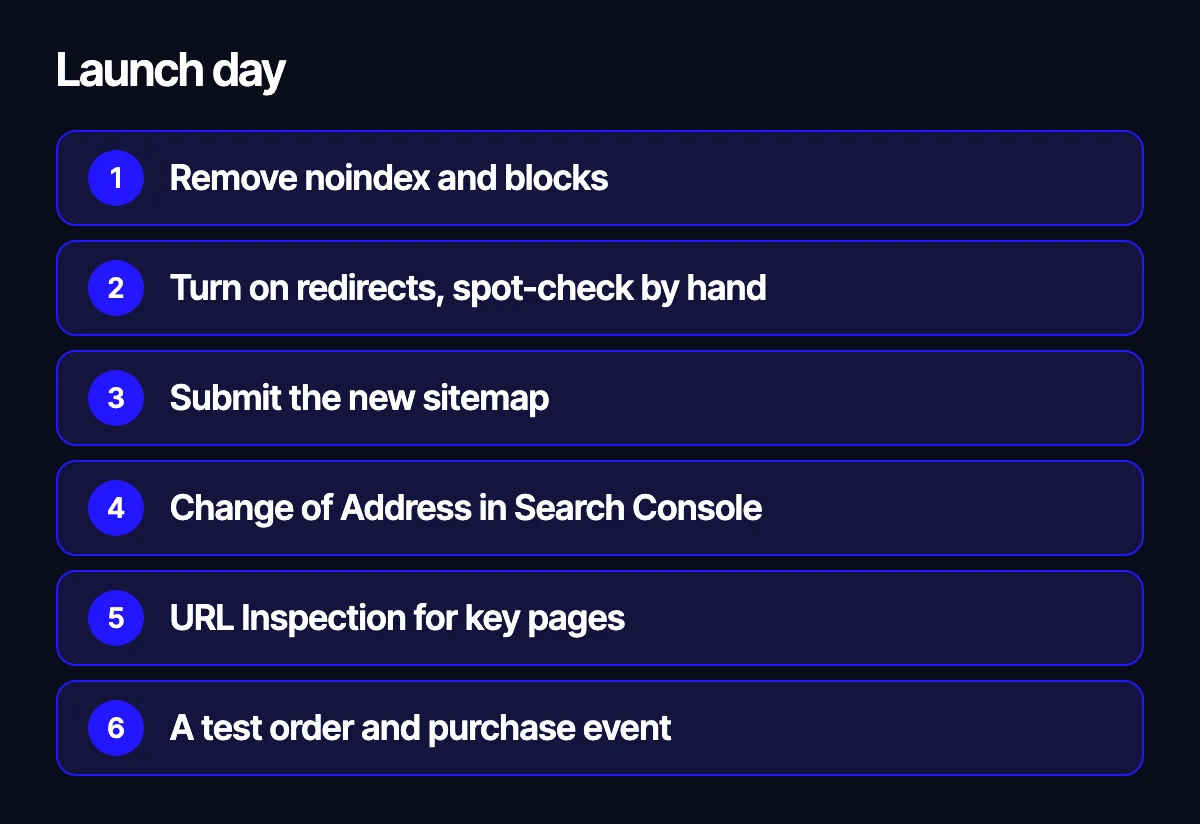
- Remove noindex and robots.txt blocks carried over from staging.
- Switch on redirects and spot-check the most important pages by hand.
- Submit the new sitemap in Search Console.
- If the domain changes, use the Change of Address tool in Search Console.
- Run the home page, a few categories and a few products through URL Inspection.
- Place a test order end to end and confirm the purchase event shows up in GA4.
What to check in the first two weeks
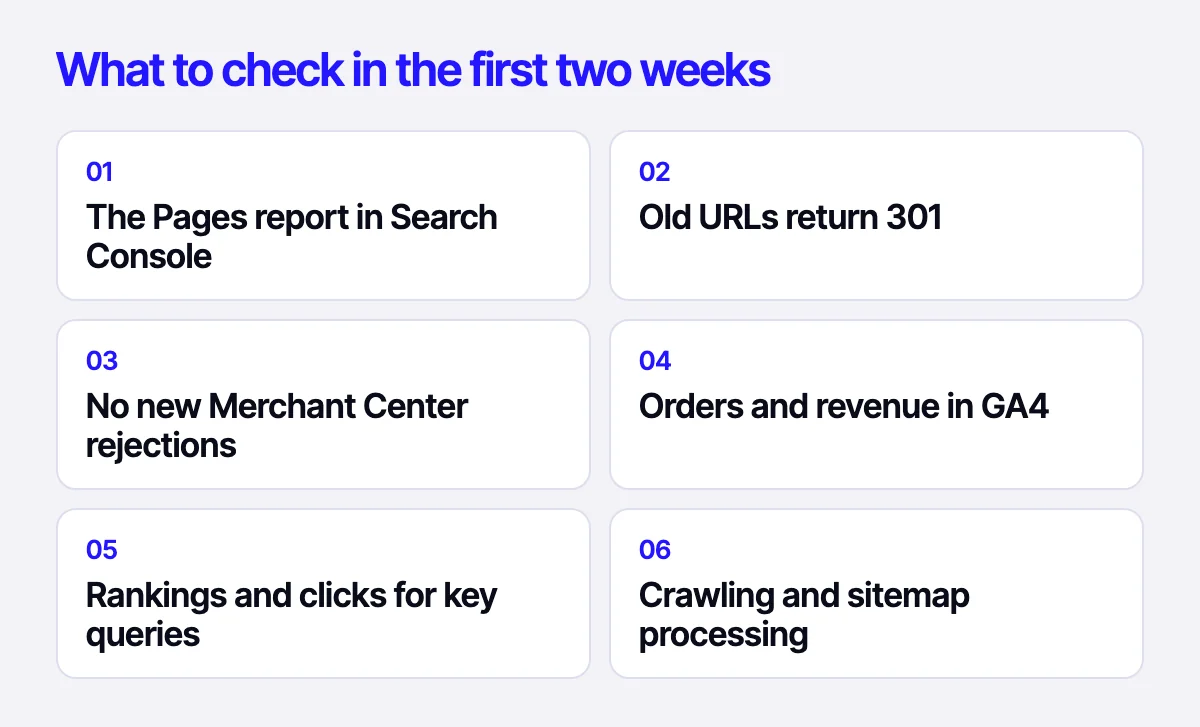
The first two weeks decide whether a dip stays short or drags on. Here’s the rhythm we keep.
Every day:
- The Pages report in Search Console: any rise in 404s, redirected pages or pages excluded from the index.
- Server logs, or a crawl of the old URL list: everything still returns a 301 to the right place.
- Google Merchant Center: no new disapprovals caused by price, availability or link mismatches.
- GA4: orders and revenue are coming in, and purchase events aren’t duplicated.
Every few days:
- Rankings and clicks for your most important queries and pages, compared with the same weekdays before launch.
- Crawl stats in Search Console: Google is crawling the new URLs.
- Sitemap processing: how many URLs were submitted and how many are indexed.
- Enhancement reports for rich results: no new markup errors.
Some movement in the first days is normal while Google recrawls the site. The warning sign is specific pages that drop out and stay out. The cause is almost always one of the points above: a broken redirect, a lost canonical, a stray noindex or missing copy.
Related reading: what to check in a UX audit before a redesign; which platform to build a store on: OpenCart, WooCommerce, Shopify or Laravel; integrating a website with ERP and the warehouse; how website speed affects sales.
Let’s migrate your site safely
If you’re planning a redesign or a move to a new platform, send us your task through the form on the site, on Telegram, WhatsApp or by e-mail. We’ll put together the inventory, redirect map and post-launch checks before development begins.
Leave your contact – we'll reply within one business day wherever suits you.