Contents · 8

Black Friday 2026 falls on November 27. For an online store it’s one of the busiest days of the year, and problems you wouldn’t notice in a normal week start costing money: the site slows down, a promo code fails, your team can’t keep up with messages.
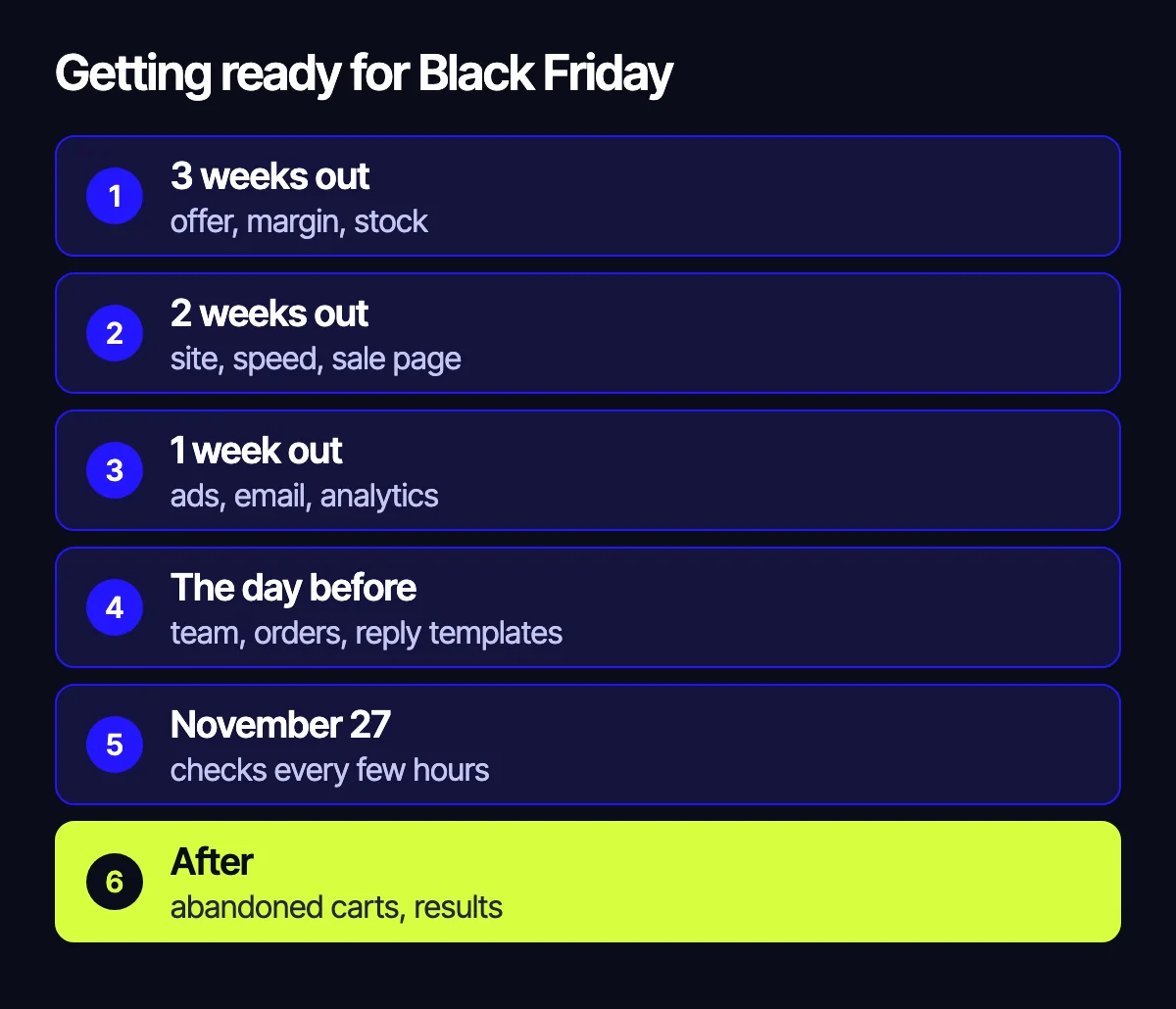
Here’s a Black Friday checklist starting three weeks out: what to do about the offer, the site, ads, email and order handling. If you already prepared for Halloween with our guide to discounts and promo codes, part of the work is done.
Three weeks out: the offer and the numbers
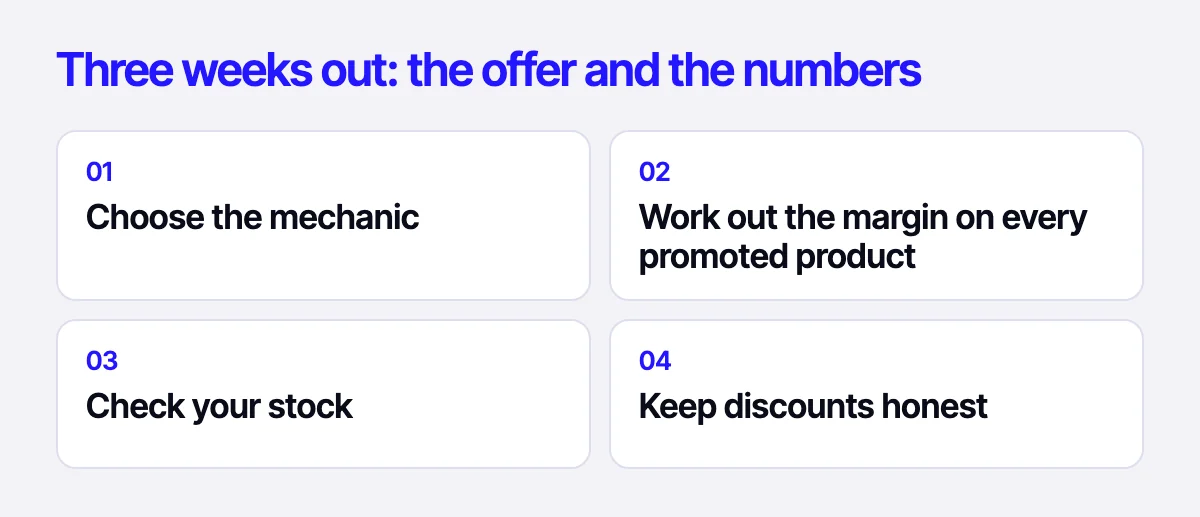
- Choose the mechanic. A sitewide discount is simple but hits margin. Category discounts, buy-one-get-one or a gift above a certain order value are often more profitable.
- Work out the margin on every promoted product. Include cost, shipping, ads and returns. The discount should come from the math, not from wanting to beat a competitor.
- Check your stock. Advertising a product you don’t have is money lost. Talk to suppliers early.
- Keep discounts honest. Don’t raise prices before the sale: shoppers notice and remember, and discount rules vary by country.
Two weeks out: the site
Speed and load
Traffic will grow; shoppers’ patience won’t. Test speed on a phone and run a simple load test. Our article on website speed and sales covers where to start. Ask your host in advance whether the server can handle the extra traffic.
A sale landing page
Build one page with all the offers at a permanent address, such as /black-friday/. You can reuse it next year, and it has time to build authority in search. Make the terms and end date easy to find.
The path to purchase
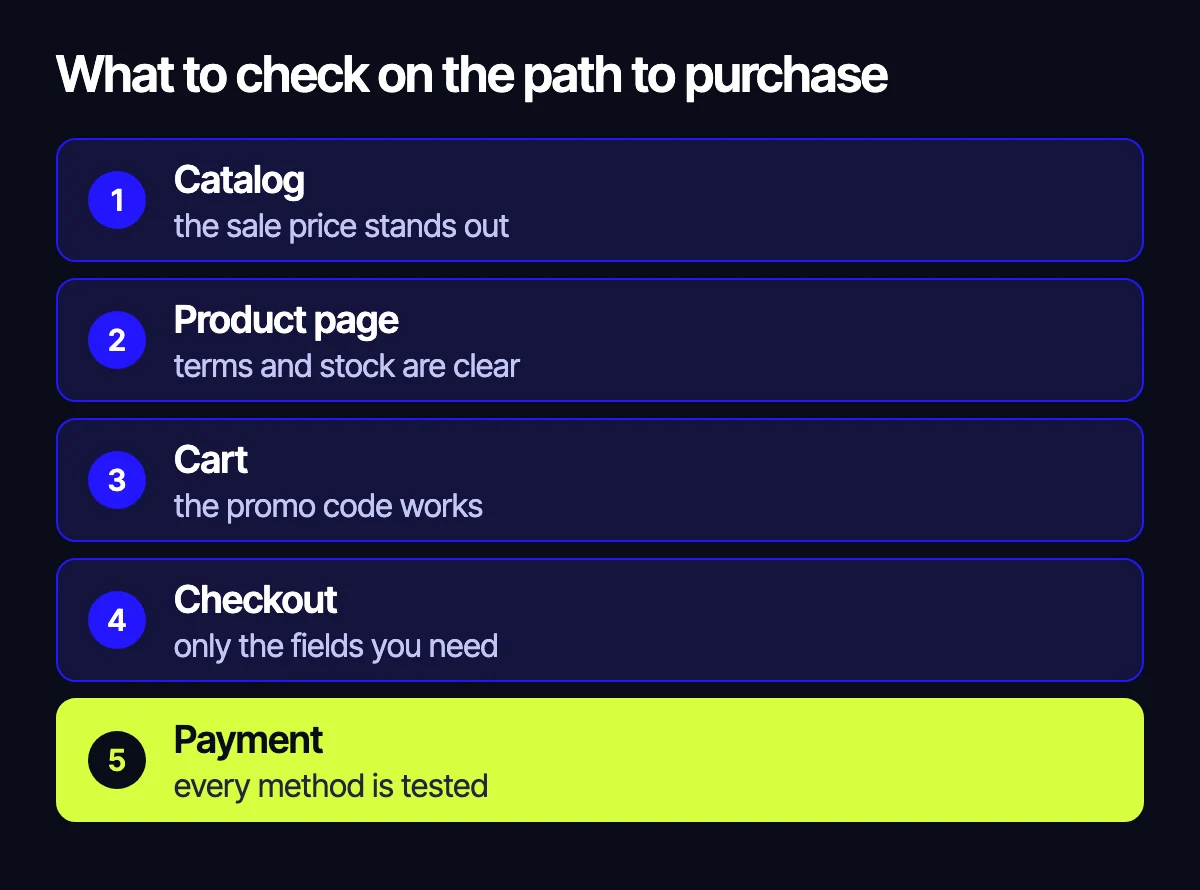
- Go through the site as a shopper: homepage, catalog, product page, cart, payment.
- Test promo codes, including category and order value limits.
- Make the sale price obvious in the catalog, on the product page and in the cart.
- Shorten checkout: remove optional fields and keep guest checkout.
- Test every payment and shipping method with a real order.
For a fuller list of weak spots, see 12 places where an online store loses buyers.
Code freeze
Stop major site changes a few days before the sale. Take a backup first and agree who’s on call if something breaks.
One week out: ads and email
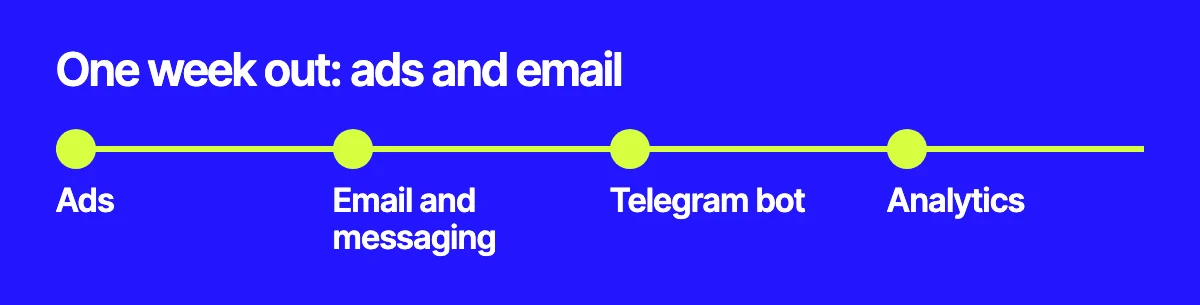
- Ads. Competition rises during these days, so start campaigns and warm up your audience early. Split the budget by your best-margin products and exclude anything out of stock. Read about where the money usually goes in our article on PPC budgets for online stores.
- Email and messaging. Prepare the announcement, launch, reminder and last-day messages. Segment your list so regular customers get the offer first.
- Telegram bot. It can hand out personal promo codes, show order status and answer common questions. We can build one for your store.
- Analytics. Check that purchases, sources and revenue reach your reports. Otherwise you won’t know what worked.
The day before: team and orders
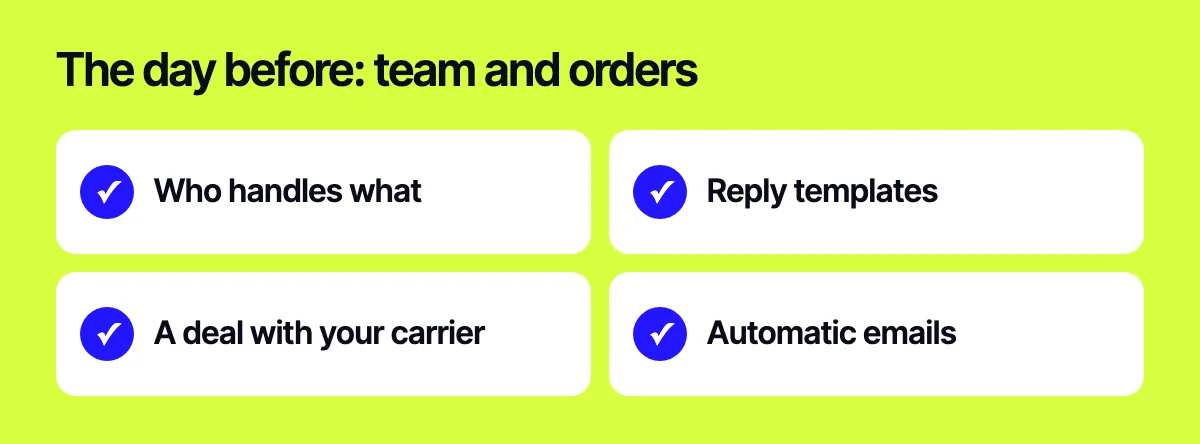
- Decide who answers messages, who handles orders and who watches the site.
- Prepare reply templates on shipping times, payment and returns.
- Warn your shipping provider about the higher volume.
- Check automatic order and delivery emails.
On the day

Check the site, checkout, payments and stock every few hours. Watch your ads: when a product sells out, turn off its ads right away. Push products that sell well and are in stock to the top of your site.
After the sale
Many people keep buying over the next few days, so don’t switch everything off at midnight: Cyber Monday on November 30 is a good reason to extend sales. Send abandoned cart reminders, ship orders on time and compare results with normal weeks: revenue, margin, sources, average order value and returns. Add new customers to your list with their consent and offer a repeat purchase closer to New Year.
If you’re short on time
If only a few days are left, stick to the essentials: test buying on a phone, promo codes, payments, stock and analytics. That single pass often finds failures that would have cost sales. Don’t launch new features at this point.
Related reading: how to prepare a store for Halloween; 12 places where a store loses buyers; where your PPC budget actually goes.
Let’s get your store ready
Send us your store’s URL – we’ll go through the path to purchase on a phone and tell you what to fix first before November 27. We can run a CRO audit, speed up your site and build a Telegram bot for promo codes. Reach us through the form on the site, on Telegram, WhatsApp or by email.
Leave your contact – we'll reply within one business day wherever suits you.