Contents · 9
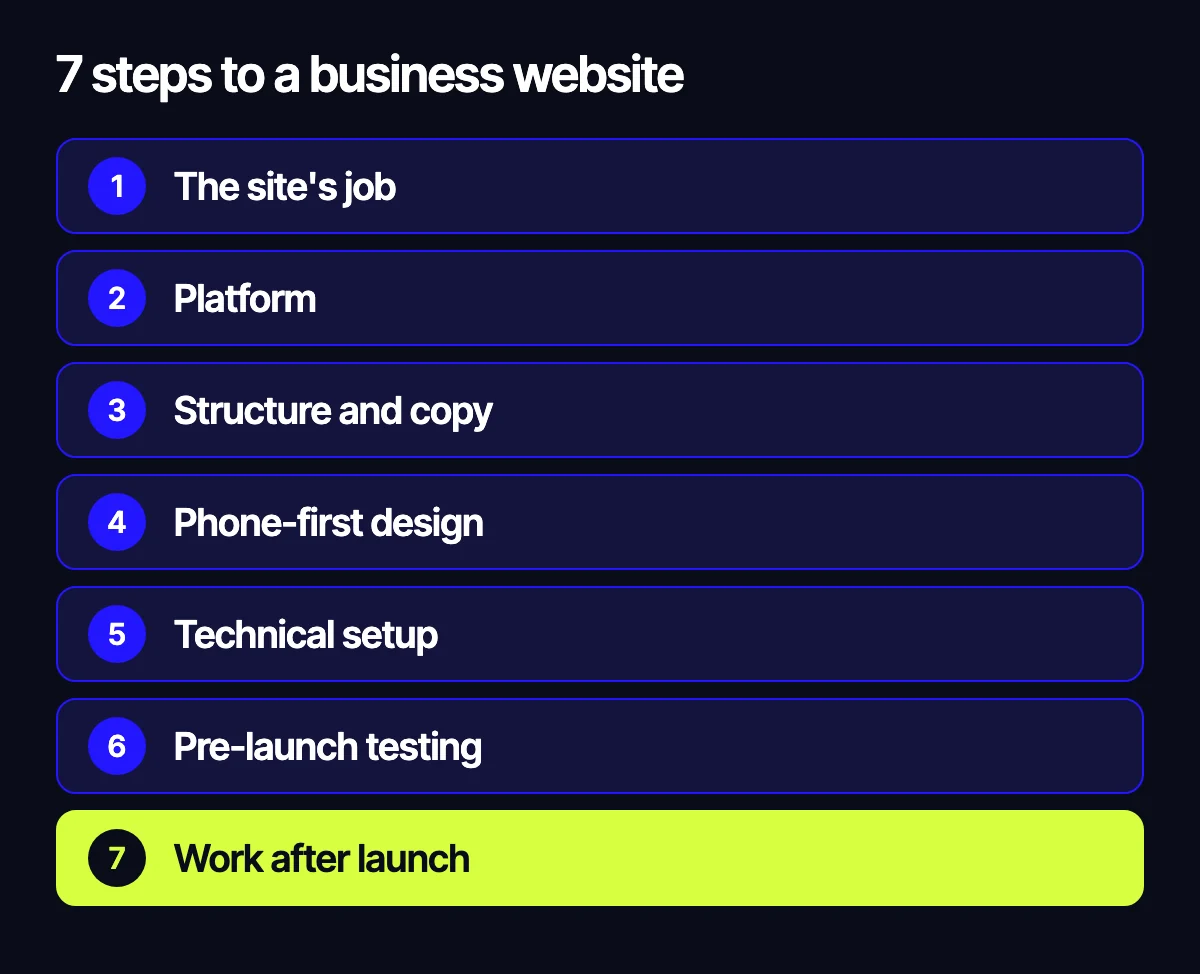
- Step 1. Decide what the site is for
- Step 2. Choose what to build it on
- Step 3. Plan the structure and the copy
- Step 4. Design for phones first
- Step 5. Set up the technical side
- Step 6. Test before launch
- Step 7. Keep working on it after launch
- When a builder is enough and when to hire a team
- Let’s talk about your website

A business doesn’t need a website for its own sake. It needs one that brings in leads, answers customers’ questions and earns trust. So how to make a website for business starts not with picking a builder, but with deciding what the site has to do for your company.
This is a step-by-step plan for business owners, from goal and structure to launch, with an honest answer on when a website builder is enough and when custom development is worth paying for.
Step 1. Decide what the site is for
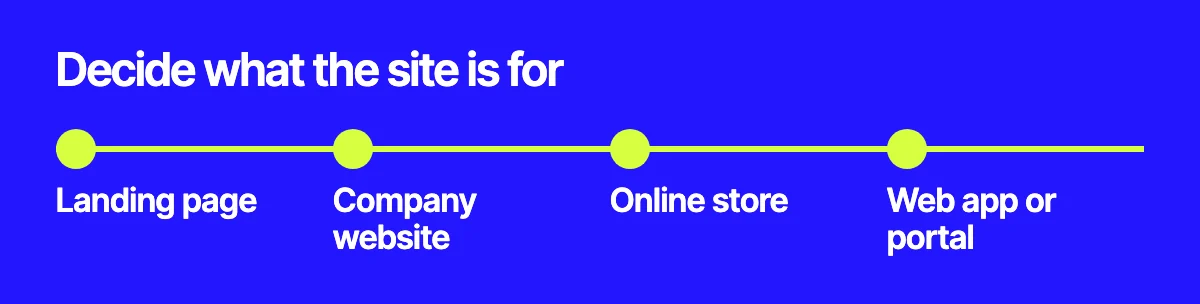
Name one main action for visitors: send an enquiry, buy a product, book, or message you. Everything else depends on it.
- Landing page – one service or product, with ads leading to a single page.
- Company website – several services, case studies, team, contacts and content for search.
- Online store – catalog, cart, payments, shipping and stock.
- Web app or portal – user accounts, roles and complex logic.
Step 2. Choose what to build it on
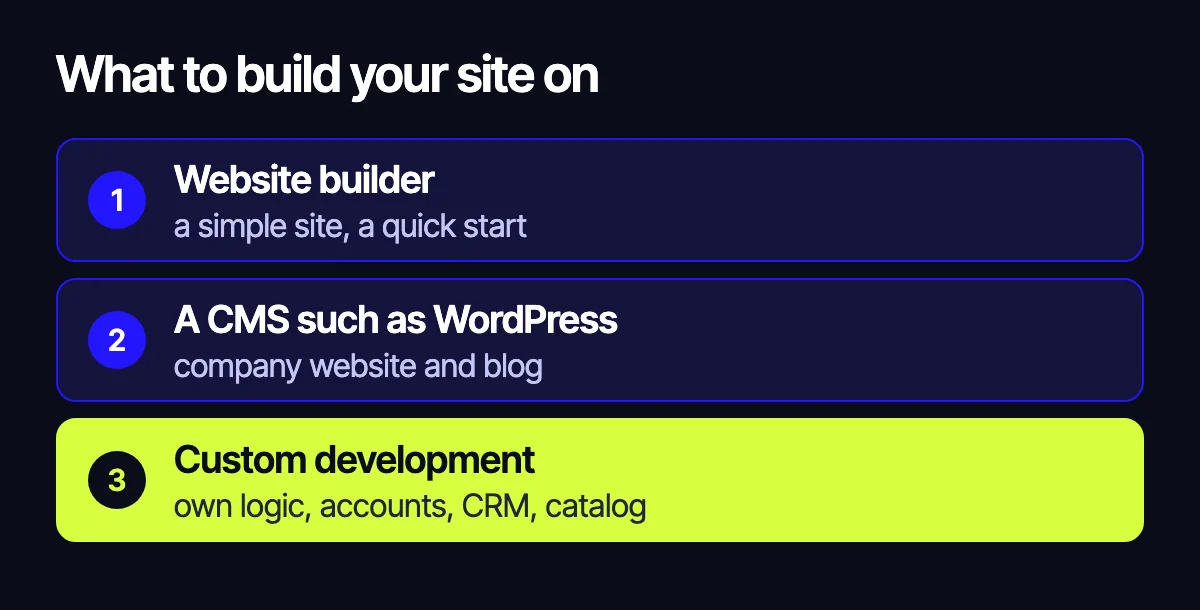
Website builder
A good fit for a simple site of a few pages, a minimal budget and a quick start. The downsides: you depend on the platform, custom integrations and SEO are harder, and a growing business often has to rebuild.
A CMS such as WordPress
Works for most company websites and blogs. You can edit content yourself, and there are ready-made solutions for multiple languages and SEO. You’ll need hosting, updates and someone watching security.
Custom development
Makes sense when you have your own logic: calculators, customer accounts, data exchange with a CRM or warehouse, a large catalog. It takes longer and costs more up front, but the site isn’t limited by a platform. For stores, we compared the options in OpenCart, WooCommerce, Shopify or Laravel.
Step 3. Plan the structure and the copy

List the questions customers ask before they buy: what you do, who it’s for, how the work goes, why they can trust you, how to reach you. The answers become your list of pages.
Check what people search for on Google in your field too: it suggests page names and subheadings. Write the copy before the design. If you draw a nice layout first and fit the content in later, pages often end up empty.
Step 4. Design for phones first

Many visitors will open your site on a phone, so check the mobile version first. What matters: the first screen makes your offer clear, the action button is visible right away, the form is short and the text is readable without zooming.
Step 5. Set up the technical side
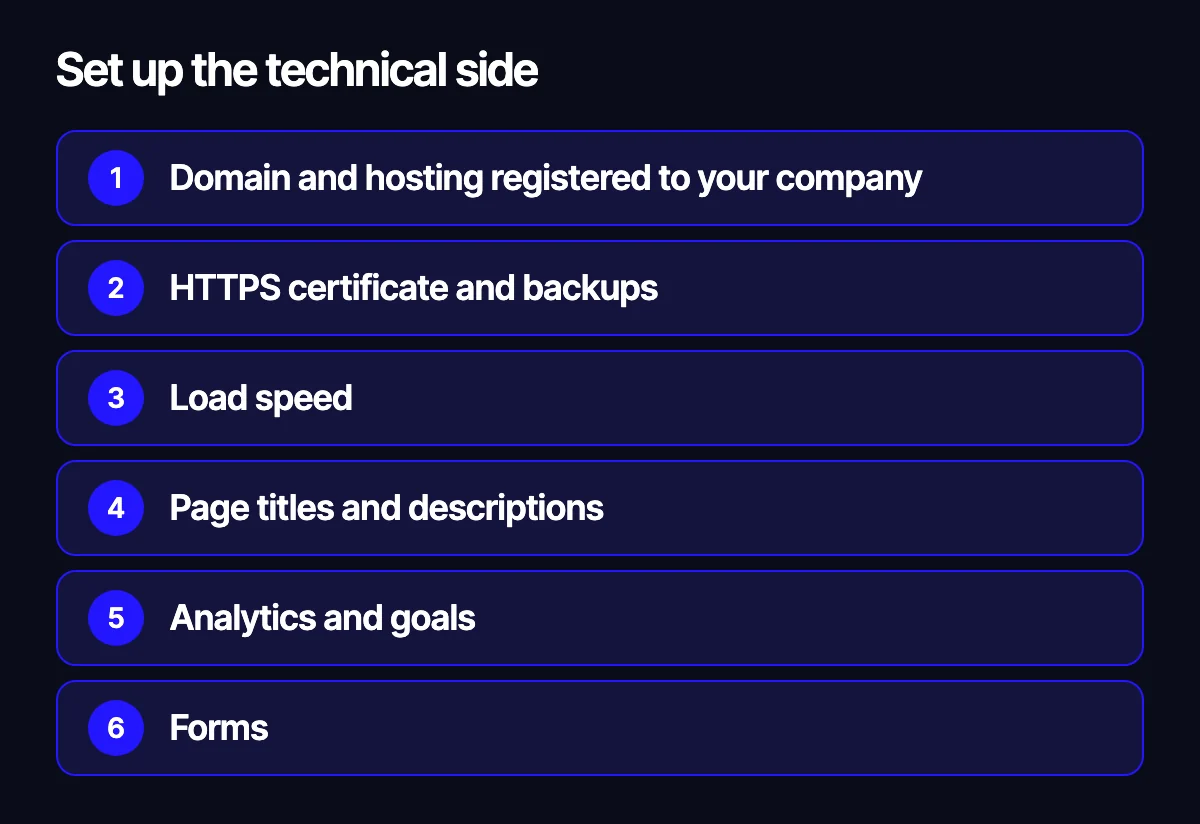
- Domain and hosting registered to your company, not your contractor, with access in your hands.
- HTTPS certificate and backups.
- Load speed: see how website speed affects sales.
- Page titles and descriptions, a sitemap and robots.txt.
- Analytics and goals: enquiries, messenger clicks and purchases.
- Forms: enquiries must reach a place where someone will see them, such as email and your CRM.
- Privacy policy and consent for data processing.
Step 6. Test before launch

Send a test enquiry from every form, open the site on several phones and walk the customer’s path from the homepage to the enquiry. Make sure search engines can access the site: staging versions are often blocked from indexing and then left that way. If you’re replacing an old site, read our site migration checklist first.
Step 7. Keep working on it after launch

Launch is only the start. A website doesn’t bring visitors by itself: you need SEO, ads or social media. Once a month, see where people come from and where they leave, then fix the weak spots. Keep services, prices and case studies current, and stay on top of updates and security.
When a builder is enough and when to hire a team
A builder is enough if you need a simple site of a few pages, you’re ready to write the copy and set everything up yourself, and the site doesn’t connect to other systems.
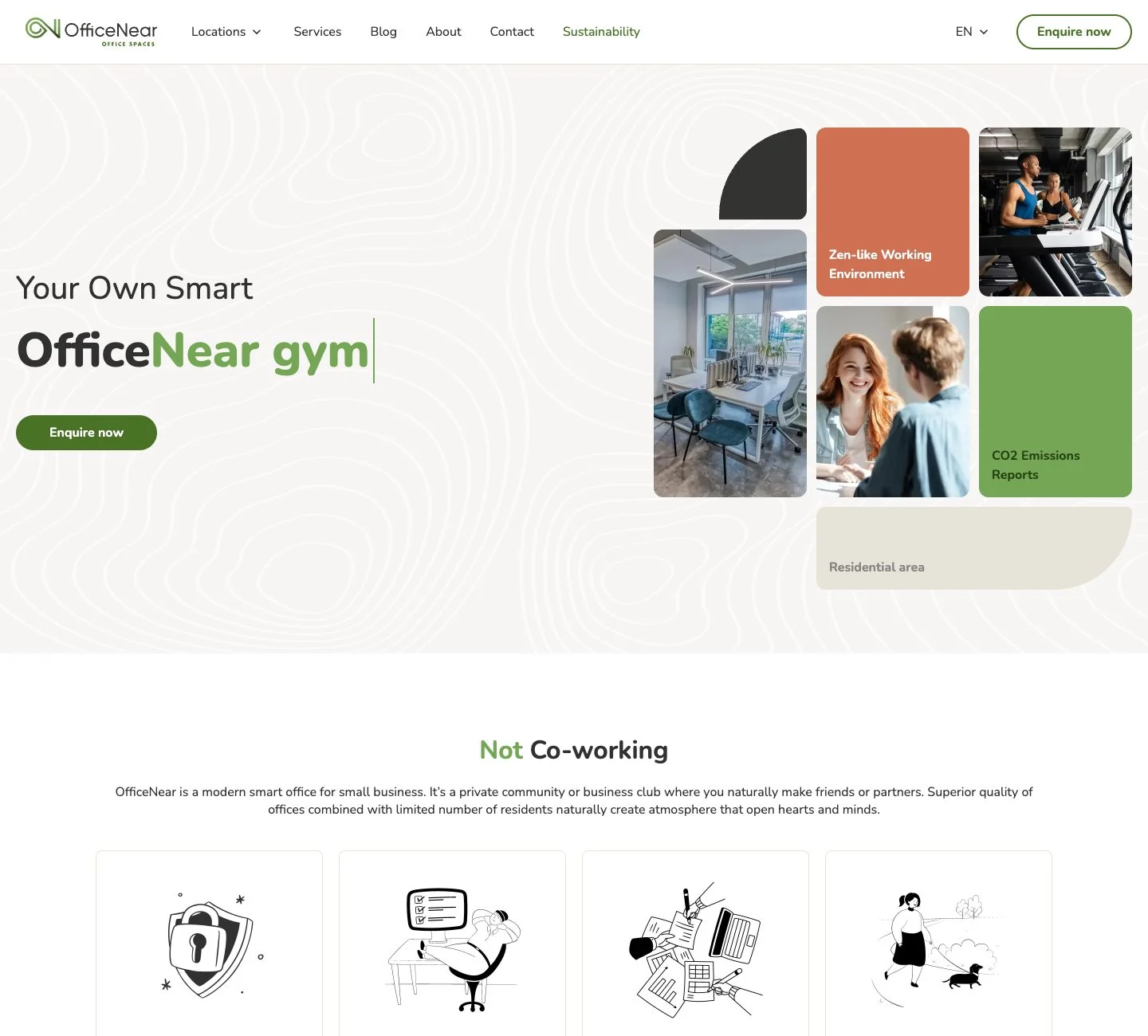
A contractor makes sense if the site has to bring in leads from search and ads, or needs several languages, CRM or accounting integrations, a catalog or complex forms. Ask to see similar projects before you start, and agree that the domain, hosting and all access belong to you. One example of this kind of work is the OfficeNear company website in four languages, with a map, office pages and enquiry forms.
Related reading: which platform to build a store on; 12 places where a store loses buyers; how website speed affects sales.
Let’s talk about your website
Tell us what you sell and what you need the site to achieve – we’ll suggest the right option and what you can skip. See how we build company websites or get a rough estimate. Reach us through the form on the site, on Telegram, WhatsApp or by email.
Leave your contact – we'll reply within one business day wherever suits you.