Contents · 8

While a store is small, you can update stock and prices by hand and copy orders into your accounting system. As the catalog and order volume grow, this becomes a constant source of errors: items sold that are not in stock, outdated prices on the site, orders a manager forgot to enter, customers who have no idea where their parcel is.
Integrating your site with your ERP and warehouse fixes this, but only if the integration is designed properly. Here is what to sync, how to choose an exchange scheme, and where projects usually stumble.
What data is exchanged
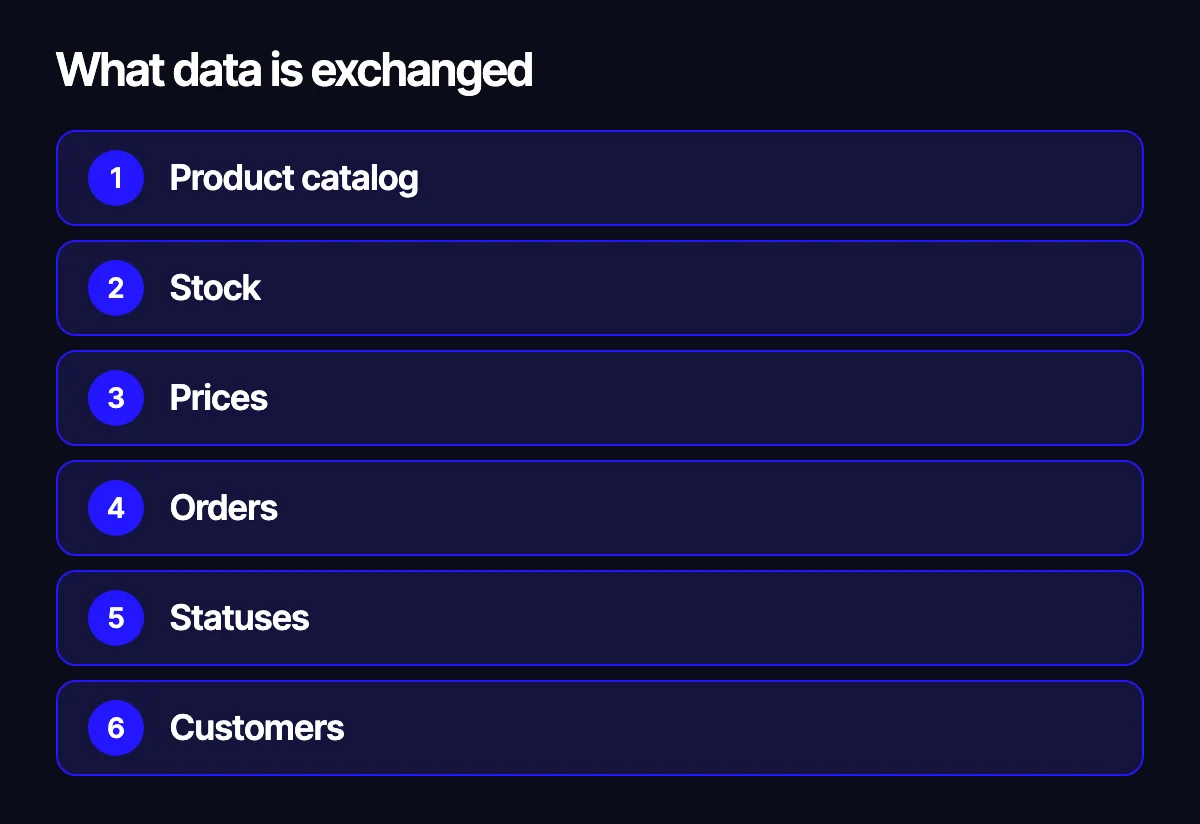
Before talking about technology, agree on which entities should move between systems at all.
- Product catalog. Names, SKUs, attributes, categories, images. Often some data lives in the ERP while other parts, such as marketing descriptions, exist only on the site.
- Stock. Quantities per warehouse, reservations, incoming deliveries. The most time-sensitive data you have.
- Prices. Retail, wholesale, customer-specific, promotional, in multiple currencies.
- Orders. Items, customer, shipping, payment. They flow from the site into the ERP.
- Statuses. Accepted, picked, shipped, delivered, cancelled. They flow back from the ERP and the carrier to the site.
- Customers. Contacts, groups, terms and, for B2B, account balances.
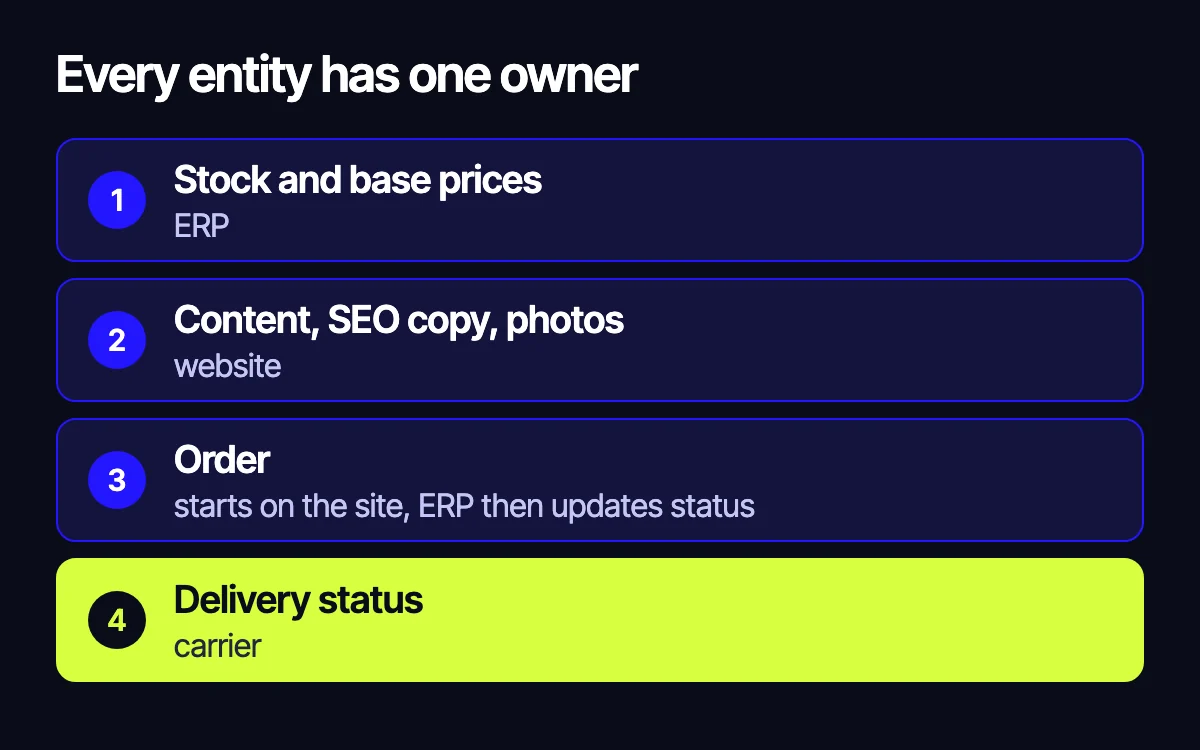
The core rule: every entity has one owner
The most common source of chaos is two systems that both consider themselves the master of the same data. Prices get edited in the ERP and in the site’s admin panel, and before long nobody knows which one is right.
Define a single source of truth for each entity:
- stock and base prices usually live in the ERP: SAP, Odoo, Microsoft Dynamics or another accounting system;
- marketing content, SEO copy and images usually live on the site;
- an order is born on the site, but once it reaches the ERP its status is managed there;
- delivery statuses come from the carrier, such as DHL or a local service, through its API.
Write this down as a simple table. It becomes the backbone of the spec and saves a lot of arguments.
The exchange scheme
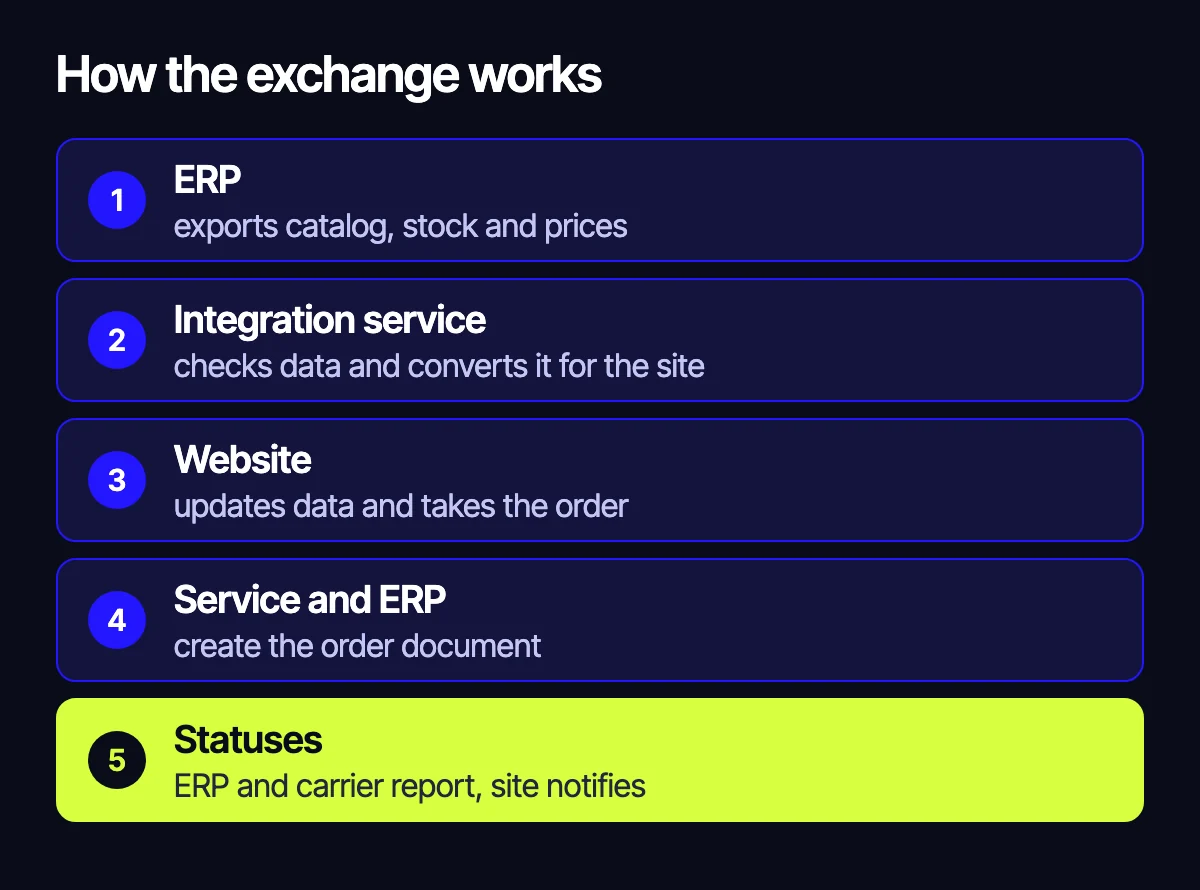
A typical working setup looks like this:
- The ERP exports changes to the catalog, stock and prices.
- A middle layer, an integration service, receives the data, validates it and converts it to the site’s format.
- The site updates product pages, stock and prices.
- A customer places an order, the site reserves the items and passes the order to the integration service.
- The service creates a document in the ERP and stores its ID.
- The ERP and the carrier report status changes, the service forwards them to the site, and the site notifies the customer.
Why a middle layer
You can connect the site and the ERP directly, but a middle service almost always pays off. It keeps a message queue, retries on failure, logs everything and lets you replace one of the systems without rewriting the whole chain.
Push, pull and webhooks
There are a few ways to move data:
- On a schedule. The site pulls changes periodically. Simple, but data lags behind.
- On events. A system announces a change via webhook. Fast, but you need a retry mechanism.
- Both. Urgent data such as stock and orders travels on events, while a full catalog reconciliation runs on a schedule as a safety net.
Full vs incremental sync
Sending the whole catalog on every update is slow and expensive. Usually only changes are sent, with an occasional full export to reconcile.
What it looks like in real projects
In Xpert, a wholesale and retail auto parts store, stock and prices are synced with the client’s accounting system, so the warehouse on the site matches the real one and prices update without manual work. Products, customers and orders are connected to the client’s accounting system and CRM. On top of that sit a partner API that delivers the catalog, availability and partner-specific prices straight into partners’ own systems, price list generation, and marketplace exports, each in the required format. Shipping is connected through the Nova Poshta API.
In the Ricco Pizza project, an order placed on the site goes straight into the restaurant’s management system and into the kitchen queue without anyone retyping it. Statuses sync back, so the site and the restaurant system always show the same thing, and couriers receive the address and order contents in a dedicated app.
Both cases share one idea: integration is not just swapping files. It is a chain in which every participant gets the data it needs, in its own format, on time.
Multiple warehouses, currencies and price types
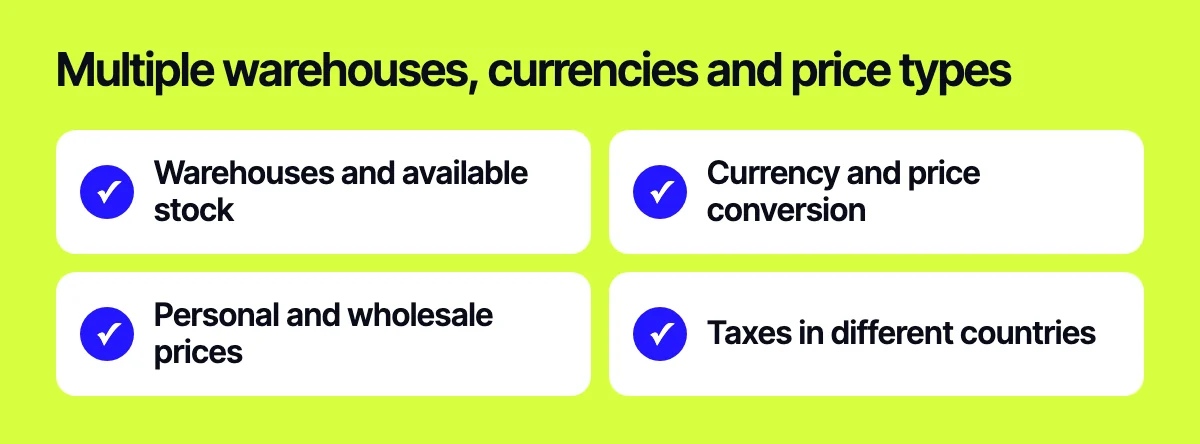
If you sell in several countries or serve both retail and wholesale customers, the scheme gets more complex. Decide upfront:
- which warehouses a shopper sees and how available stock is calculated: per warehouse or combined;
- which currency prices are stored in within the ERP and where conversion for the site happens;
- how customer-specific and wholesale prices are passed: in full for every customer, or through groups and discounts;
- how taxes are handled if you sell, for example, in the EU and North America.
These decisions shape the data structure of the integration service, so fix them before development, not after the first customer complaints.
Common mistakes
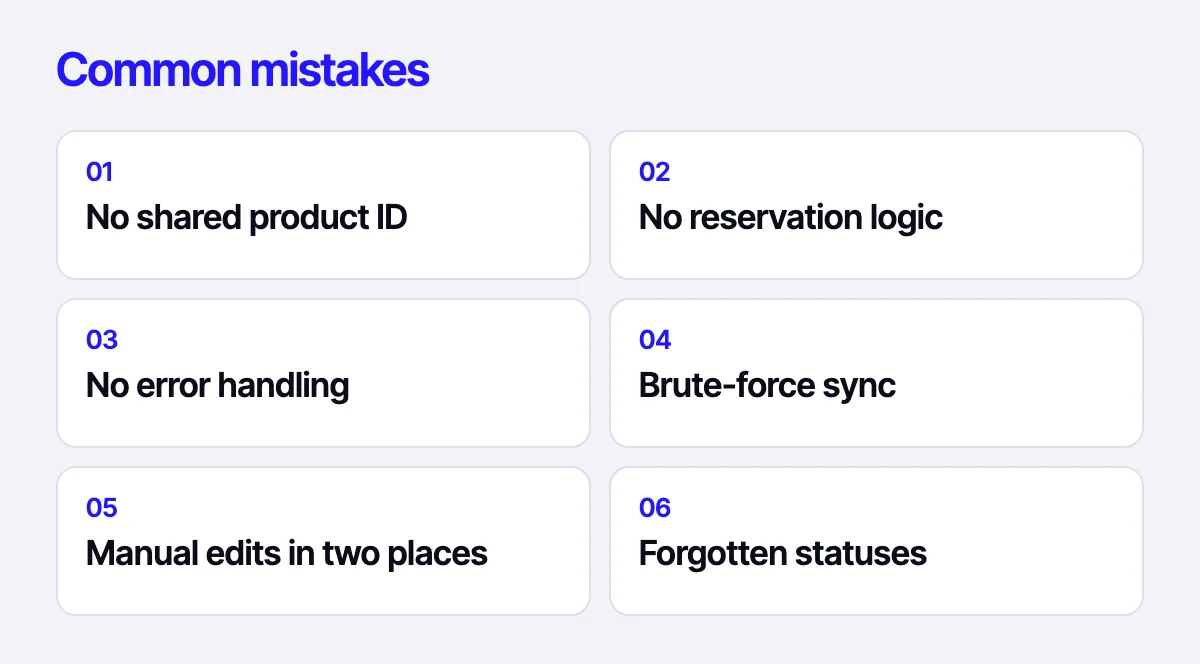
- No shared product ID. The site uses one set of SKUs, the ERP another, and matching happens by name. Start with a common key.
- No reservation logic. An item sells on the site before the order reaches the ERP, and it gets sold twice.
- No error handling. An order fails to transfer and nobody notices. You need retries, logs and alerts to the right people.
- Brute-force sync. Exporting a heavy catalog in full every time loads both systems and still lags.
- Manual edits in two places. Someone fixes a price on the site and the next sync overwrites it.
- Forgotten statuses. The order reached the ERP, but the customer still cannot see what is happening with it.
- No staging environment. The integration is tested on live data, and every bug hits sales directly.
Where to start
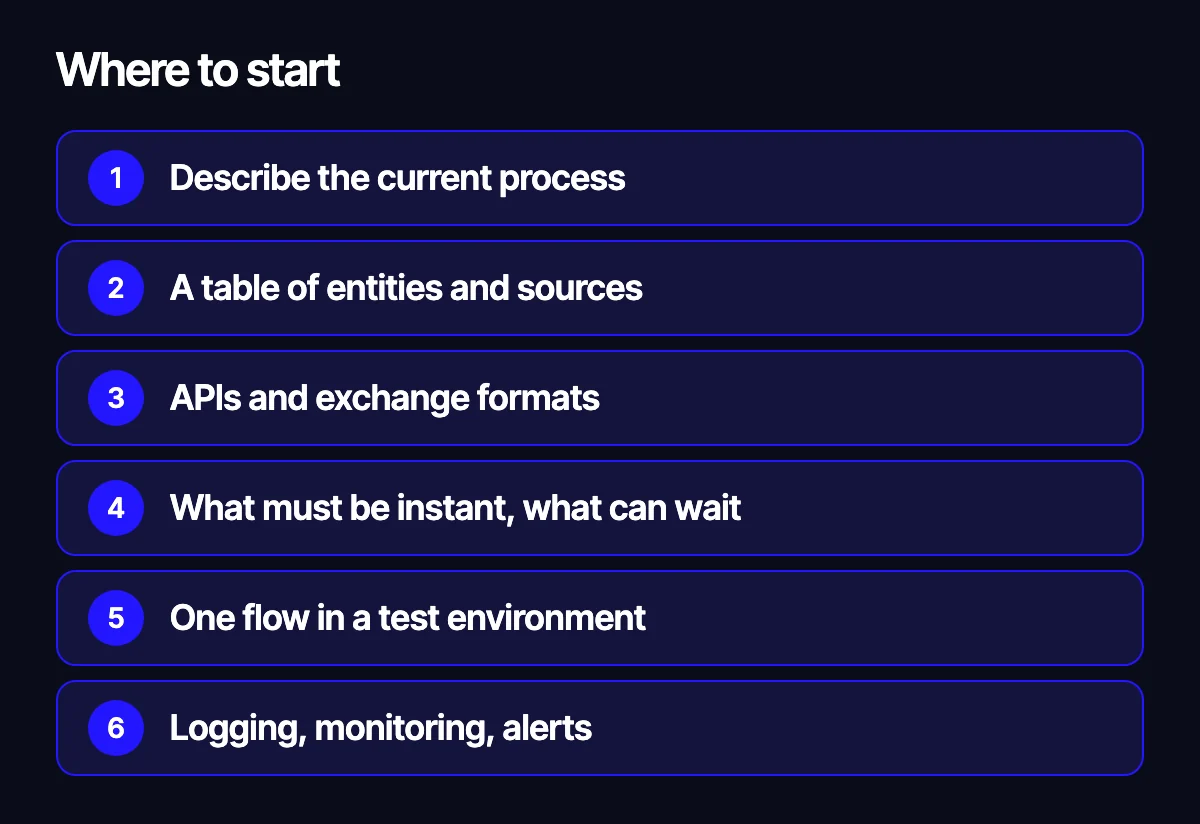
- Describe the current process: where products come from, who changes prices, how an order travels from the site to shipping.
- Build the table of entities and their sources of truth.
- Check which APIs or exchange formats your ERP and carrier support.
- Decide which data must be instant and which can update less often.
- Start with one flow, such as stock, and run it in a staging environment.
- Add logging, monitoring and alerts before going live.
Related reading: when to build a custom CRM instead of an off-the-shelf one; which platform to build a store on: OpenCart, WooCommerce, Shopify or Laravel; what an AI assistant can really automate in a store.
Let’s plan your integration
Tell us which ERP you use, what your site runs on and which data your team still moves by hand. We will propose an exchange scheme and a work plan. Reach us through the form on our site, on Telegram, WhatsApp or by e-mail.
Leave your contact – we'll reply within one business day wherever suits you.