Contents · 7

A Telegram bot for business lets you be where your customers already spend time every day. The bot takes orders, answers questions, sends order updates and promo codes, and helps your team stop losing leads.
Here’s what a bot can do for a business or an online store, how it connects to your website and CRM, what limits Telegram has and how to approach building a Telegram bot that people actually use.
What a Telegram bot can do for a business
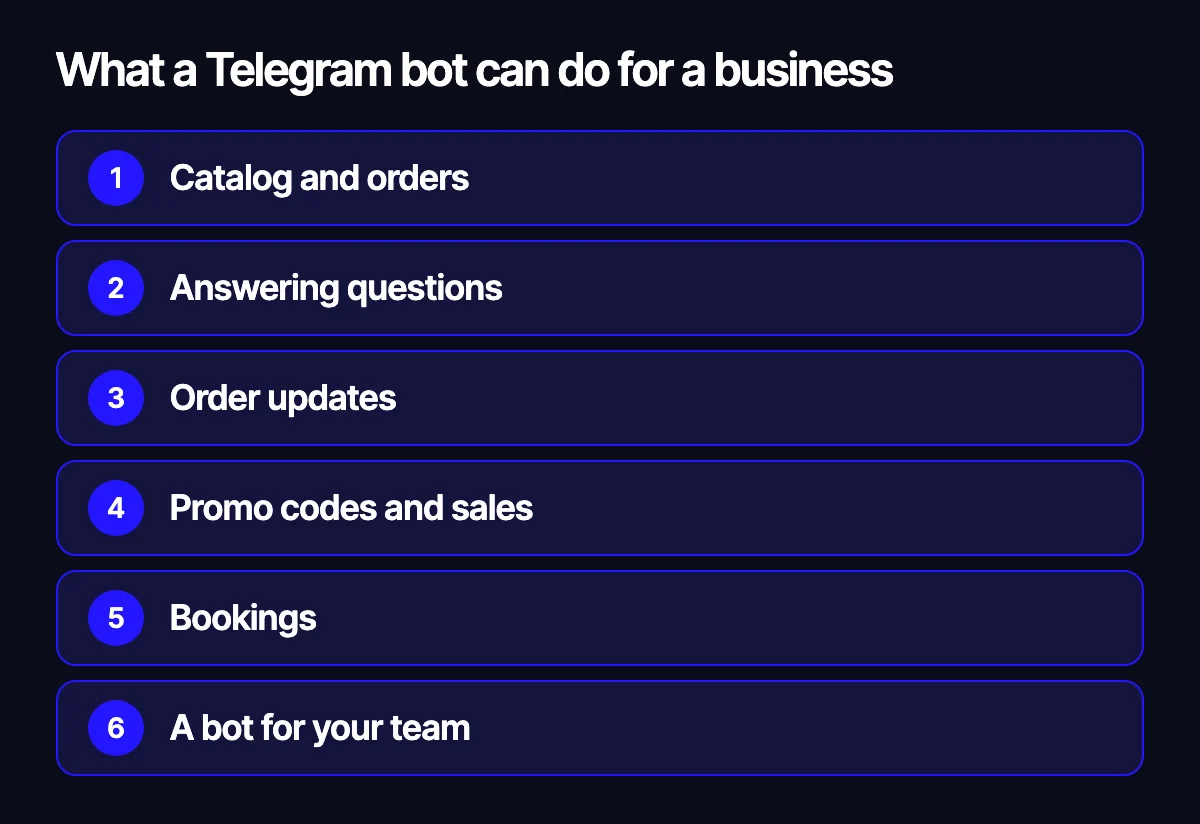
- Catalog and orders. Customers pick products right in the chat or in a mini app inside Telegram.
- Answering questions. Shipping, payment, returns, stock – via a script or with AI.
- Order updates. The bot tells customers their order is confirmed, packed and shipped.
- Promo codes and sales. Personal codes, sale reminders, early access for subscribers.
- Bookings. Choosing a time, confirmation and reminders.
- A bot for your team. Alerts about new leads and orders, reports, tasks for the warehouse and couriers.
Chat or mini app

Simple scenarios work well with buttons in the chat. If you need a catalog with filters, a cart and checkout, a mini app is better: a web page that opens inside Telegram and looks like part of the messenger. It can run on the same data as your website.
How the bot connects to your website and CRM
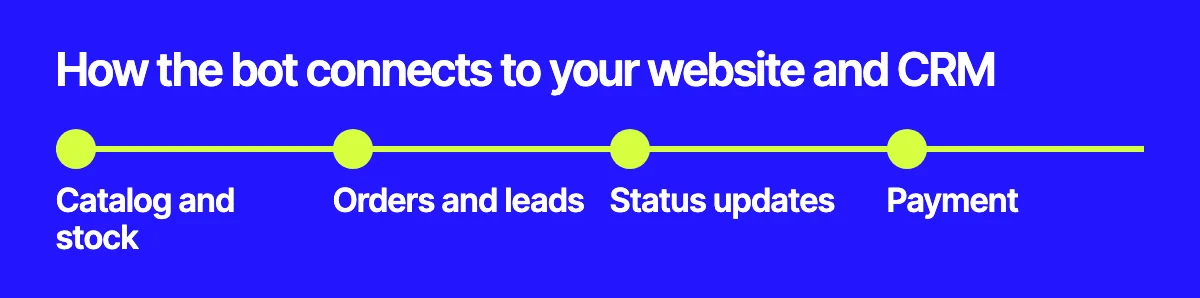
- Catalog and stock come from your website or accounting system, so prices and availability match.
- Orders and leads go to the same CRM as website orders.
- Status updates come from the CRM or carrier and are sent to the customer.
- Payment goes through a payment provider or a link to your website’s payment page.
That way the bot becomes another sales channel rather than an island. For more on data exchange, see website integration with ERP and warehouse.
Telegram’s limits
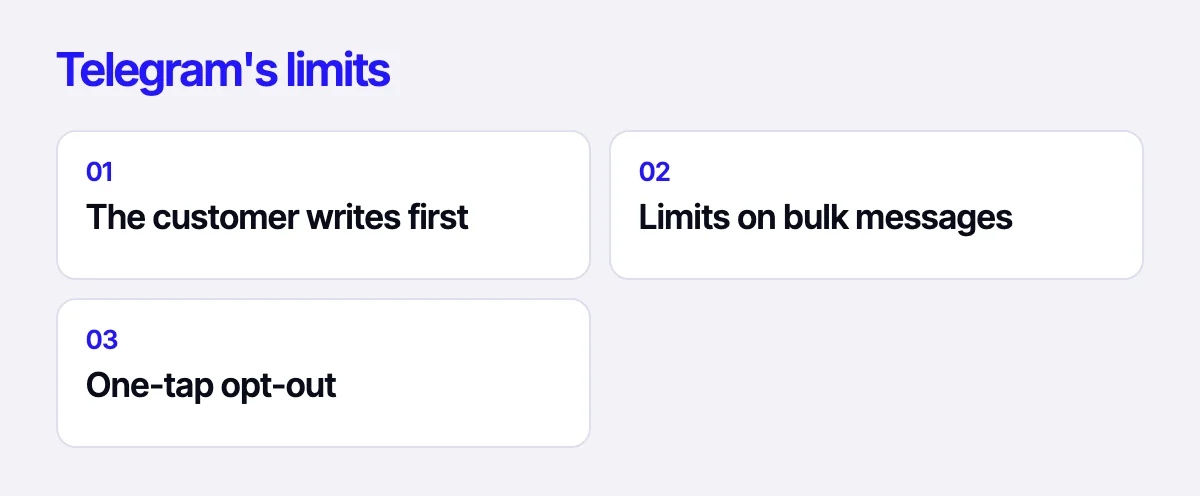
- The customer writes first. A bot can only message people who have started it.
- Limits on bulk messages. Large broadcasts go out gradually, and Telegram can restrict a bot for spam.
- One-tap opt-out. If messages aren’t useful, people stop the bot, so relevance and frequency matter more than volume.
How to approach building a Telegram bot
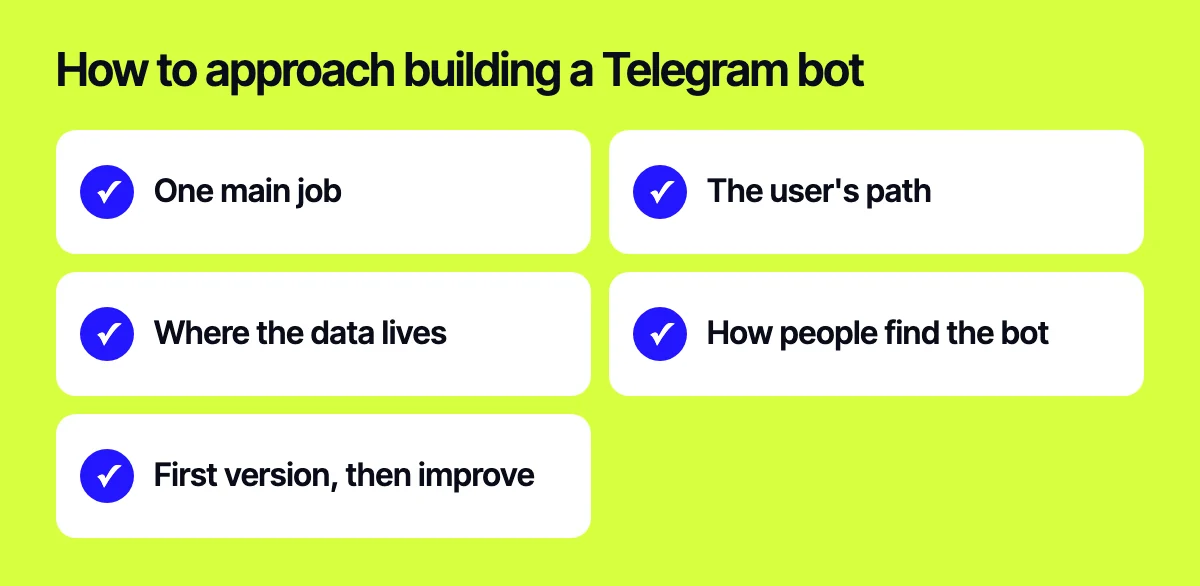
- Pick one main job: orders, support, bookings or notifications.
- Map the user’s path from the first message to the result.
- Decide where the data lives: catalog, customers, orders.
- Plan how people will find the bot: website, packaging, email, social media.
- Launch a first version, see where people drop off and improve it.
Bots in seasonal sales

Bots are especially useful during sales: they hand out personal promo codes, remind people when a sale starts and ends, and answer shipping questions. We cover how to build this into your store’s preparation in our articles on seasonal promotions with promo codes and the Black Friday checklist.
Related reading: chatbots for business and websites; the Black Friday checklist; website integration with ERP and warehouse.
Let’s build a bot for your business
Tell us what the bot should do – we’ll suggest a scenario and show how to connect it to your website and CRM. Read more about how we build Telegram bots and AI assistants. Reach us through the form on the site, on Telegram, WhatsApp or by email.
Leave your contact – we'll reply within one business day wherever suits you.