Contents · 7

A slow website rarely breaks in an obvious way. It just takes a second or two longer than it should, and some shoppers leave before the first screen appears. In analytics it shows up as a high bounce rate and weak mobile conversion, while the cause stays hidden.
This guide to website speed optimization covers how load time affects sales, how to measure it with data rather than gut feeling, what usually slows an online store down, and the order to fix things in without breaking the site.
Why site speed affects sales
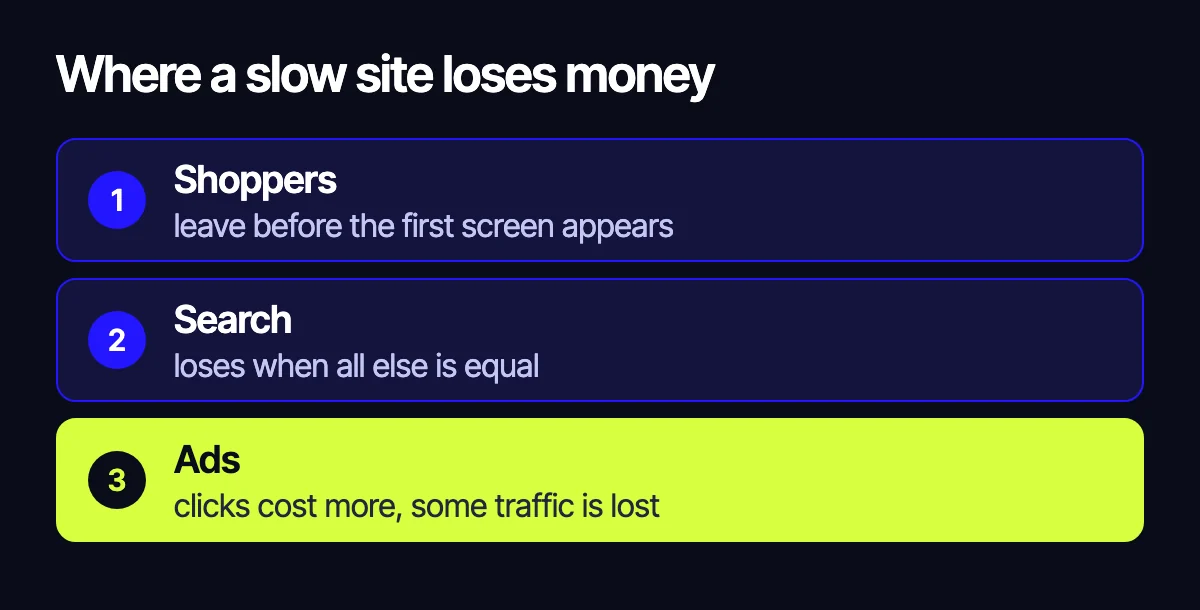
Speed hits revenue from three directions at once.
- Shoppers. On a phone with mobile data, every extra second before the first screen is a reason to go back to the results and open a competitor.
- Search. Google uses Core Web Vitals as one of its page experience signals. Speed alone won’t beat a strong competitor, but a slow site loses when everything else is equal.
- Ads. Landing page experience is part of the Quality Score in Google Ads. A slow page makes each click more expensive, and some paid traffic leaves before the page loads.
How to measure speed properly
“It feels fast to me” is misleading: you open the site on good Wi-Fi with a warm cache. Look at the data instead.
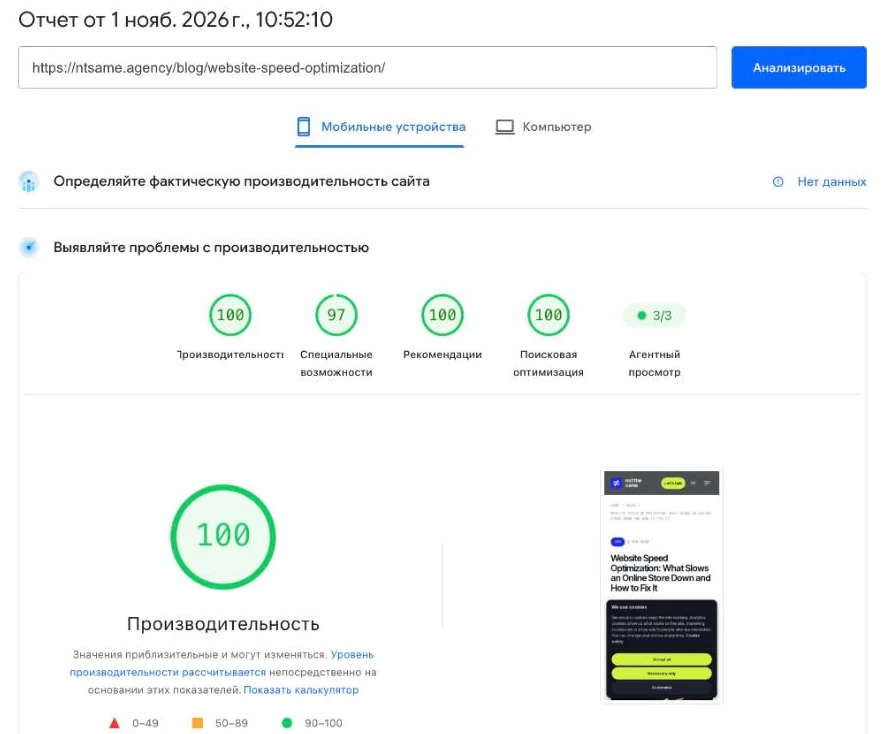
- PageSpeed Insights. It shows two things: a lab test and real data from Chrome users over the last 28 days, if the site has enough traffic. Judge by the real data and use the lab test to find causes.
- Search Console, Core Web Vitals report. It groups pages with the same problem, such as all product pages or all categories.
- Analytics. Compare conversion and bounce rate on mobile and desktop. A big gap often points to speed or to the mobile layout.
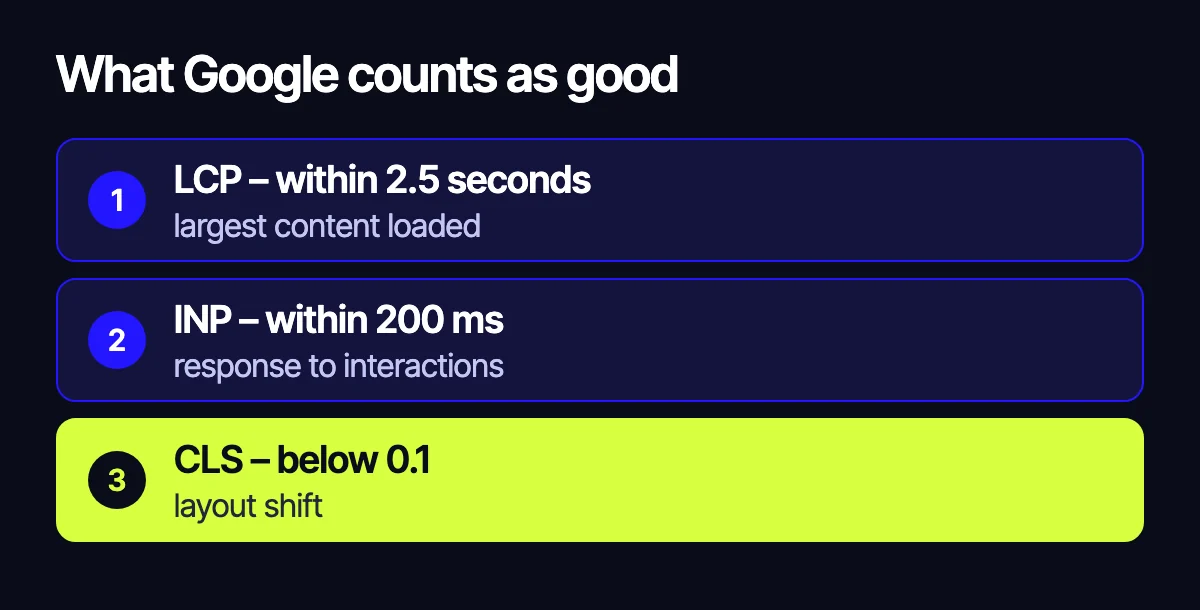
Google’s “good” thresholds: largest content loaded (LCP) within 2.5 seconds, response to interactions (INP) within 200 ms, layout shift (CLS) below 0.1. Check the key templates, not just the homepage: category, product page, cart and checkout.
What usually slows an online store down
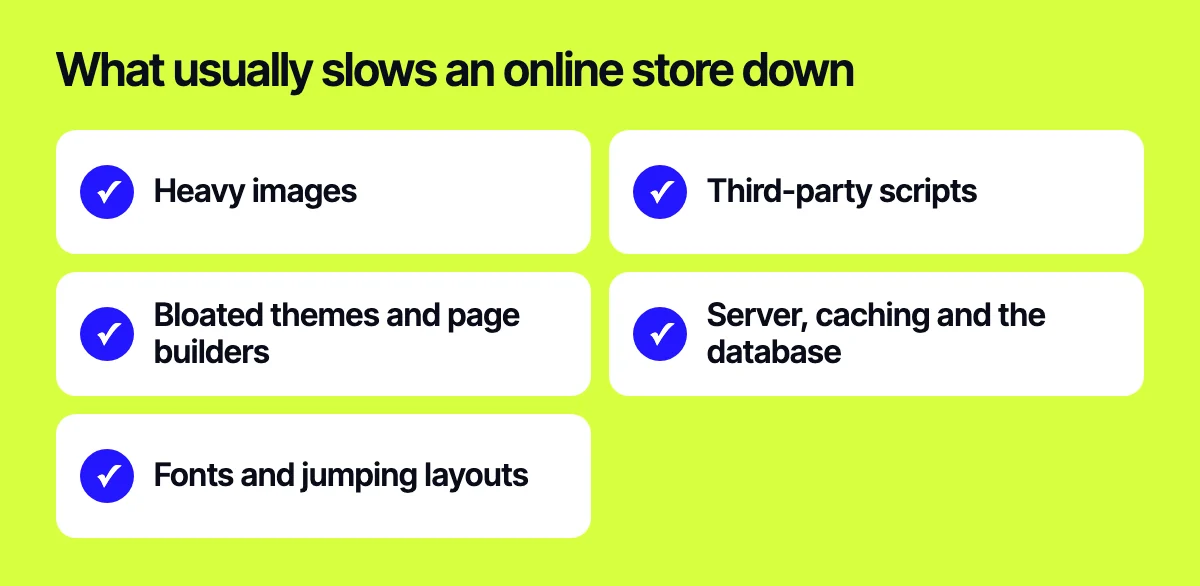
Heavy images
Product photos are uploaded at full size and shown four times smaller on a phone. The fix: modern formats such as WebP or AVIF, several sizes for different screens and lazy loading for everything below the first screen.
Third-party scripts
Live chat, several pixels, a reviews widget, a map, A/B testing – each one adds requests and work for the phone. Go through the list: what is actually used, what can load after the first screen or on click, and what can be loaded once through a tag manager.
Bloated themes and page builders
Multipurpose themes and visual builders load styles and scripts for blocks the page doesn’t use. Sometimes switching off the extras is enough; sometimes a lightweight custom theme built for your store pays off.
Server, caching and the database
If the server takes a long time to build the page, image optimization won’t help. Check server response time, page and object caching, and slow database queries behind filters and search. For a large catalog this is often the main cause.
Fonts and jumping layouts
Several font families with every weight, banners without a set height, blocks injected above the content – the page jumps and the shopper taps the wrong button. That is exactly what a poor CLS score measures.
A step-by-step speed plan
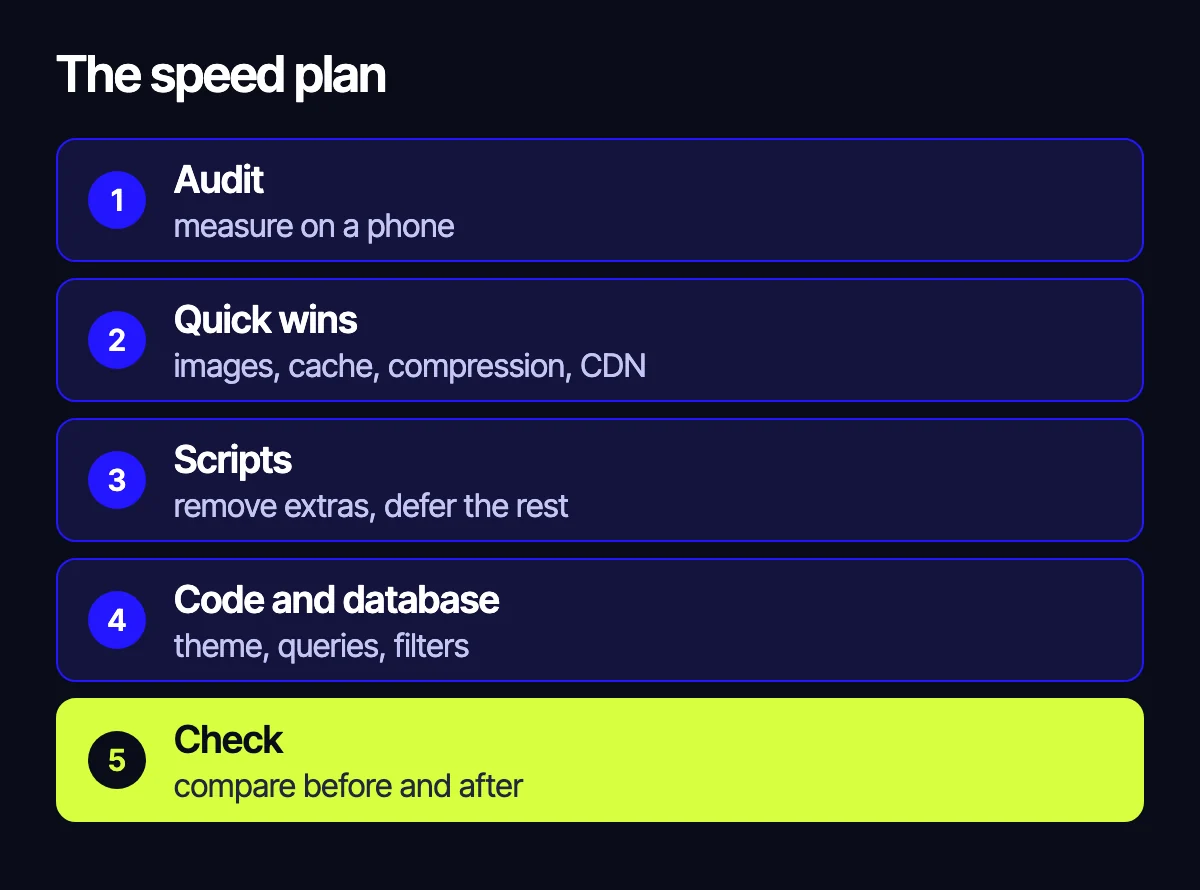
- Audit. Measure the key templates on mobile and list the problems by impact and effort.
- Quick wins. Images, lazy loading, caching, compression, a CDN. These usually make a visible difference without touching site logic.
- Scripts. Remove what isn’t needed, defer the rest and move pixels into a tag manager.
- Code and database. Unused theme styles and scripts, heavy queries, catalog filters and search.
- Check and monitor. Compare before and after, and track real-user data in Search Console.
We cover the techniques that raise the PageSpeed score of a single page in our PageSpeed optimization guide. Here the order matters more: start with what improves every page at once.
Speed up or rebuild?
If images, scripts and caching are the problem, speeding the site up is worth it. If the platform itself or a theme patched for years by different contractors is the problem, optimization turns into endless patching. Then it’s fairer to compare the cost of fixes with a move – see our guide on which platform to build a store on: OpenCart, WooCommerce, Shopify or Laravel. And when you move, keep your rankings with our site migration checklist.
How not to break the site while speeding it up
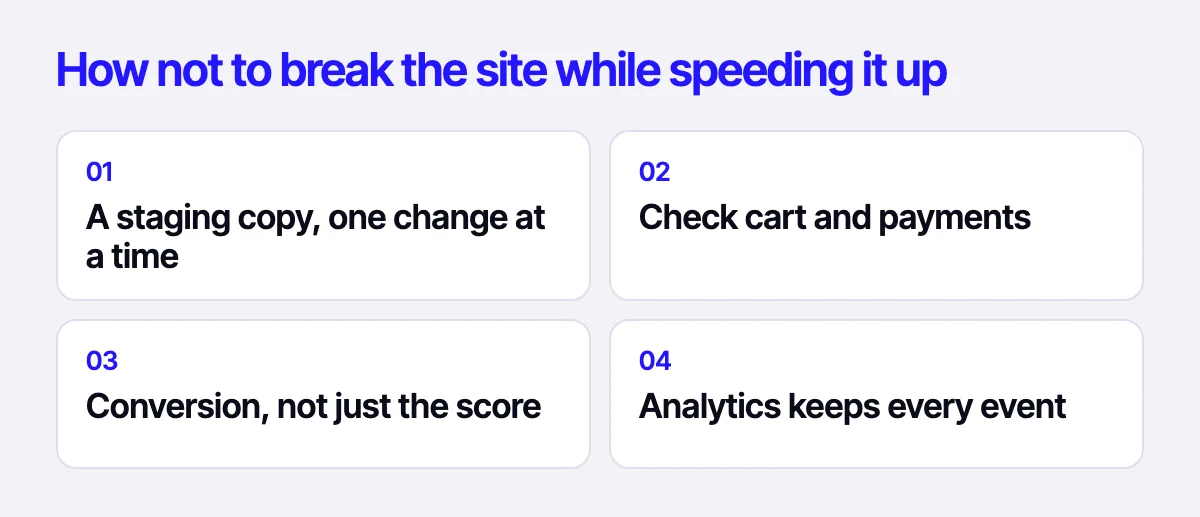
- Work on a staging copy and ship changes one at a time.
- After each step, test the cart, checkout, payments and forms.
- Compare conversion, not just the PageSpeed score: a faster site that breaks filters or chat costs sales.
- Keep analytics and pixels under control: deferred loading must not lose events.
Related reading: 12 places where an online store loses buyers; how to migrate a site without losing rankings.
Let’s speed up your site
Send us your URL – we’ll test your key pages on mobile and send a prioritized list of what slows them down. We can then take on the speed optimization and website support, and check where conversion leaks in a CRO audit. Reach us through the form on the site, on Telegram, WhatsApp or by email.
Leave your contact – we'll reply within one business day wherever suits you.