Contents · 7
Almost every business starts with an off-the-shelf CRM, and that is the right call. A cloud system goes live fast, needs no in-house developers and covers the basics: contacts, deals, tasks, reminders. The question “should we build our own?” comes later, when your processes have grown and the tool has not.
Let’s look at the signs that a ready-made CRM is getting in the way, the options between “keep it” and “rebuild everything”, and how to judge whether a custom system will pay for itself.
When an off-the-shelf CRM is enough
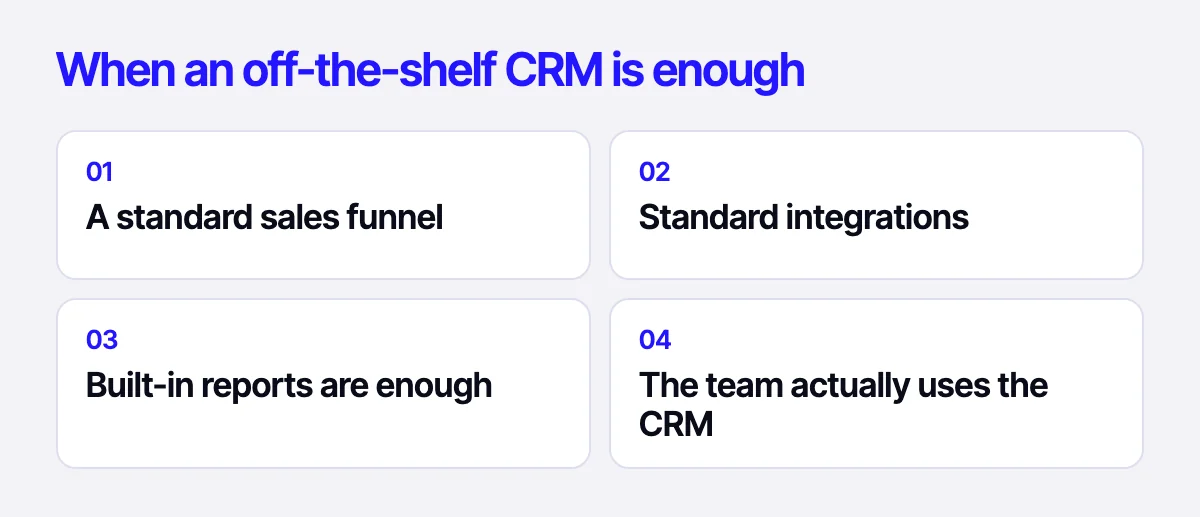
Building your own system just because you want something “tailored” is rarely a good reason. A ready-made CRM is the right choice if:
- your sales process fits a standard pipeline: lead, contact, proposal, payment;
- you need common integrations: e-mail, messengers, calendar, payment services like Stripe or PayPal;
- the built-in reports answer your questions;
- your team actually uses the CRM instead of working around it.
If that sounds like you, invest in configuration and training rather than development.
Signs your CRM is holding the business back
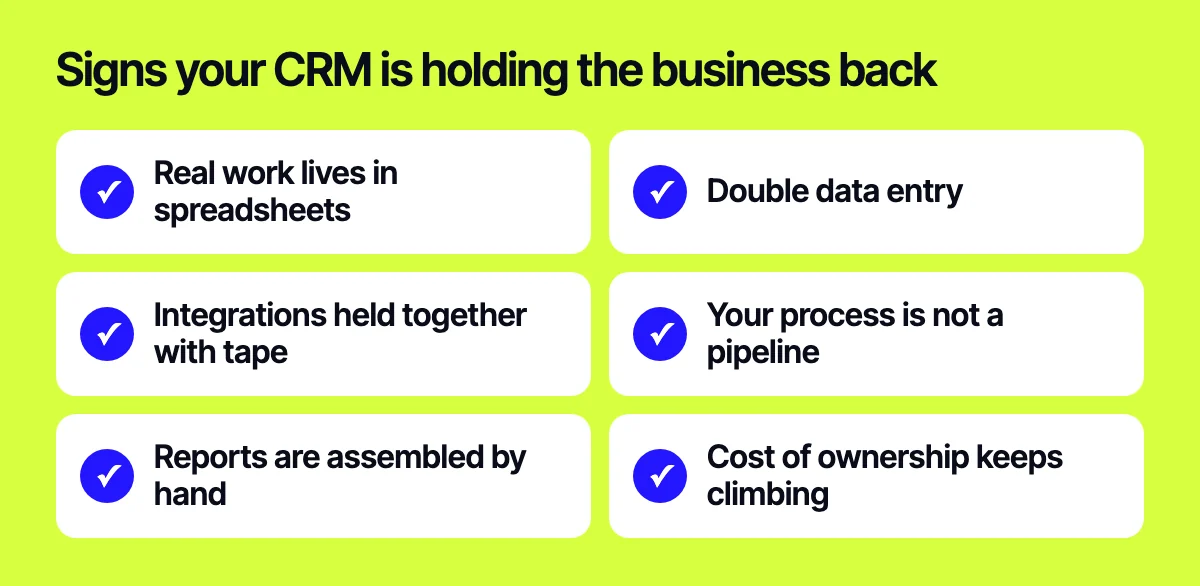
Problems tend to pile up slowly, and each one looks tolerable on its own. Pay attention when several of these sound familiar at once.
Real work lives in spreadsheets
Your team keeps side spreadsheets because the CRM cannot calculate what they need, store specific data or show an order as a whole. The CRM becomes a formality while the actual information is scattered across files.
Double data entry
The same order gets typed into the CRM, the ERP, the shipping service and a warehouse sheet. Every manual transfer costs time and invites mistakes.
Integrations held together with tape
Third-party connectors break after updates, data goes missing and someone has to fix it by hand. The integration you really need, with your ERP or warehouse, is either impossible or requires expensive add-ons.
Your process is not a pipeline
You build to order, run complex calculations, have several approval steps or different prices for different customers. The standard “deal moves through stages” model does not describe reality, so you bend the business to fit the tool.
Reports are assembled by hand
To understand margins, workload or channel performance, someone regularly exports data and stitches it together in a separate file.
Cost of ownership keeps climbing
Per-seat pricing, paid modules, separate subscriptions for connectors. As the team grows, the tool gets more expensive while its value stays flat.
You don’t control your data
Export limits, storage on the vendor’s side, dependence on their pricing and product roadmap.
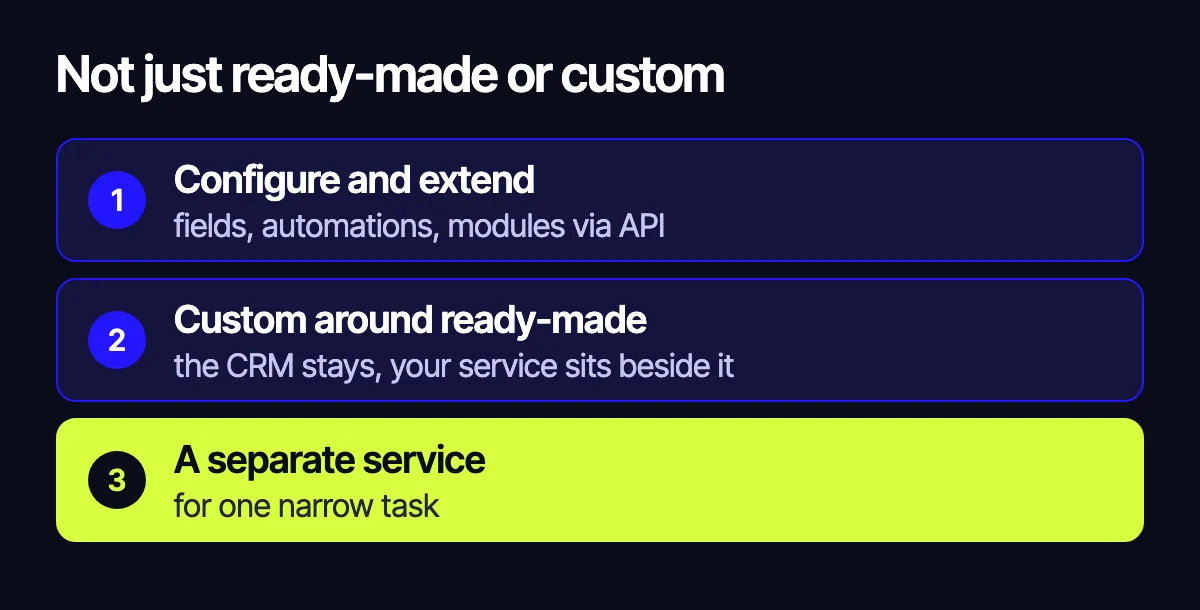
It’s not just “buy” or “build”
There are options in between, and they often make more sense.
- Configure and extend. Many CRMs let you add fields, automations and custom modules via API.
- Build around the CRM. The CRM stays, and a custom service sits next to it: an integration layer with your ERP, a customer portal, a calculator, a module for one specific job.
- A focused service for a narrow task. For EMEX, a courier company in Kazakhstan, we built a feedback service on Next.js: a customer scans a QR code at a pickup point, rates the visit and leaves a comment, and management sees feedback by branch. It does not replace a CRM. It solves one problem precisely.
- A fully custom system. Worth it when your processes are unique, integrations are many and off-the-shelf tools need too many workarounds.
Sometimes the order of steps matters more than the choice itself. With Ottenki, a custom wall mural store, we first rolled out a full CRM, set up sales pipelines and brought every customer channel into one system. Only then did we build the Symfony storefront with a price calculator. Inquiries from all channels and orders are handled in one place, and the site was built on top of that order.
In the Xpert auto parts store, wholesale logic lives on the site: prices depend on the customer’s status, the account area shows balance, orders, returns and payments, and products, stock, customers and orders sync with the client’s accounting system and CRM.
How to estimate the payback of a custom CRM
Every business has its own numbers, so the method matters more than a template formula. You compare two scenarios: keep things as they are, or build your own.
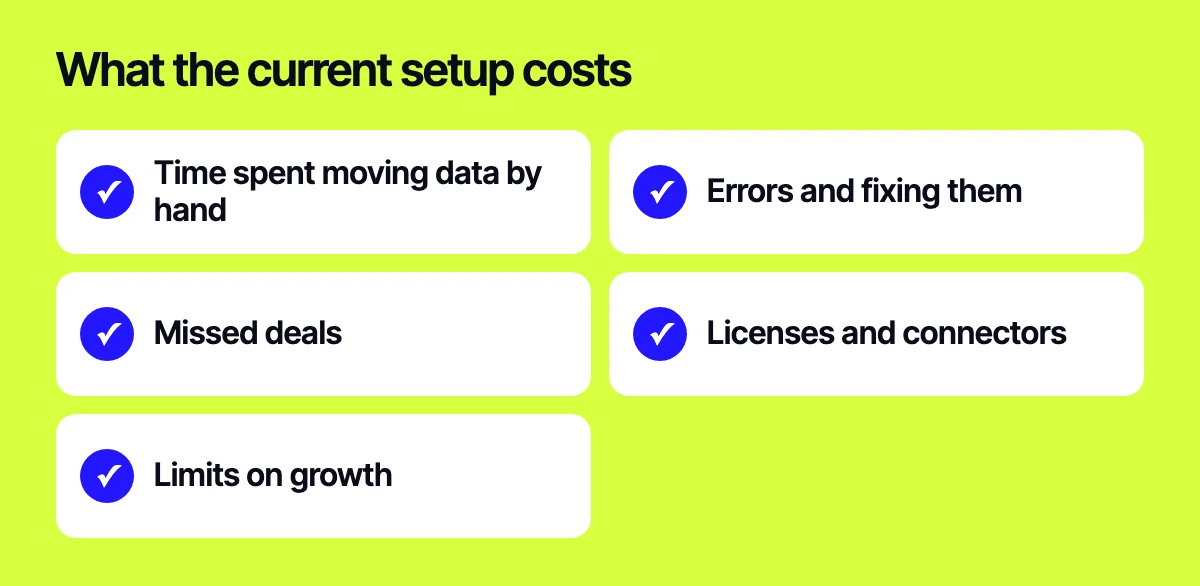
Cost of the current setup
Look beyond the subscription invoice. Collect:
- staff time spent moving data by hand and building reports;
- errors: wrong prices, lost orders, unshipped items and the cost of fixing them;
- deals lost to slow follow-up or missed inquiries;
- licence, module and connector costs as the team grows;
- growth limits: what you cannot do today because of the tool.
The best input comes from asking key people to log where their time goes for a while. The picture is usually surprising.
Cost of a custom system
- building the first version: discovery, design, backend, integrations;
- migrating data from the current CRM;
- training and a transition period when productivity dips;
- support, hosting, updates and further development;
- dependence on the developer, and the documentation that reduces it.
Compare over time, not at launch
A custom system is almost always more expensive at first and cheaper over the long run, if your processes are genuinely non-standard. Look at when the accumulated savings cover the investment, and how confident you are in your estimates.
Factor in risk
If you cannot say which processes will change and which manual steps will disappear, the payback is doubtful. If the answers are concrete, that is a good sign.
Who should be part of the decision
The choice between buying and building should not be made by management alone or by IT alone. Bring in the people who use the system every day: sales, logistics, accounting, support. They know where time really goes and which workarounds already exist.
Run short interviews and walk through one real order with an employee, from the first inquiry to payment and shipping. That walk usually exposes every gap between systems. The resulting process map is useful either way: for configuring an off-the-shelf CRM or as the spec for your own.
How to lower the risk of switching
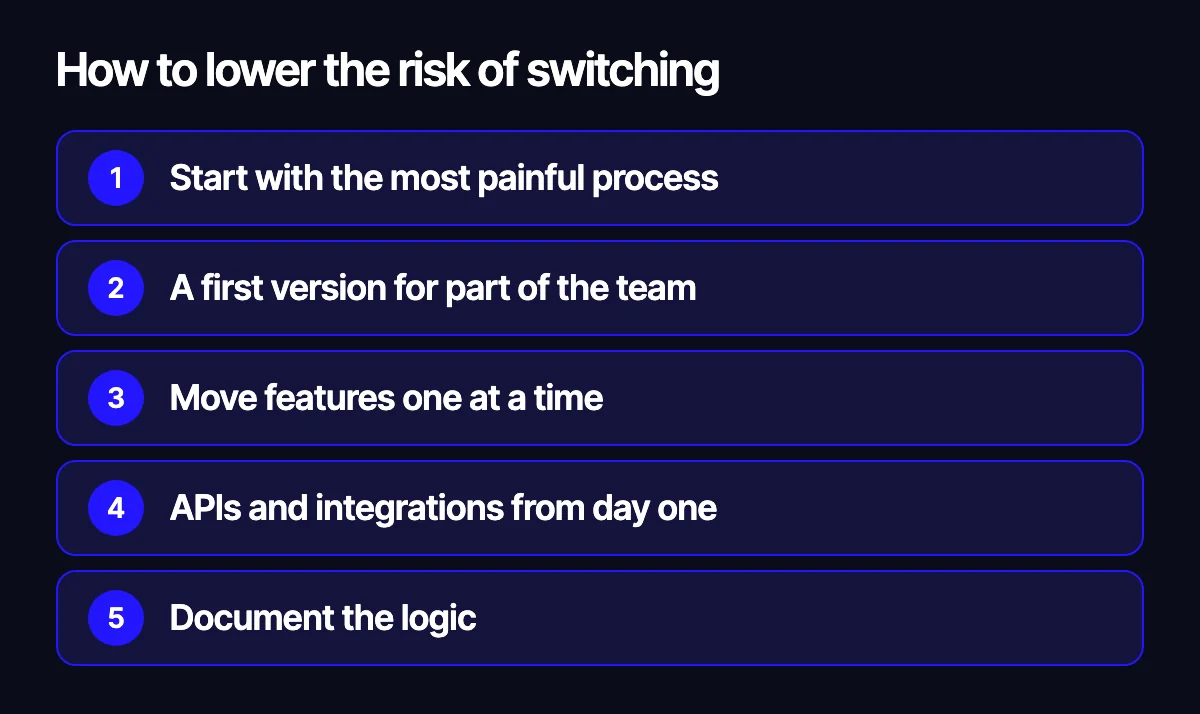
- Start with the process that hurts most, not the whole system.
- Build a first version that solves one problem and roll it out to part of the team.
- Keep the existing CRM during the transition and move features over one by one.
- Plan for an API and integrations with your ERP, shipping and payments from day one.
- Document the logic so the system does not depend on a single person.
Related reading: integrating a website with ERP and the warehouse; what an AI assistant can really automate in a store; which platform to build a store on: OpenCart, WooCommerce, Shopify or Laravel.
Let’s talk about your case
Tell us how your sales work today, which systems you already use and where time gets lost. We will help you decide whether improving your current CRM is enough or it is time to build your own. Write to us through the form on our site, on Telegram, WhatsApp or by e-mail.
Leave your contact – we'll reply within one business day wherever suits you.