Contents · 9 sections

- Up to 5,000 products and a quick start – Shopify or WooCommerce.
- Mid-size store without subscriptions – OpenCart.
- Large catalog and complex logic – Laravel or headless.
The platform determines what launch will cost, how fast the store runs on a phone and what each new feature will cost a year from now. We break down the four options we work with most often.
How to choose in 30 seconds
Answer three questions and half the options drop out on their own.
Catalog size tells you whether a platform can handle the load without custom work. Integrations show whether ready-made modules will do or you need your own logic. Your support budget decides what suits you better: paying the platform a subscription or paying developers who grow the store.
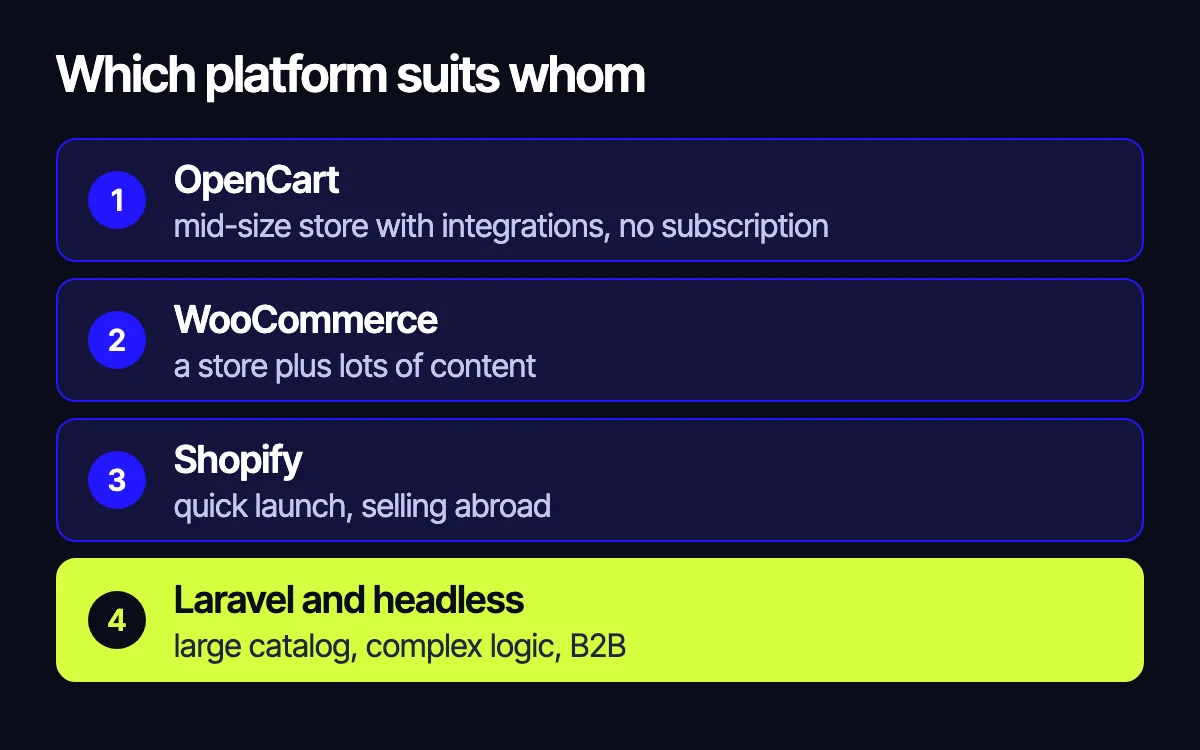
OpenCart
Who it suits. A mid-size store that needs warehouse, payment and shipping integrations but doesn’t want to pay the platform every month. There are ready-made modules for many tasks, and OpenCart developers are easy to find in Eastern Europe, so support stays affordable.
Where you’ll hit limits. Modules come from different authors and vary a lot in quality: a bad one can slow the store down or break during an update. As the catalog and logic grow, you’ll need performance work.
 Our examplePompidouItalian clothing and footwear store on OpenCart: brands, filters, mobile version.
WooCommerce
Who it suits. A business that sells through content: it runs a blog, publishes articles and reviews, and builds landing pages for promotions. The store and content live in one WordPress admin, and there are ready-made plugins for most tasks.
Where you’ll hit limits. Every plugin adds code, and over time the site gets heavier. With a large catalog WooCommerce slows down, so it needs good hosting, caching and carefully set-up filters.
 Our exampleINKAS UkraineArmored vehicle catalog on WordPress and WooCommerce.
Shopify
Who it suits. Those who need to launch fast: a brand with its own product (D2C) or a store selling abroad. Shopify takes care of hosting, security and updates, and international payments work out of the box.
Where you’ll hit limits. You pay a subscription and fees every month. If you need custom logic or an integration that isn’t among Shopify’s apps, it’s hard and sometimes impossible to build.
Laravel and headless
Who it suits. A large catalog, B2B with wholesale prices and customer accounts, a store with complex integrations and high load. The store is built around your process: on the Laravel framework or as a fast Next.js frontend on top of a backend.
Where you’ll hit limits. The start takes longer and costs more, and you need a development team to grow the store, your own or a contractor’s. In return, the platform limits neither your logic nor your speed.
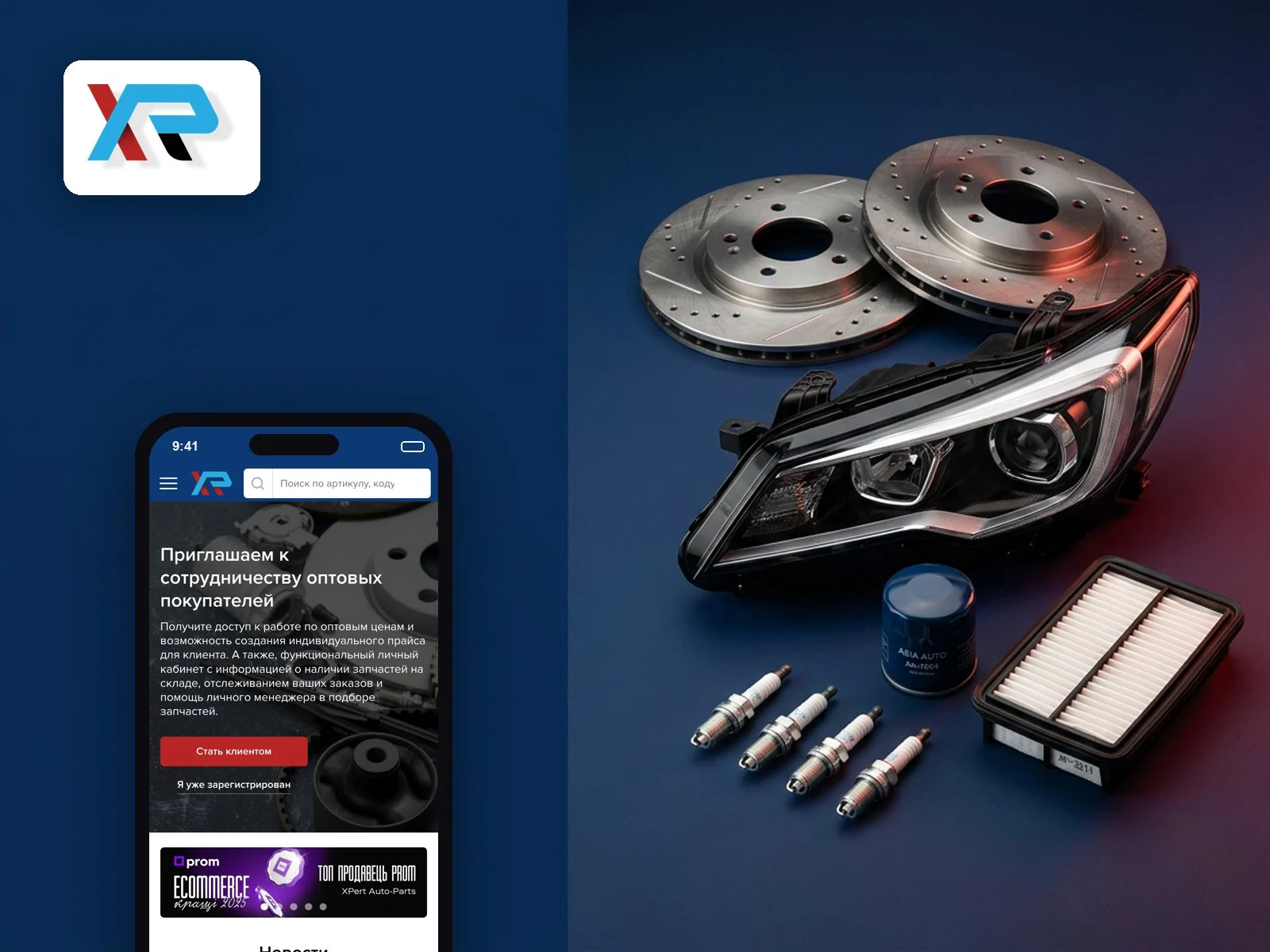 Our exampleXPert Auto-PartsB2B auto parts store on Laravel: wholesale prices, customer accounts, accounting system integration.
Examples: what we’d choose
A clothing brand opens its first store and sells to several countries. There aren’t many products, and launch speed and international payments matter. Shopify makes sense here: you can open the store in weeks without thinking about servers.
A store with a blog, reviews and seasonal promotions. The catalog is mid-size, and buyers come from articles. WooCommerce fits: content and products in one admin, promotions built as landing pages.
A store with a warehouse, payments and shipping that doesn’t want a subscription. The catalog is mid-size and the integrations are standard. OpenCart with proven modules and proper caching fits.
A wholesale supplier with personal prices and an accounting system. It needs customer accounts, several price types and data exchange with accounting. This is a job for Laravel: an off-the-shelf platform would get in the way at every step. That’s how our XPert Auto-Parts project is built.
When you don’t need to switch
Moving to another platform is a long, expensive project with a risk of losing search rankings. If your store works but sells less than it could, check the product page, cart and checkout first: the problem is often there, not in the platform. We cover where to start in 12 places where an online store loses buyers.
“Sometimes the right answer is not to switch platforms, but to work on the conversion of what already works.”not the same
Summary table
| OpenCart | WooCommerce | Shopify | Laravel / headless | |
|---|---|---|---|---|
| Best for | Mid-size store with integrations | A store with lots of content | Quick launch, selling abroad | Large catalog, B2B, complex logic |
| How fast to launch | Fast: ready-made themes and modules | Fast: ready-made themes and plugins | Very fast: everything in Shopify’s cloud | Longer: the store is built for you |
| What you pay the platform | Nothing, just hosting | Nothing, just hosting | Shopify subscription and fees | Nothing, just hosting |
| Links to ERP, warehouse, CRM | Ready-made modules or custom work | Ready-made plugins or custom work | Via Shopify apps, custom needs are hard | Built for your systems |
How we choose a platform
We look at catalog size, integrations (accounting, warehouse, marketplaces), markets and languages, 2–3 year plans and the support budget.
Related reading: how to migrate a site without losing rankings; 8 reasons a Laravel store converts poorly; integrating a website with ERP and the warehouse.
Leave your contact – we’ll reply within one business day wherever suits you.