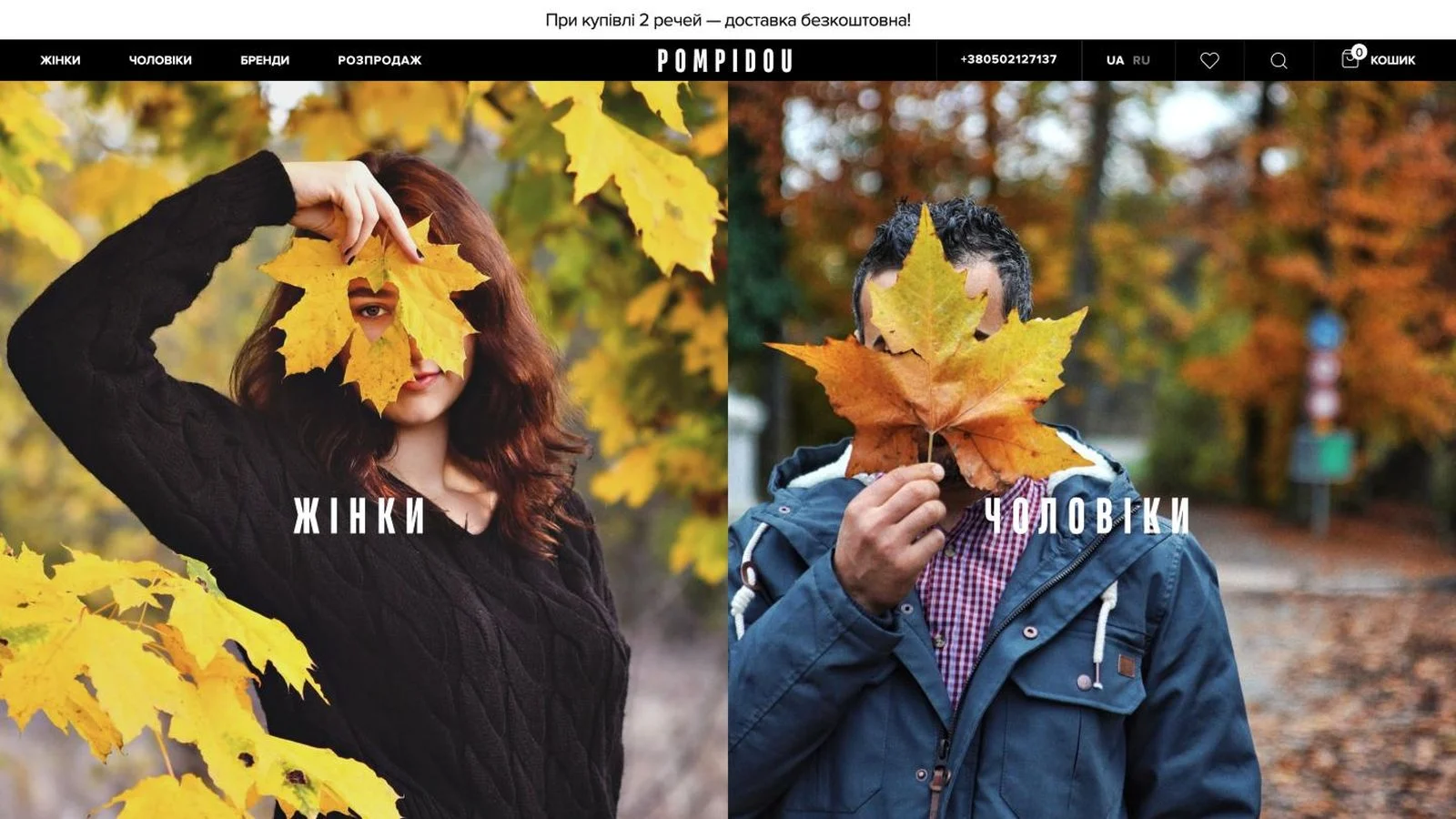
Pompidou has a wide range: women's and men's clothing, shoes, bags and accessories, brand pages, a sale section and a loyalty program. The store ran on an old OpenCart version and looked dated. The brief was a new fashion-brand look, a move to a current OpenCart and a rebuild of every key page without losing the catalog or its filters.
Visual style
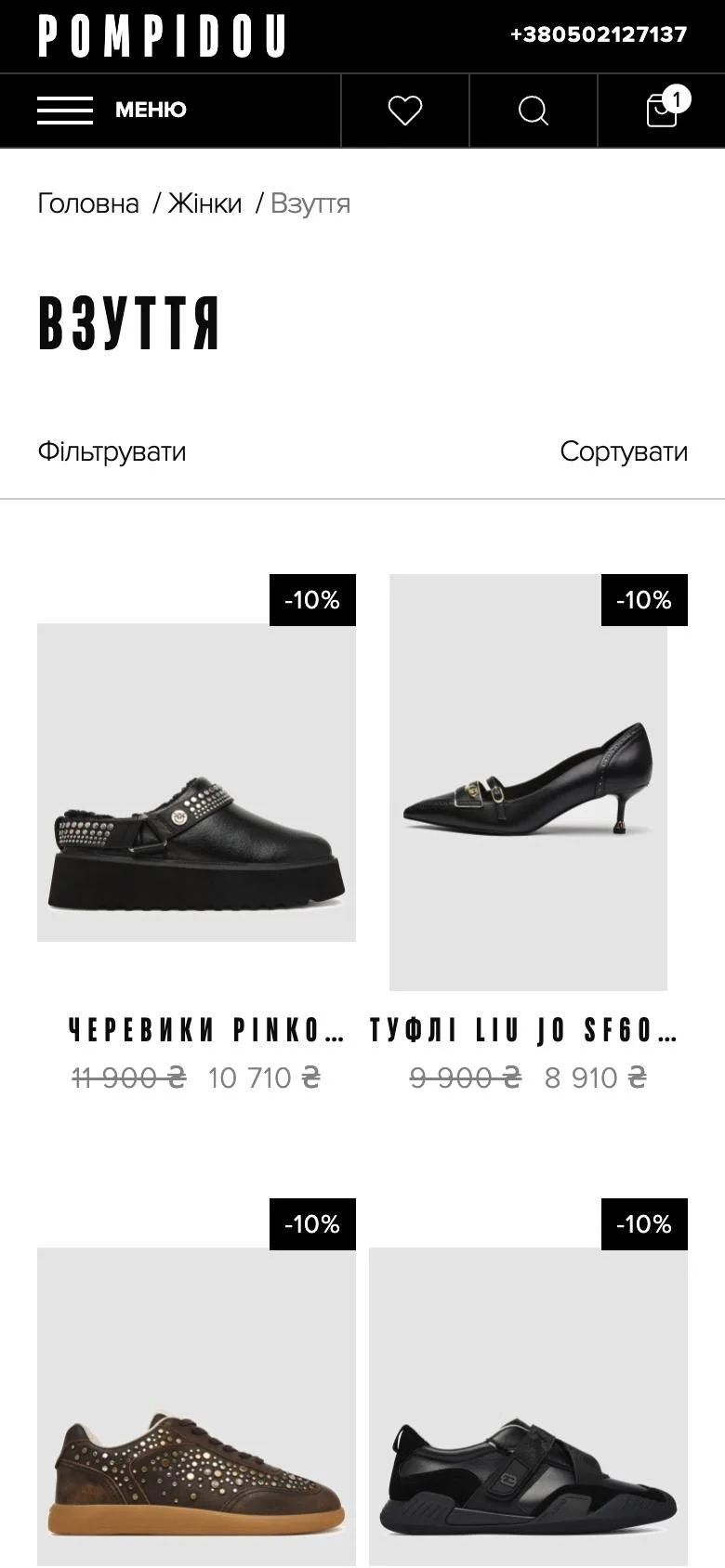
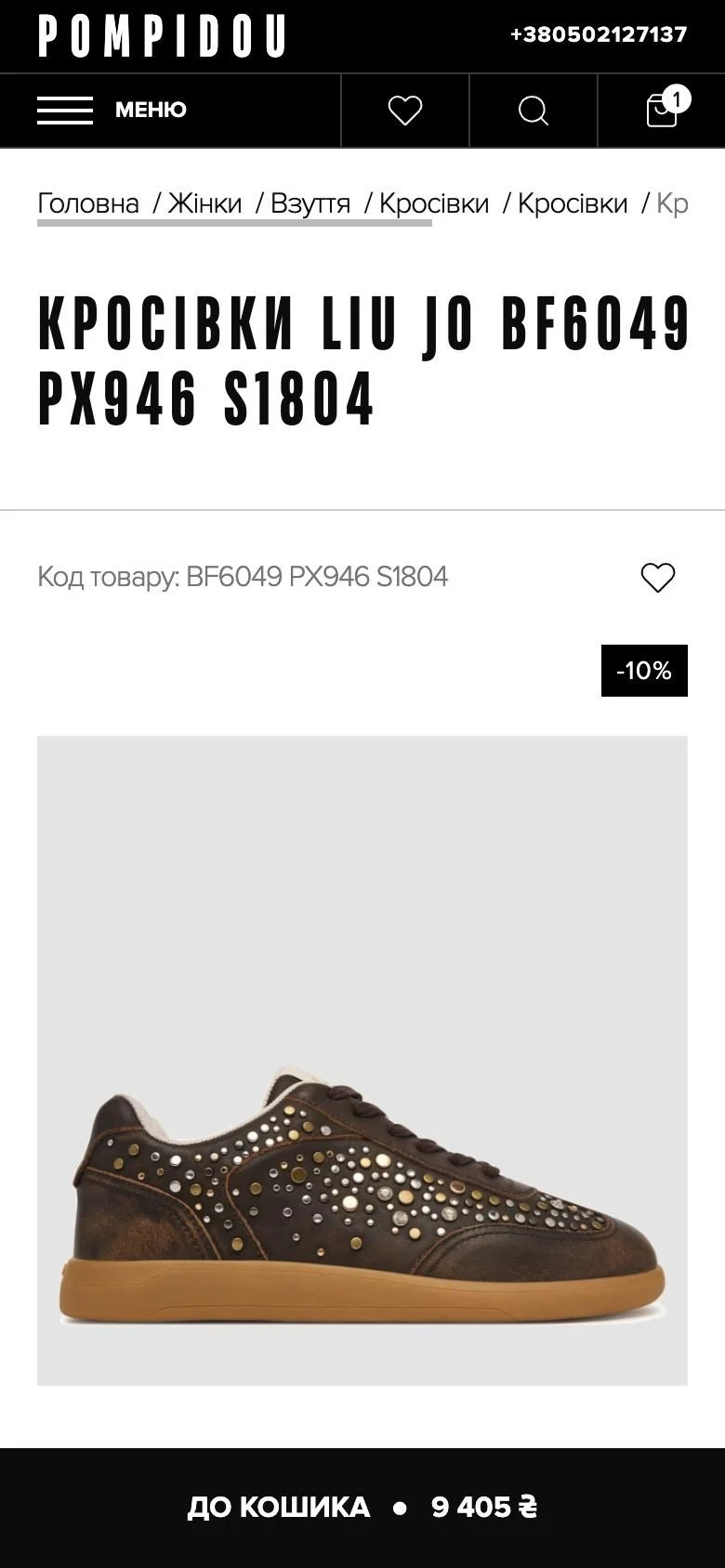
A strict black-and-white fashion look: black header, lots of white space, large product shots on light grey. Headings use a condensed display face in caps, body text is Proxima Nova.
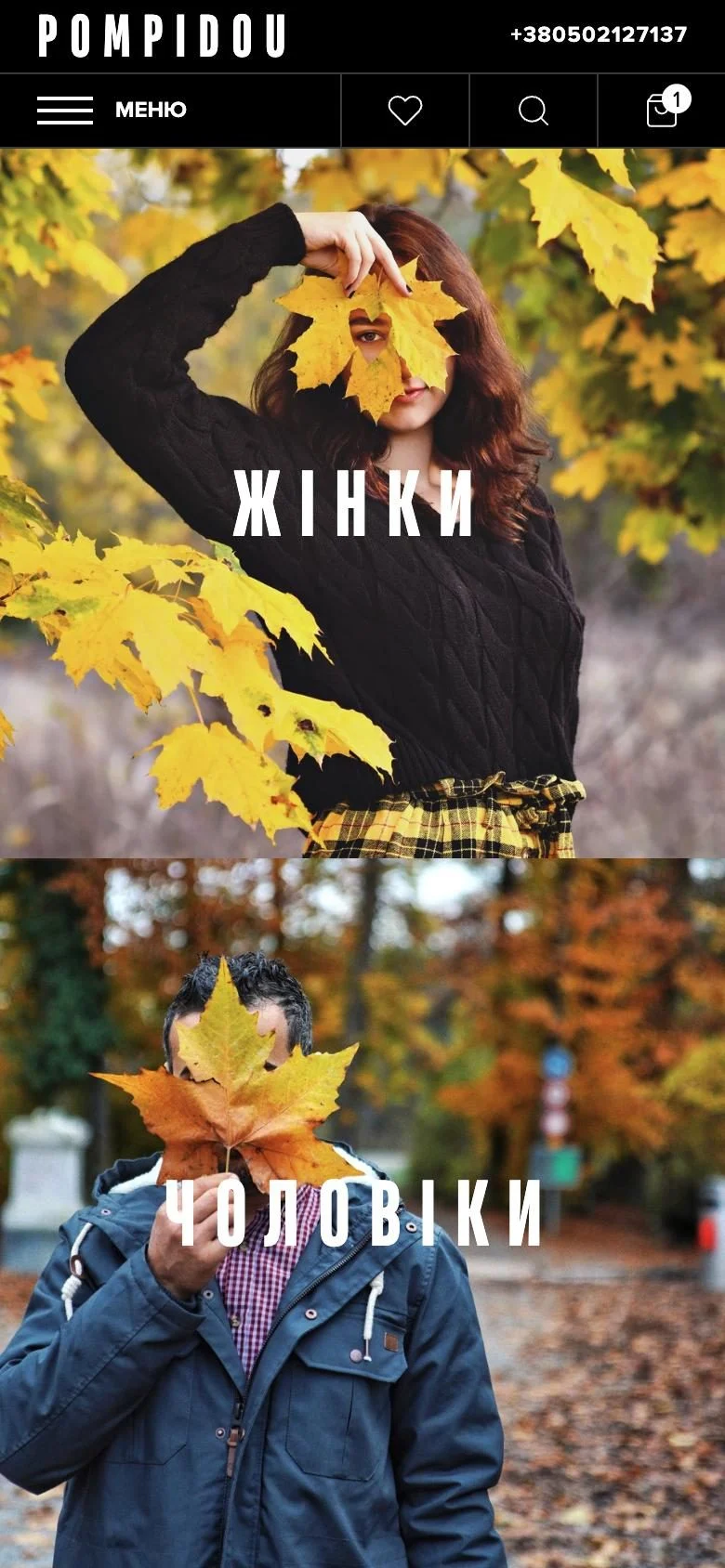
Mobile version
On phones the header has two rows: logo and phone, then menu, wishlist, search and cart. In the catalog, filters and sorting sit behind two buttons; on the product page an add-to-cart bar with the price stays pinned to the bottom.
Goals
- 01New designGive the store a modern fashion look that lets brand photography lead.
- 02Move to a newer OpenCartMigrate the catalog, products, brands and settings from the old version.
- 03Rebuild the storefrontRe-implement home, catalog, product page, cart and checkout for the new design.
- 04Keep filtering fastKeep easy selection by brand, size, colour, season and price across a large range.
Key solutions
Catalog and filters
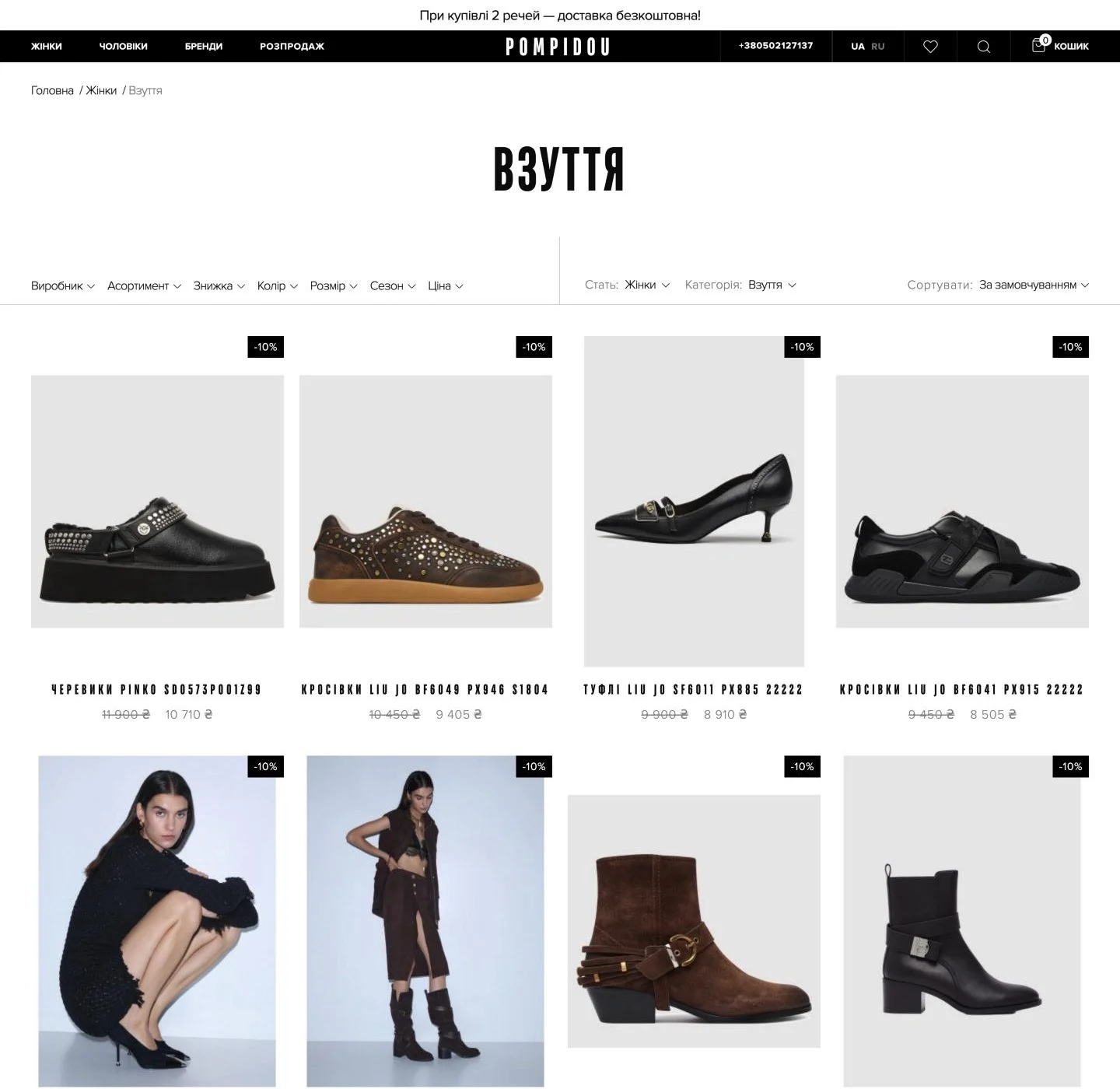
A filter row above the grid: brand, range, discount, colour, size, season, price. On the right, quick gender and category switches plus sorting. Each card shows the discount, available sizes and old and new price; a Show more button loads the next items.
Product page
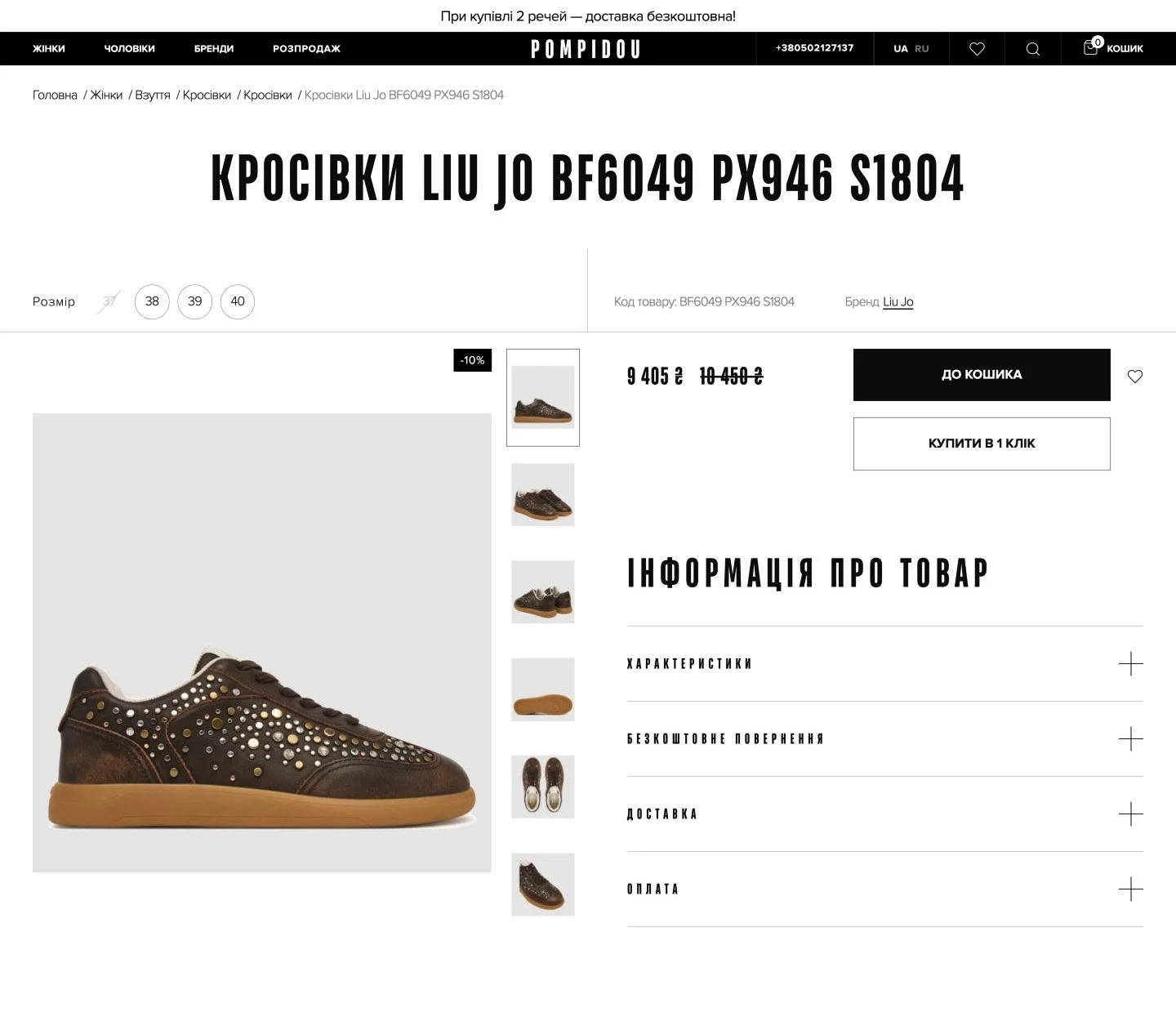
A large photo with a thumbnail strip, size picker, product code and a linked brand. Two actions: Add to cart and One-click buy, plus a wishlist icon. Below, an accordion with specs, free returns, delivery and payment, and a similar products block.
Cart and checkout
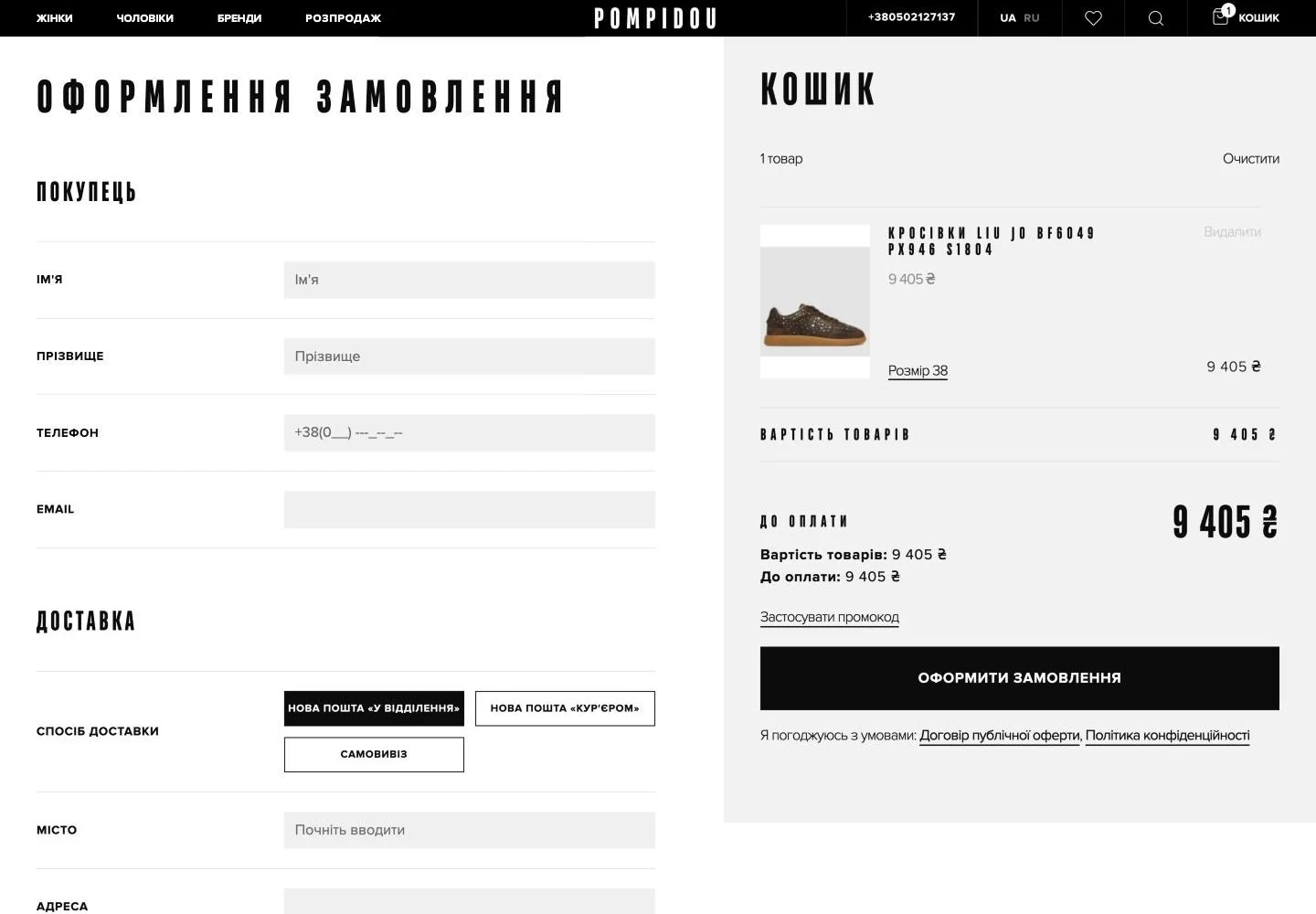
One screen: first and last name, masked phone field, email. Nova Poshta branch or courier delivery or store pickup, with city autocomplete. Cash on delivery, an order comment and a promo code field.
Home and navigation
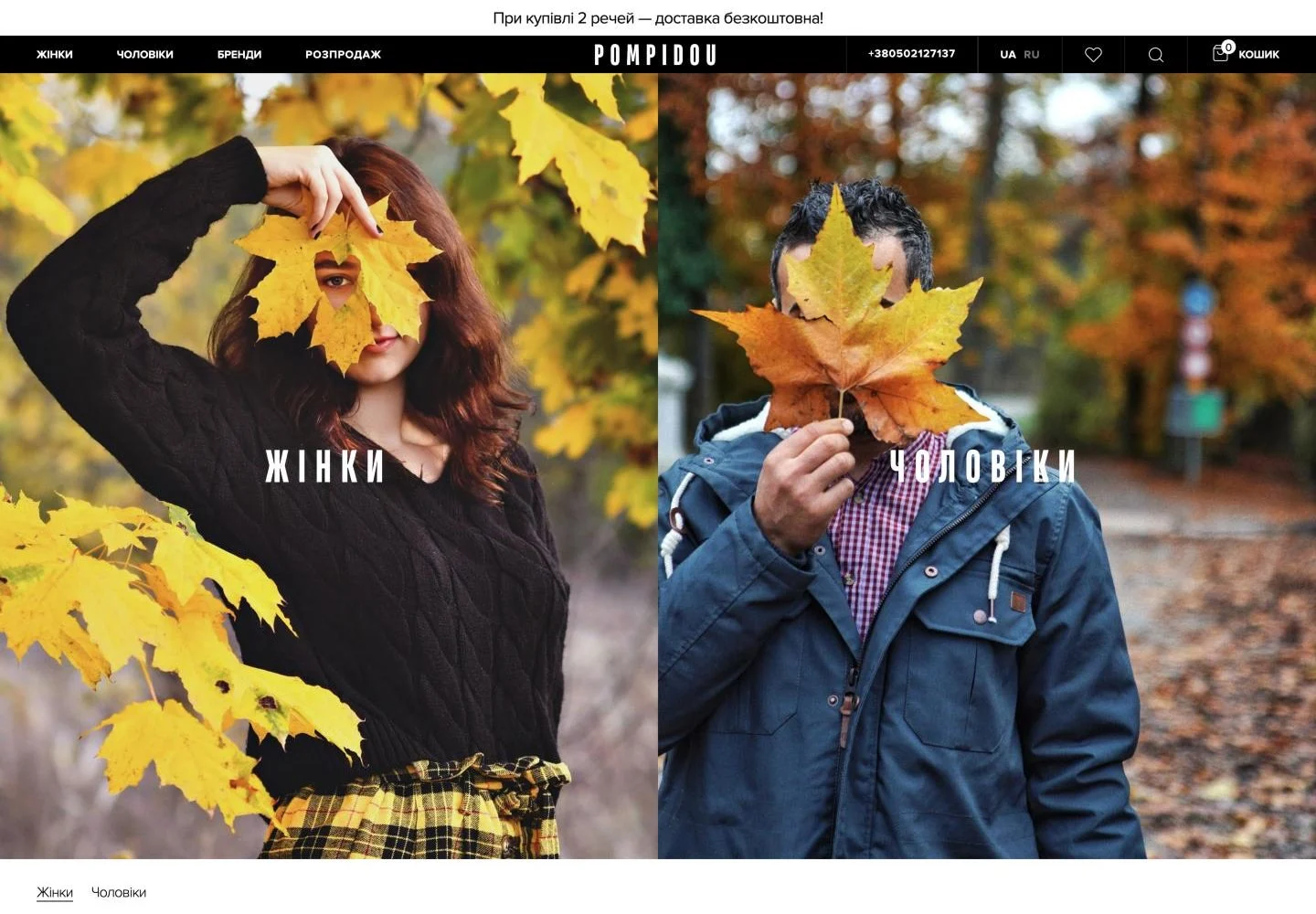
The home page sends shoppers straight to the women's or men's section. The header links Women, Men, Brands and Sale, with a two-language interface and catalog search. Brands and the loyalty program have their own pages.
Integrations and stack
Want a project like this?
Describe your task – within one business day we'll reply with questions and a rough timeline estimate.