Contents · 8

AI assistants come with a lot of hype. The pitch usually goes like this: plug in a chatbot and it will replace your sales reps, your product experts and half of your support team. The reality is more modest and more useful. Language models already handle specific online store tasks well, as long as you give them the right data and clear boundaries.
Here is what you can automate today, how it works under the hood, and where an assistant still falls short.
Customer support
Most support tickets are repeats: where is my order, how much is shipping, how do I return this, can I pay in instalments, do you have my size. Your team spends hours typing the same answers while customers wait.
An AI assistant can answer these questions instantly, around the clock. There is one condition: it must answer from your knowledge base and your data, not from general knowledge.
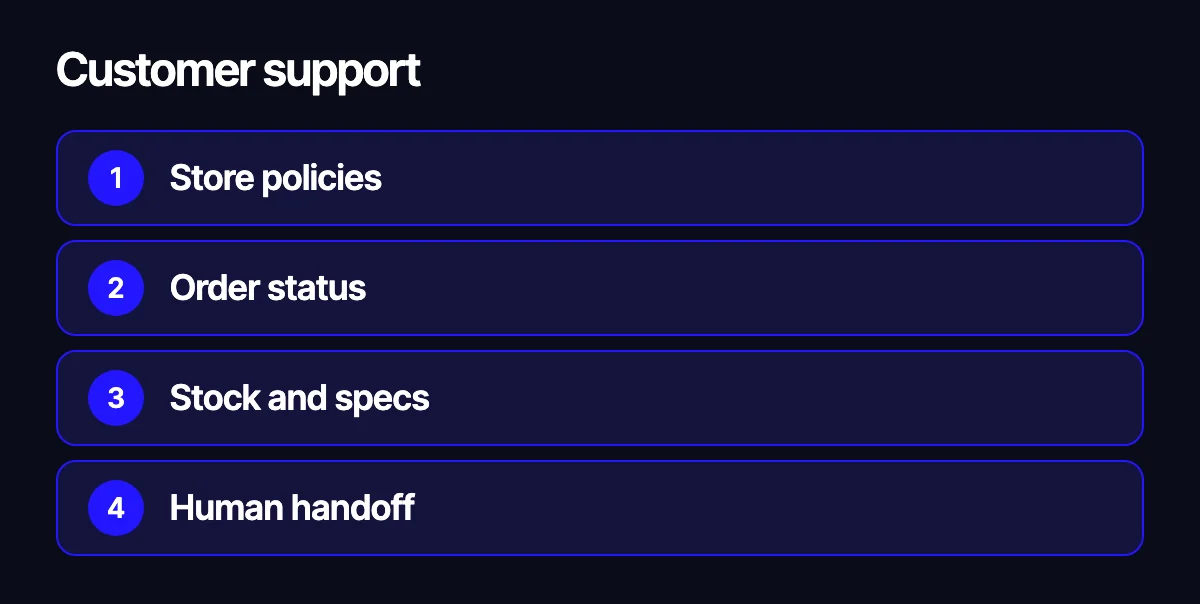
- Store policies. Shipping, payment, returns and warranty terms come from your current documents, not from the model’s imagination.
- Order status. The customer enters an order number or e-mail, the assistant looks up the status through your store’s API and explains it in plain language.
- Stock and specs. The assistant checks your catalog and inventory, not something it saw on the web.
- Human handoff. When the question is complex, the customer is upset or money is involved, the conversation goes to a person along with the full chat history.
That last point matters more than it seems. A good assistant does not try to answer everything. It clears the routine fast and knows when to bring in a human.
Product discovery and recommendations
A classic catalog assumes shoppers know what they want and are comfortable with filters. Many arrive with a problem instead of a product name: “something to help me sleep”, “a gift for my dad who fishes”, “a part for my car, but I don’t know the part number”.
Here the assistant acts like a sales associate on the floor. It asks clarifying questions, maps the answers to catalog attributes and shows matching products with a short explanation of why they fit.
An example from our work is Supplements.org, an English-language catalog of supplements, vitamins and herbs for a US audience. Visitors come with a health question rather than a product name. We built in an AI consultant: a chat that suggests supplements for the user’s goal and offers quick prompts such as “sleep”, “stress”, “energy” and “immunity”. It has a daily request limit and a notice that its answers do not replace a doctor. Guardrails like these are not a formality. They are part of the product.
What recommendations depend on:
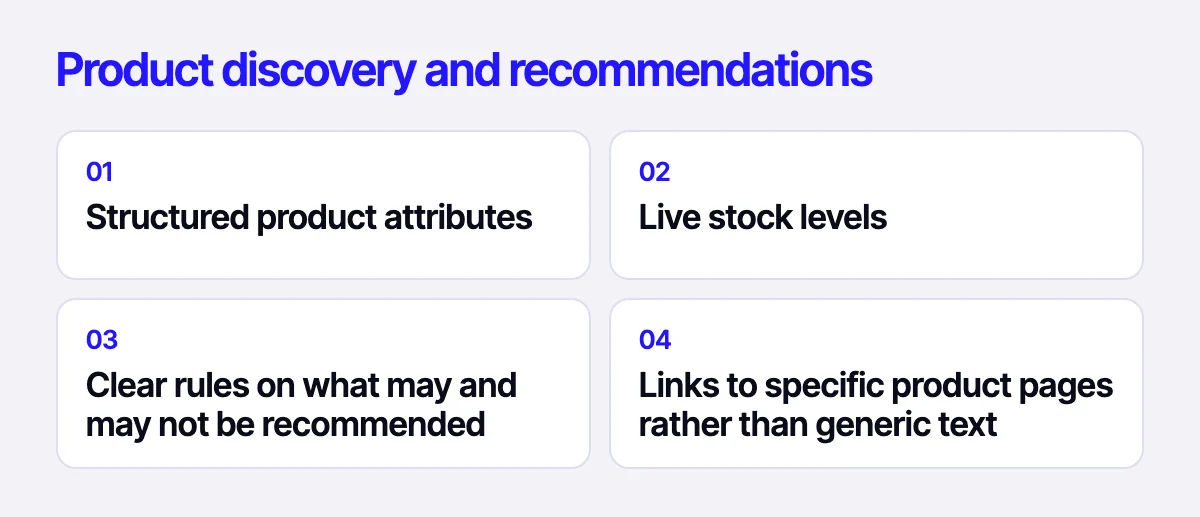
- structured product attributes, because without them the assistant has nothing to work with;
- live stock levels, so it never recommends what you cannot ship;
- clear rules on what may and may not be recommended;
- links to specific product pages rather than generic text.
Processing leads and inbound messages
The second strength of language models is making sense of unstructured text. Requests arrive through site forms, e-mail and messengers, and every customer writes differently.
An assistant can:
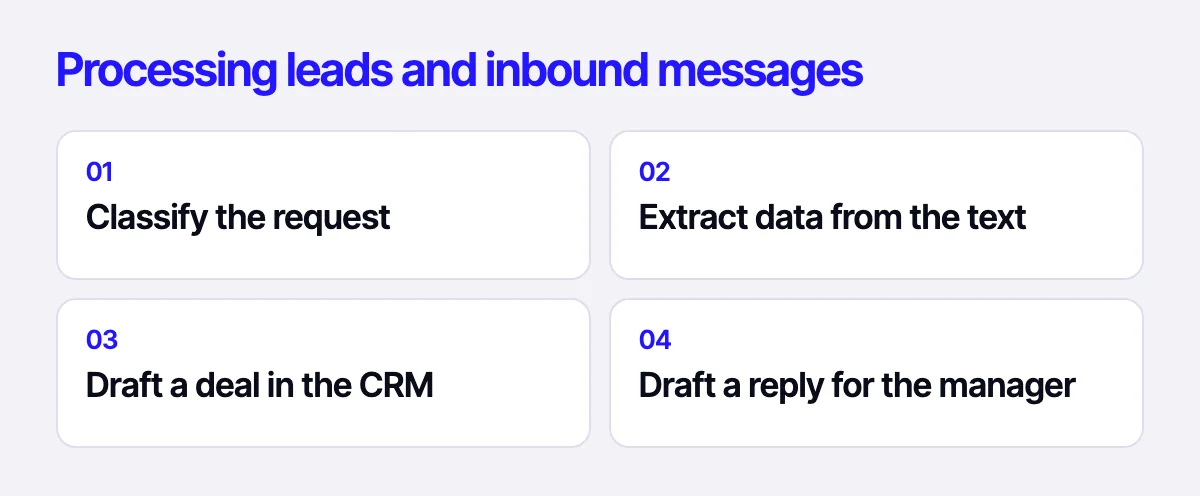
- classify the request: order, question, complaint, wholesale inquiry, return;
- extract the details: name, contacts, products, quantities, address;
- create a draft deal or ticket in your CRM with the fields filled in;
- prepare a draft reply that a manager reviews and sends.
The key word is draft. At the start, let the assistant prepare and a human approve. Once you see that errors are rare, some scenarios can run fully automatically.
This is especially handy in B2B. A wholesale buyer sends a list of items in an e-mail or spreadsheet, the assistant matches it against the catalog, finds alternatives and builds a draft order. The manager gets a ready starting point instead of typing everything by hand.
How it works technically
Most setups combine a few building blocks:
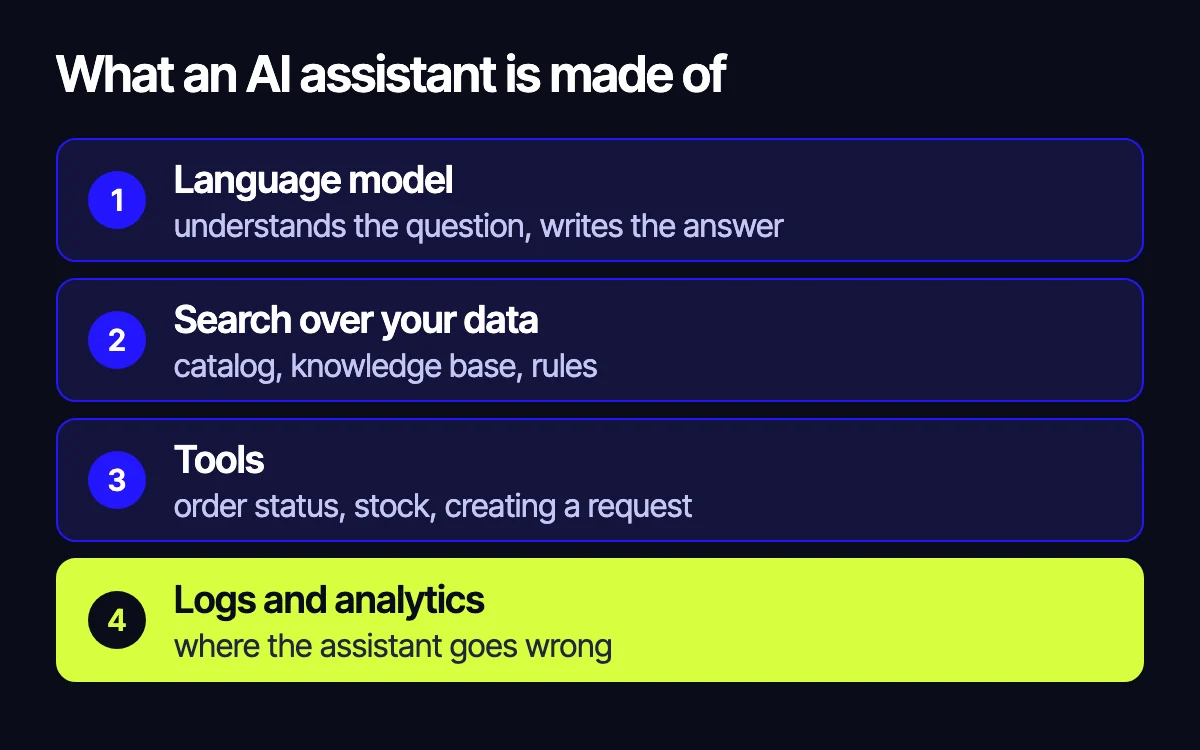
- A language model. Usually via the OpenAI API or a similar provider. It understands the question and phrases the answer.
- Search over your data. Your catalog, knowledge base and policies are indexed, and the assistant retrieves the relevant pieces before answering. This sharply reduces made-up answers.
- Tools. The assistant gets access to specific functions: check order status, check stock, create a ticket. It calls them instead of guessing.
- Logs and analytics. Every conversation is stored so you can see where the assistant fails and which questions come up most.
The takeaway is simple: an assistant is only as good as your data. If stock on the site does not match the warehouse, the assistant will confidently tell customers the wrong thing. That is why the first step is sometimes not a chatbot at all, but cleaning up the catalog and syncing it with your ERP.
For example, in the Xpert auto parts store, stock and prices are synced with the client’s accounting system, so the warehouse on the site matches the real one. That is exactly the kind of data source an assistant needs to answer availability questions correctly.
Limitations to know upfront
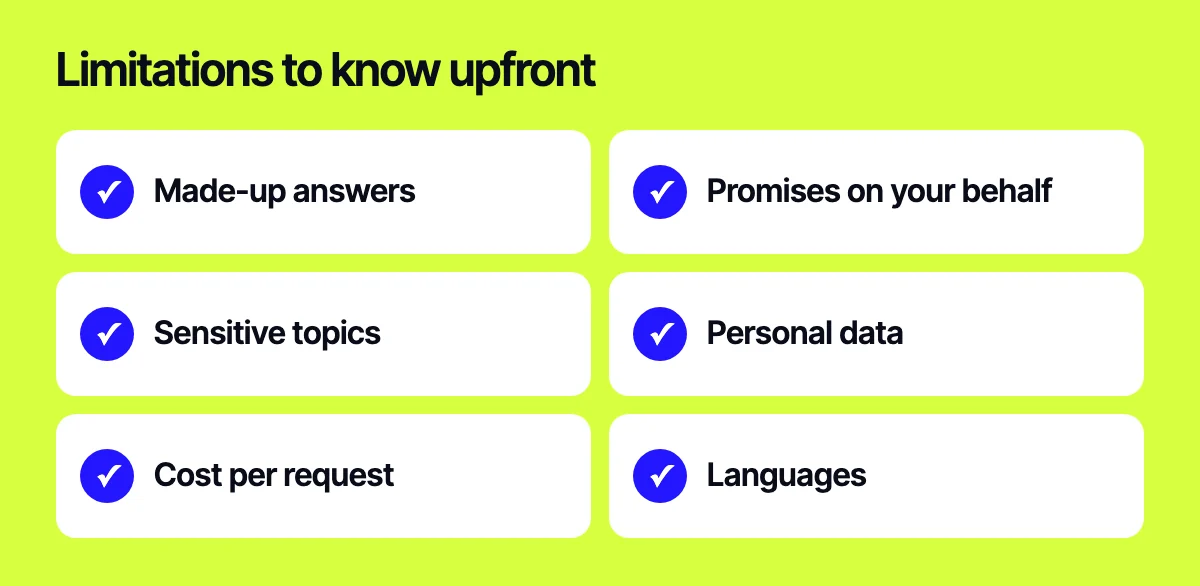
An AI assistant is not magic. Before launch, take an honest look at the risks:
- Made-up answers. A model can sound confident and still be wrong. Strict instructions, retrieval from your data and a rule against answering without a source keep this in check.
- Promises on your behalf. The assistant must not offer discounts, change terms or promise delivery dates that are not in your policies.
- Sensitive topics. Health, finance and legal questions need explicit disclaimers and a handoff to a specialist.
- Personal data. If you serve customers in the EU, GDPR applies: what data goes to the model, where chats are stored, how they are deleted.
- Cost per request. Every model response costs money. You need limits and abuse protection.
- Languages. If you sell in several countries, test answer quality in each language separately.
Where to start
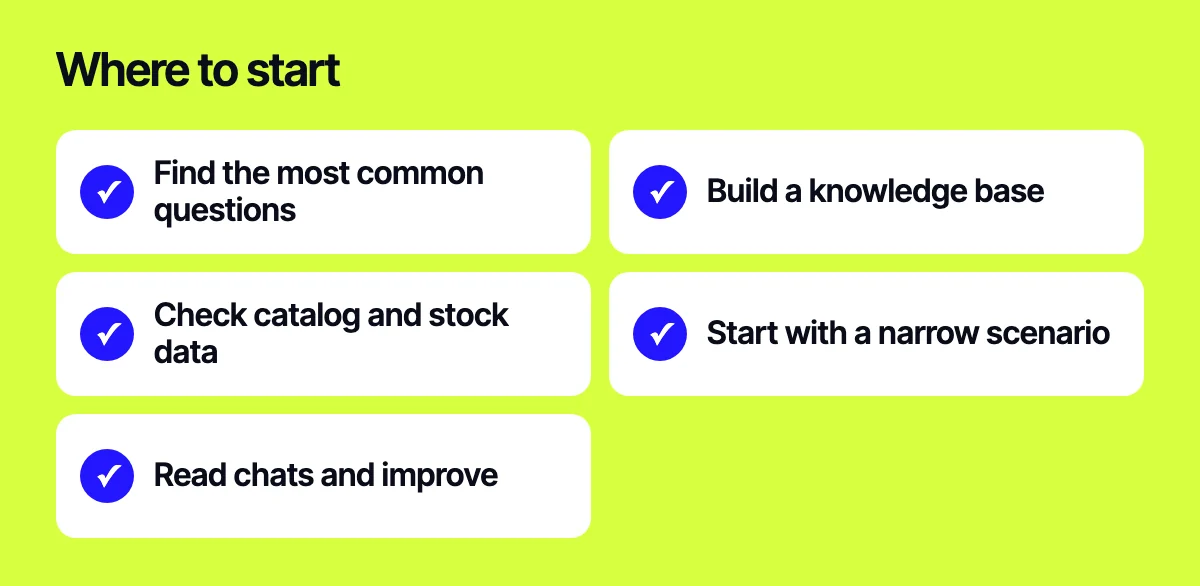
Do not try to automate everything at once. A sequence that works:
- Export your support tickets and find the questions that repeat most often.
- Build a knowledge base from your policies, terms and the answers your team already gives.
- Make sure your catalog and stock data are current and available via API.
- Launch the assistant on a narrow scenario, such as shipping and order status questions.
- Read the conversations, fix instructions and data, and expand scenarios step by step.
This gets results faster than a big “smart bot for everything” project and shows you early where automation does not pay off.
What not to automate yet
Complex complaints, disputed returns, large wholesale negotiations and anything that needs empathy or a decision someone is accountable for. The assistant can collect the details and pass them on, but a person should make the call.
Related reading: when to build a custom CRM instead of an off-the-shelf one; 17 ways to increase an online store’s conversion rate; how to prepare a store for a seasonal sale: codes, BOGO and giveaways.
Let’s look at your store
Tell us which questions your support team gets most and how your data is organized. We will tell you what can realistically be automated and what is better left to people. Reach us through the form on our site, on Telegram, WhatsApp or by e-mail.
Leave your contact – we'll reply within one business day wherever suits you.