Contents · 7

“How much does an app cost?” is a question nobody can honestly answer with a single figure. Two apps with similar descriptions can have very different budgets: one shows a catalog and collects requests, the other works offline, takes payments and syncs with an ERP.
So instead of a price list, let’s break down what actually drives the cost of a Flutter app, which decisions affect the budget most, and how to launch a first version without overspending.
Why Flutter
Flutter lets you build one app for both iOS and Android from a shared codebase. That does not make development free, but it removes duplication: the interface, the logic and most of the tests are written once.
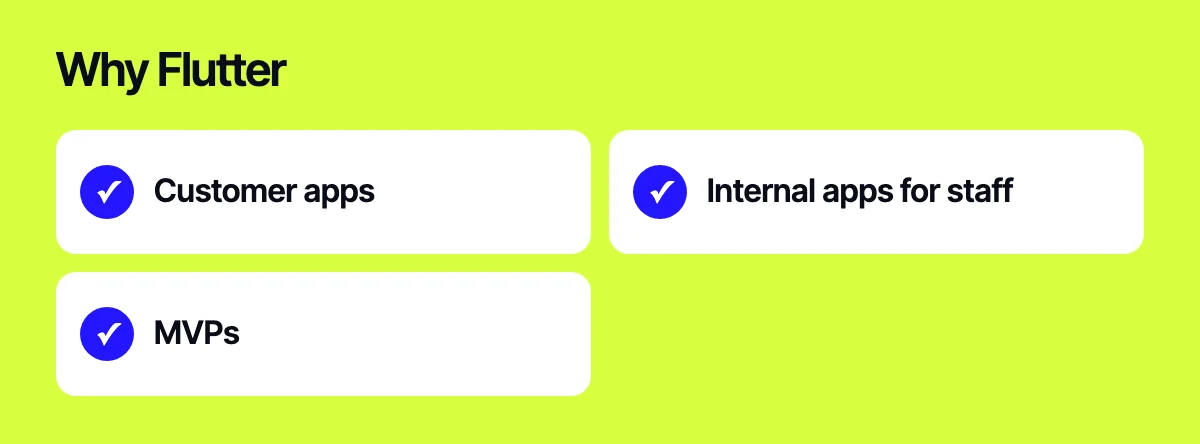
Flutter is a strong fit for:
- customer apps: catalog, ordering, account area, loyalty program;
- internal apps for staff: couriers, field sales, warehouse;
- MVPs, when you need to test an idea on both platforms quickly.
Think twice if the app depends heavily on platform-specific features, or if you already have a strong native team.
What drives the cost
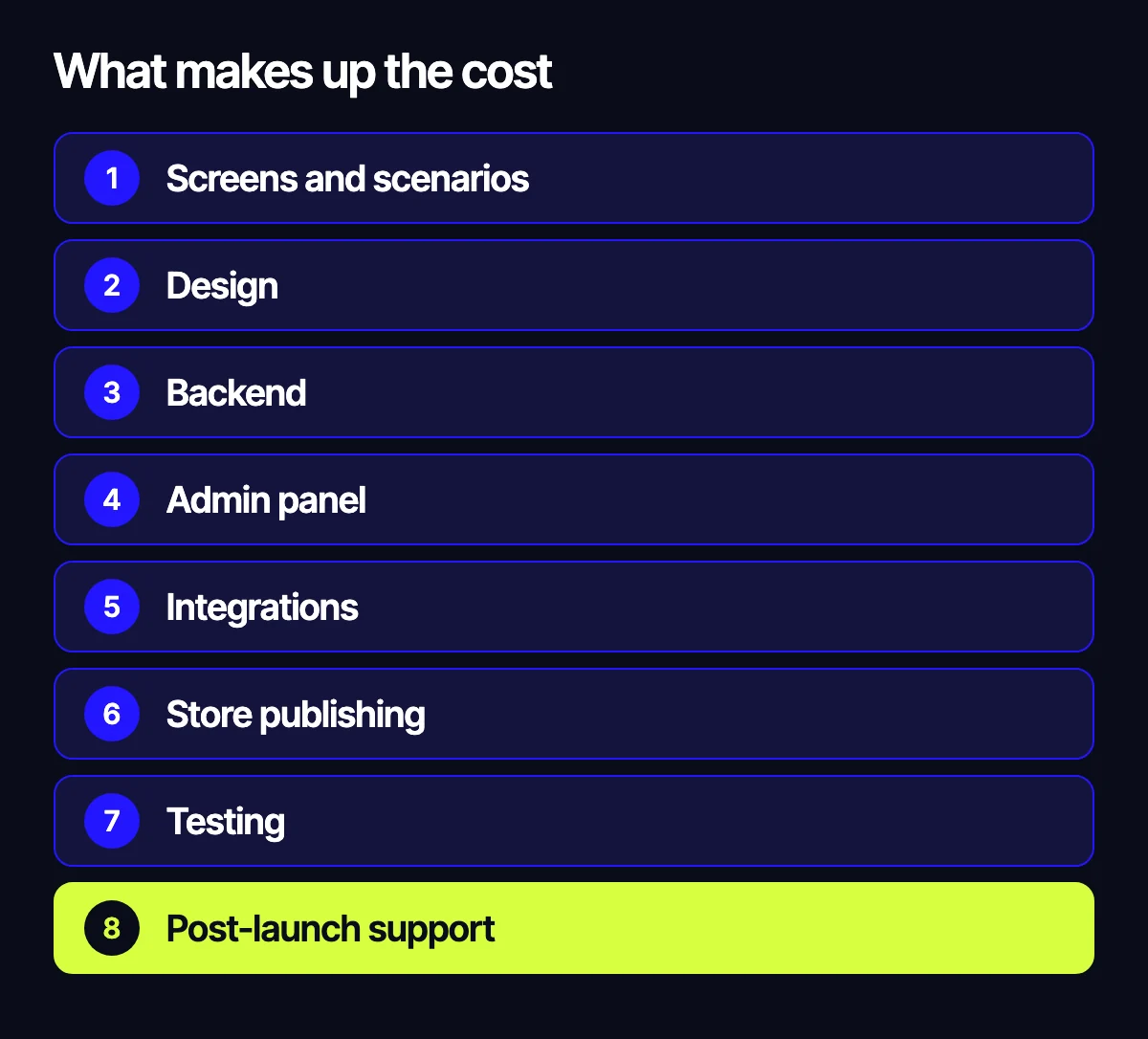
Screens and user flows
Screen count is a rough measure. What happens on each screen matters more. An “About us” screen and a checkout screen with shipping options, promo codes and payment are completely different amounts of work.
It is more useful to estimate by flows: sign-up and login, search and catalog, product page, cart and payment, account area, notifications. Each flow includes the main screens plus errors, empty states and edge cases.
Design
Mobile design is more than good-looking mockups. You need to plan navigation, loading and error states, behaviour on different screen sizes, dark mode and accessibility. If you already have a brand style and a web version, part of that work can be reused.
Backend
An app rarely stands on its own. It needs a server that stores data, checks permissions, calculates prices and sends notifications.
- A ready-made platform. Firebase covers authentication, database, file storage and push notifications. A fast start, though limits may appear as you grow.
- A custom backend. More flexibility and control over your data, but more work upfront.
- An existing system. If you already have a website, CRM or ERP with an API, the app can run on top of it. Then the backend effort depends on how ready that API is.
Admin panel
Someone has to manage content, orders, users and promotions. Sometimes the existing site admin is enough. Sometimes you need a separate panel for mobile-specific workflows.
Integrations
Every external system adds work: reading documentation, handling errors, testing.
- payments: Stripe, PayPal, Apple Pay, Google Pay;
- shipping: DHL or local carriers with rate calculation and tracking;
- ERP and CRM: SAP, Odoo, Microsoft Dynamics or your own system;
- maps and geolocation;
- analytics and push notifications;
- AI features via the OpenAI API.
Publishing to the App Store and Google Play
Publishing is a stage of its own, not a button. You need developer accounts, icons, screenshots and store listings, a privacy policy and answers to data collection questionnaires. Apple and Google review apps against their own guidelines, and changes are sometimes needed after review.
Testing
The app has to be tested on different devices and OS versions, on weak connections, with interruptions and repeated logins. The more payments and integrations you have, the more testing matters.
Support after launch
Apple and Google update their systems and requirements regularly. Libraries age, new screen sizes appear. Plan for maintenance and development from the start, not after the first crash.
Why the same idea gets different estimates
Send the same brief to several studios and the estimates may differ widely. Usually it is not about greed or generosity, but about how each team understood the task.
One studio planned a custom backend, another assumed Firebase. One included the admin panel and publishing, another priced only the mobile part. One allowed for testing across devices and post-launch support, another did not.
So compare the scope, not the total: which flows, integrations and stages are included. A good estimate always shows what it is made of and states clearly what is left out.
What affects the budget most
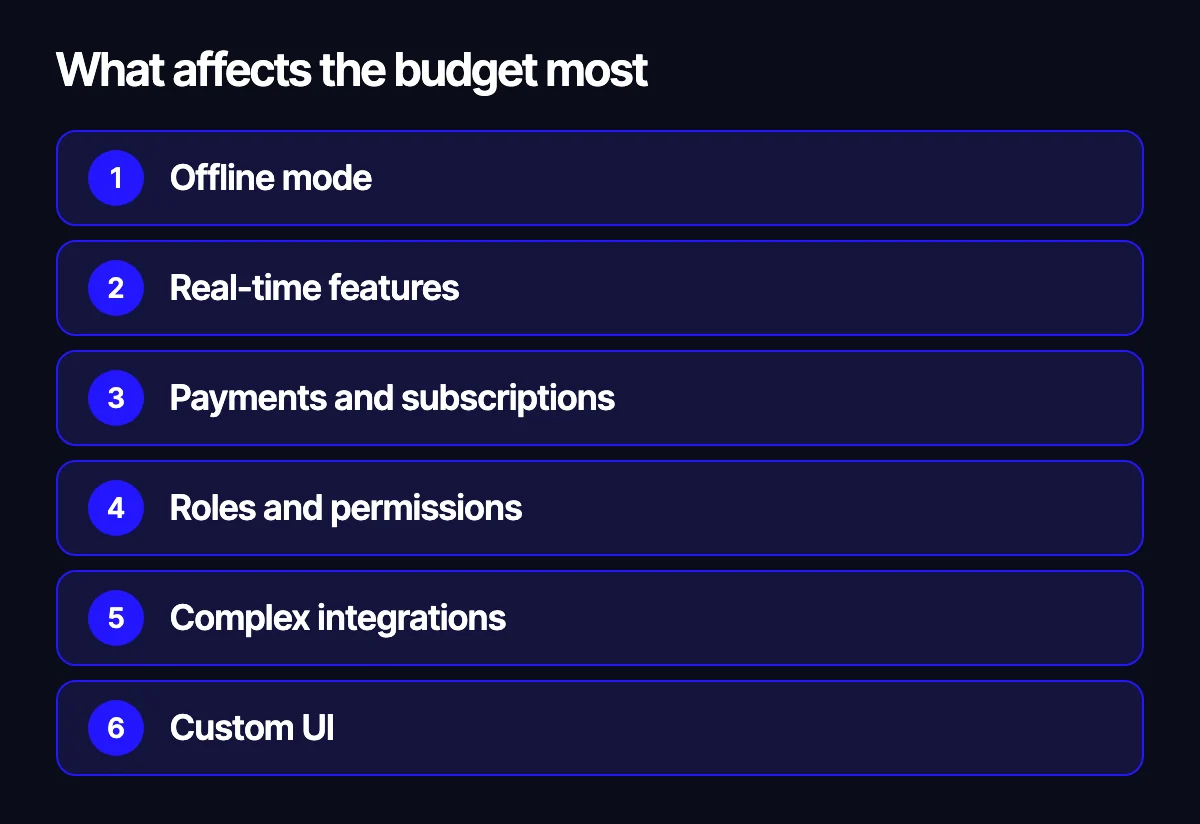
- Offline mode. Working without a connection and syncing later makes the logic much more complex.
- Real-time features. Chat, live courier tracking on a map, live statuses.
- Payments and subscriptions. In-app purchases in particular, with the stores’ rules on top.
- Roles and permissions. Customer, courier, manager, admin: effectively several apps in one.
- Complex integrations. Especially with systems that lack a proper API.
- Custom UI. Complex animations and bespoke components instead of standard ones.
How to start with an MVP
An MVP is the smallest version that solves the user’s main problem and lets you test the idea with real people. It is not a cut-down copy of the final product, it is its core.
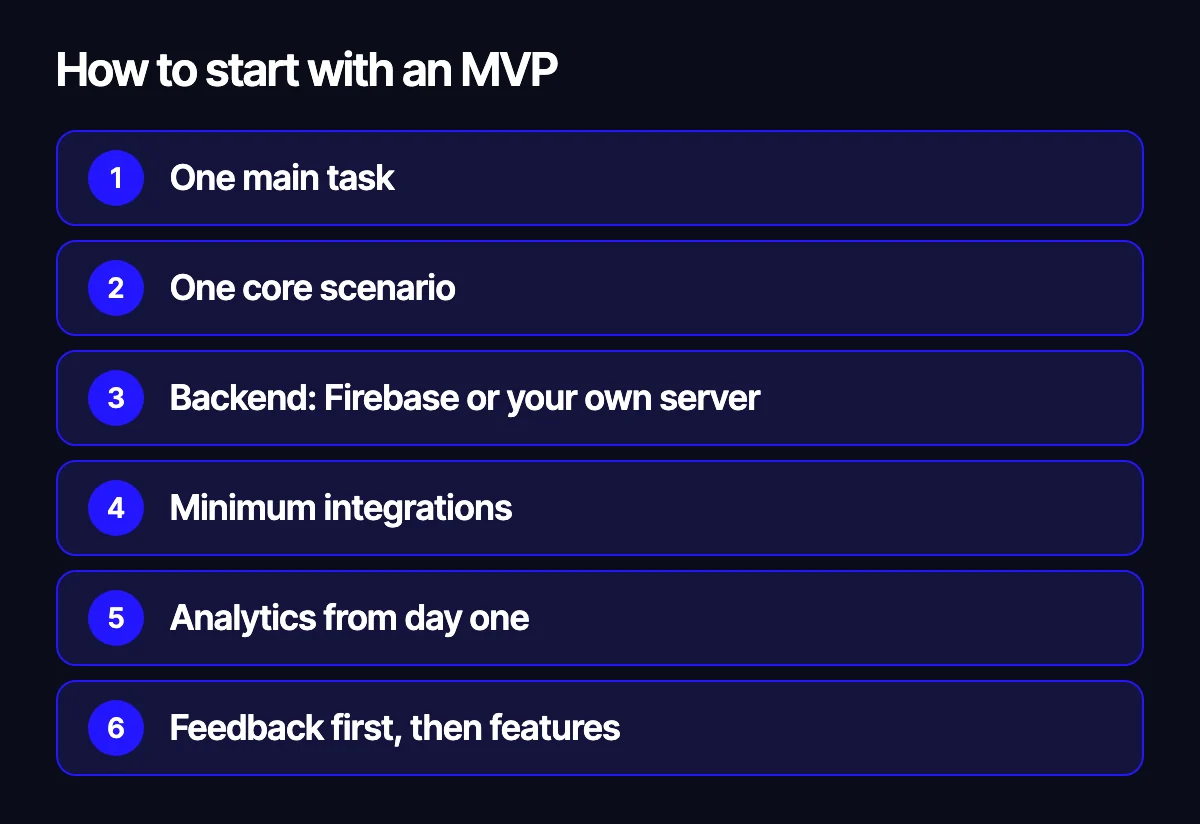
- Define one main job: what the user must be able to do in the app.
- Map the core flow from entry to result and cut everything that does not serve it.
- Choose the backend: a ready-made platform like Firebase for fast validation, or a custom server if your data and logic are already complex.
- Keep only the integrations the flow cannot work without.
- Plan analytics so you can see how people use the app after launch.
- Publish, gather feedback, and only then add features.
A good example of a focused job is the courier app we built for Ricco Pizza: couriers receive orders in it, and the address and order contents arrive on their phone as soon as the order is handed over for delivery. One clear task, connected to the website and the restaurant system, with nothing extra.
How to get an accurate estimate
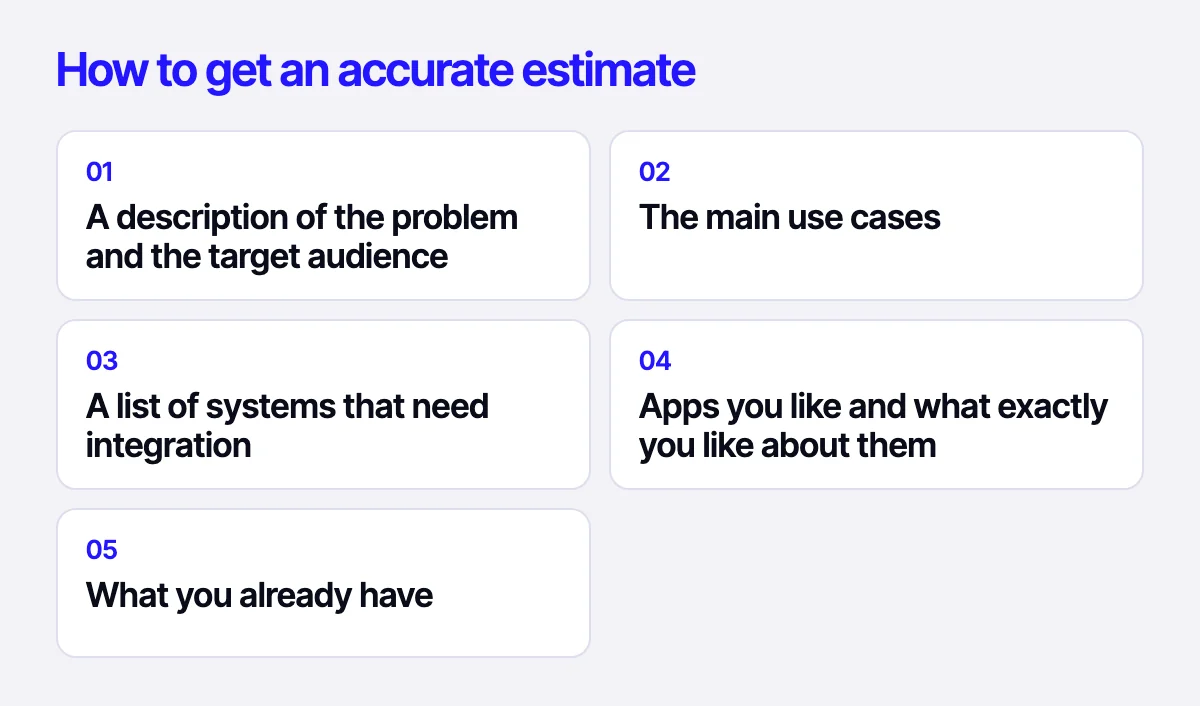
To get an estimate close to reality, send us:
- a description of the problem and the target audience;
- the main use cases;
- a list of systems that need integration;
- apps you like and what exactly you like about them;
- what you already have: design, website, API, backend.
Based on that, we will propose an MVP scope and prepare an estimate broken down by stage.
Related reading: which platform to build a store on: OpenCart, WooCommerce, Shopify or Laravel; gamification in online business; when to build a custom CRM instead of an off-the-shelf one.
Request an estimate
Describe your idea or task through the form on our site, on Telegram, WhatsApp or by e-mail. We will ask a few clarifying questions, suggest where to start and prepare an estimate for your project.
Leave your contact – we'll reply within one business day wherever suits you.