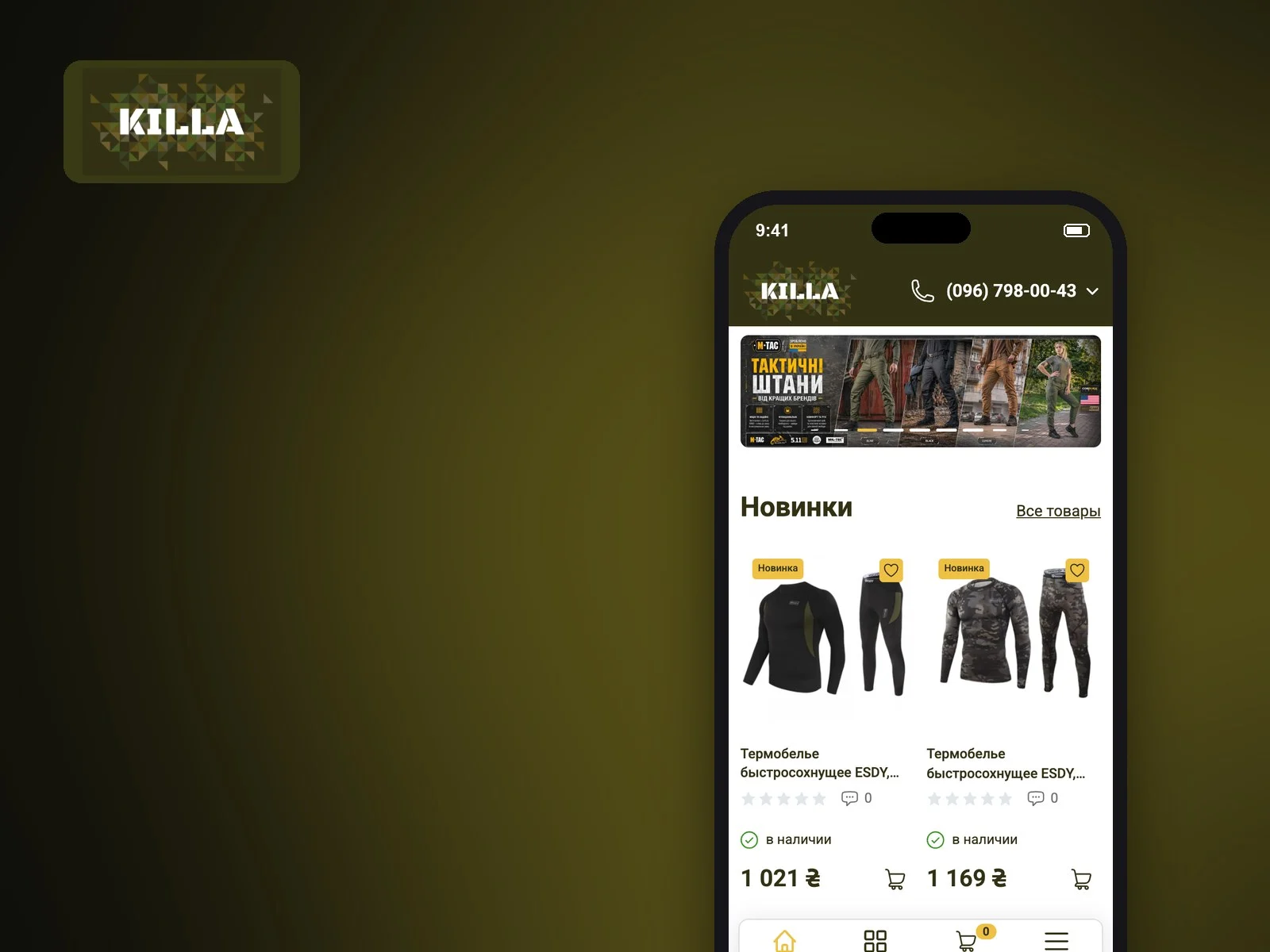
Killa has a large, deep catalog: tactical clothing and boots, equipment, uniforms for emergency services, security and police, optics, backpacks, outdoor and fishing gear. Shoppers need to narrow down to brand, size and colour quickly and order with Nova Poshta delivery. We moved the store from the old OpenCart to a new one with a fresh design and new features, then took on CRO: we studied heatmaps and analytics and reworked the spots where shoppers dropped off.
Visual style
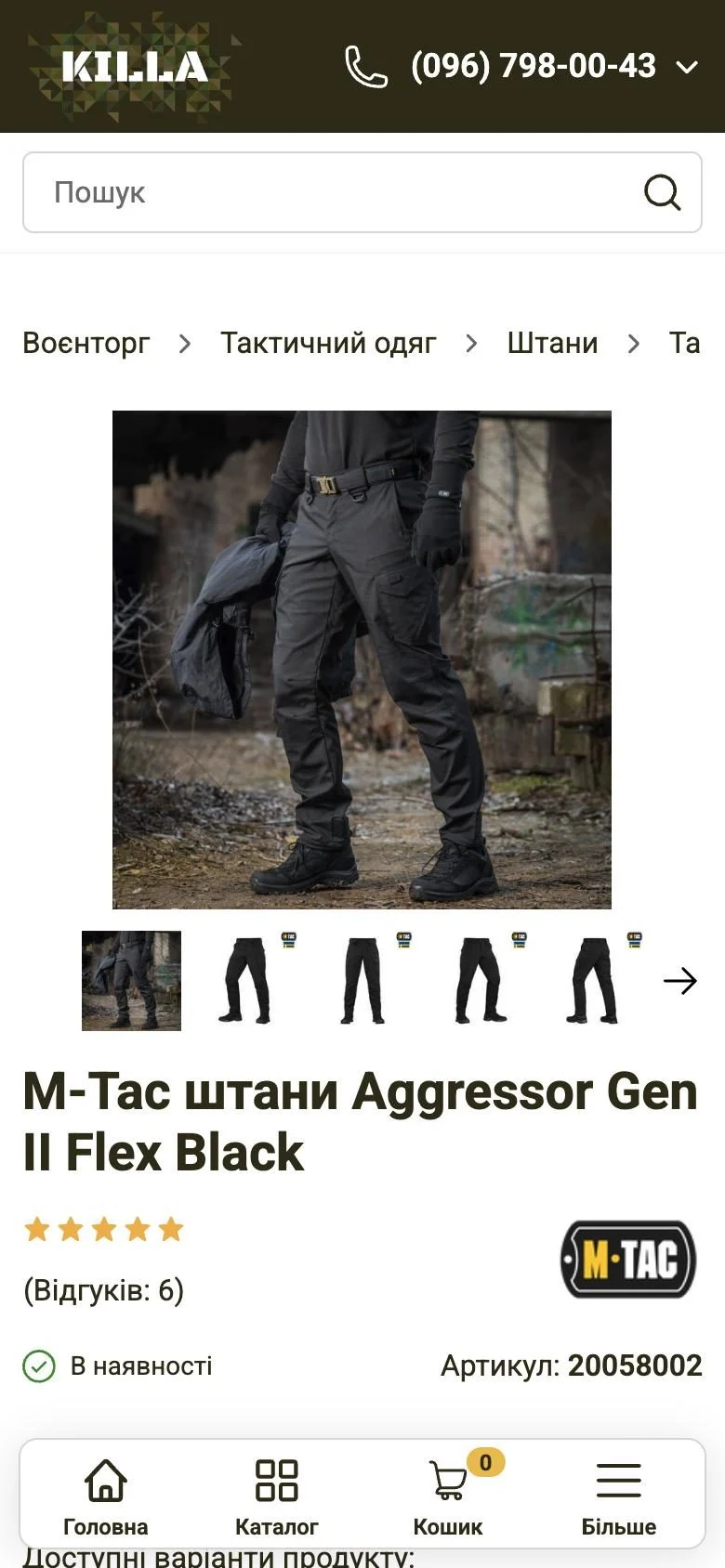
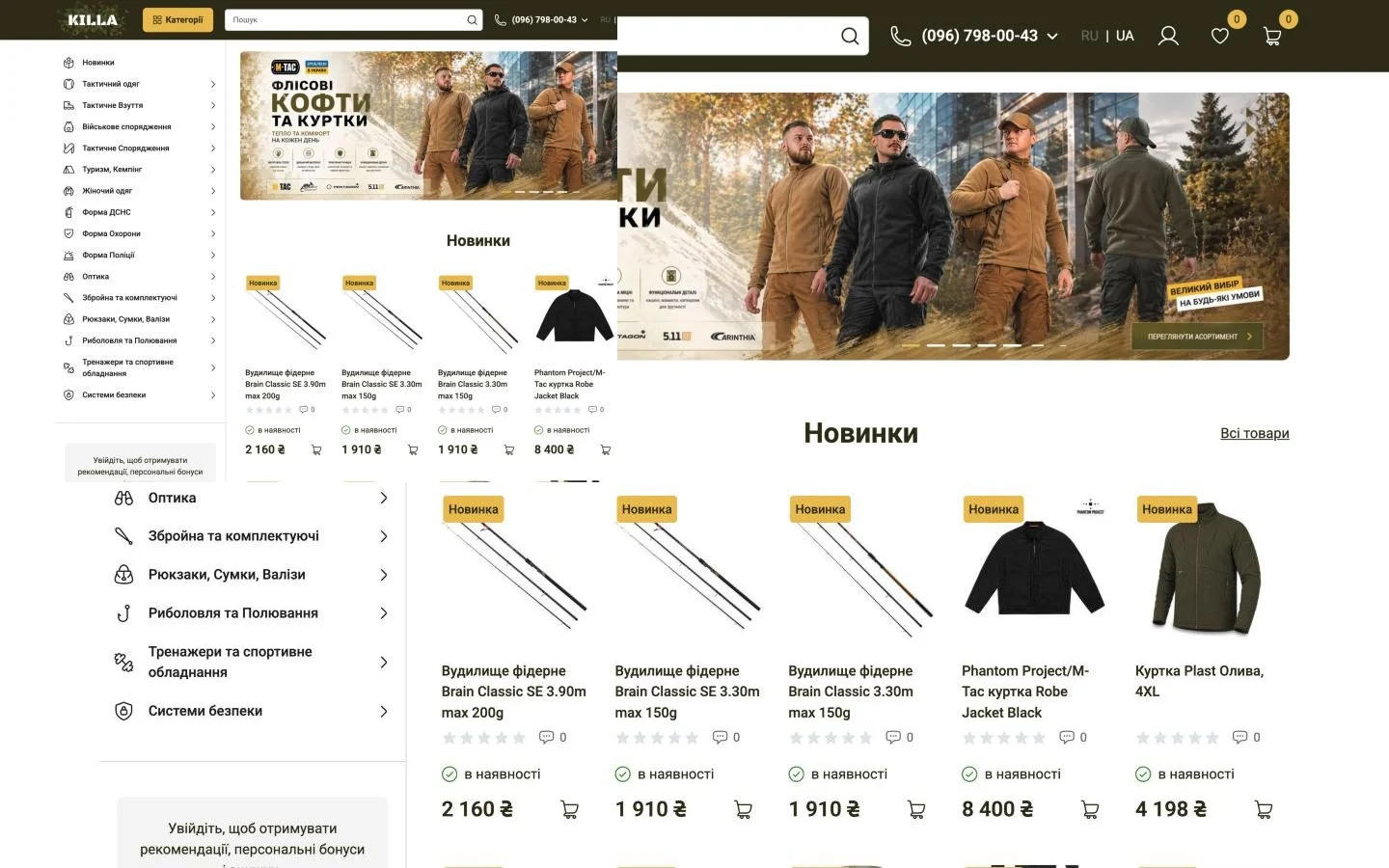
A dark olive header with a pixel-camo logo, yellow accents on buttons and badges. All text is set in Roboto.
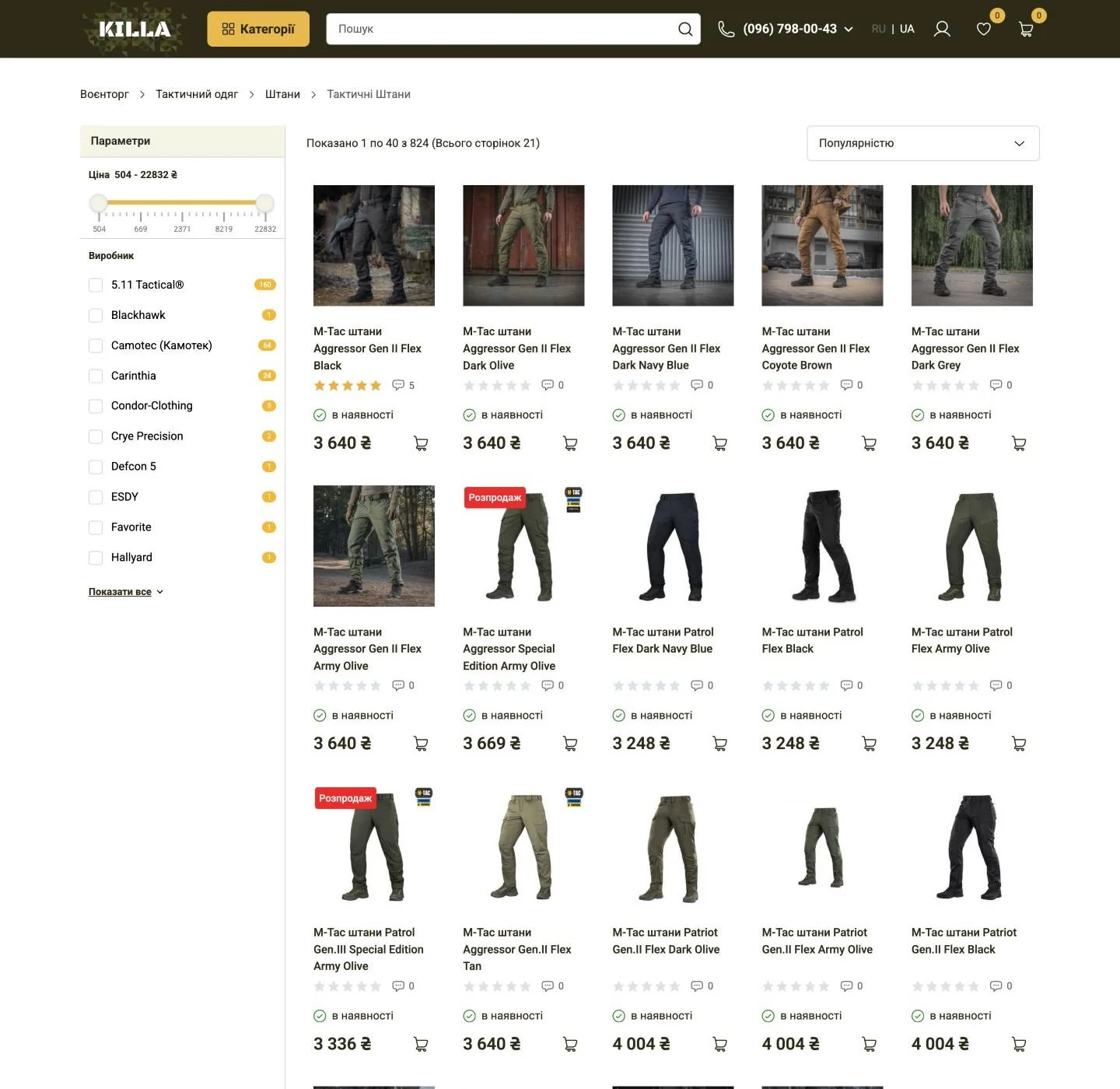
Mobile version
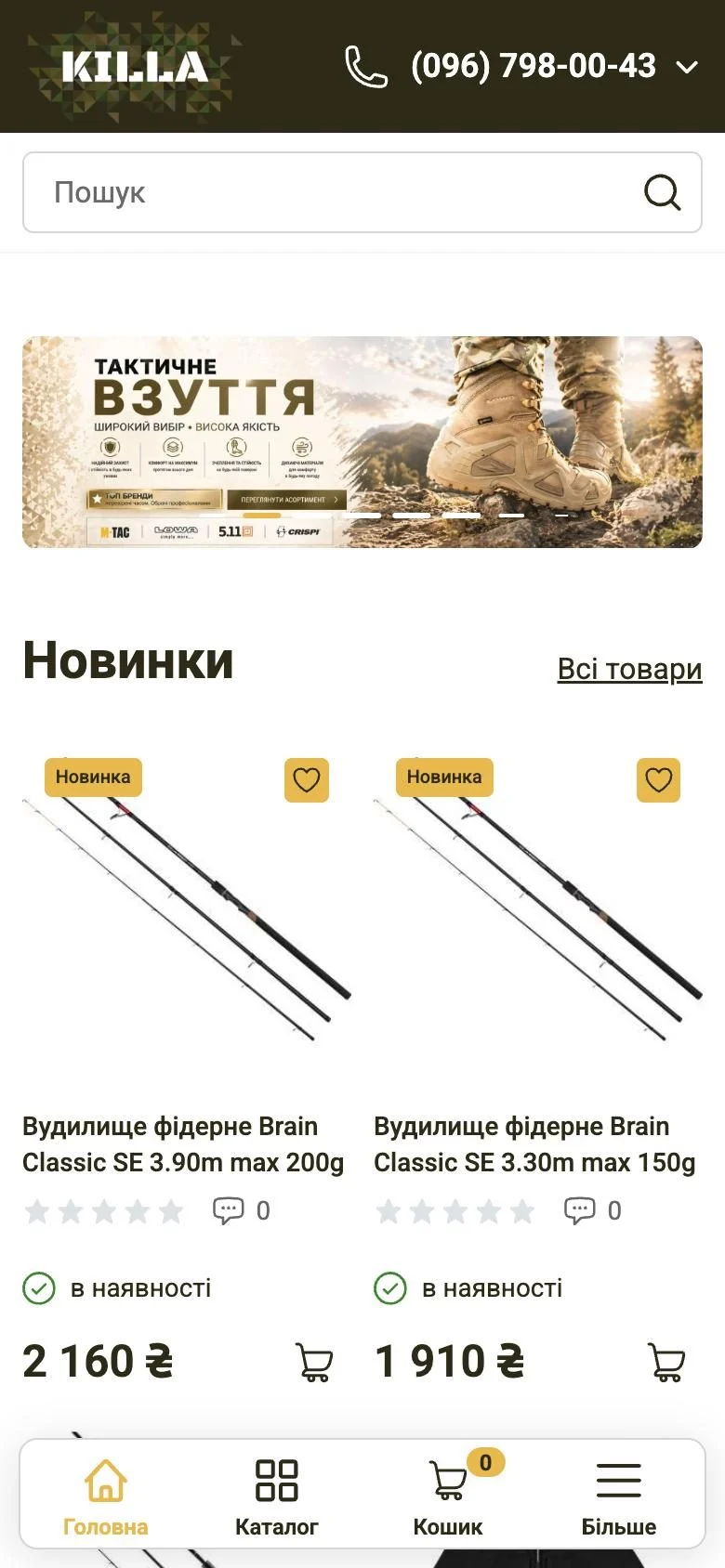
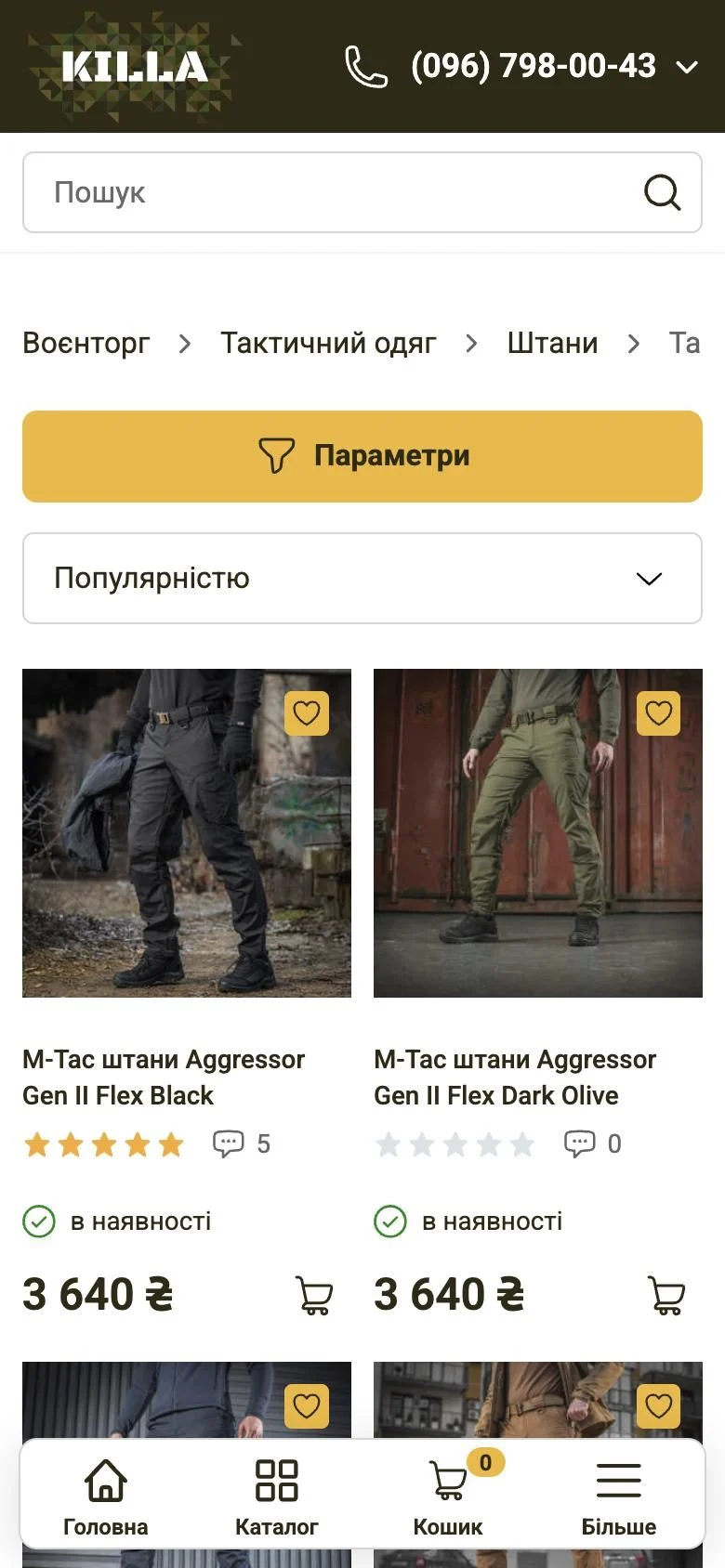
On phones a bottom bar holds Home, Catalog, Cart with a counter and More. Search sits right under the header, filters open from a yellow Parameters button, and the product page leads with a large gallery and variant picker.
Goals
- 01New designA recognizable military-store look that keeps hundreds of categories easy to browse.
- 02Move to a new OpenCartMigrate the store from the old OpenCart to a new one and add the features it lacked.
- 03Fast product selectionPrice and brand filters, sorting and product variants by colour and size.
- 04Simple checkoutA short checkout with Nova Poshta delivery and optional registration.
- 05Higher conversionAfter launch, use heatmaps and analytics to find where shoppers get lost and fix those spots.
Key solutions
Product page
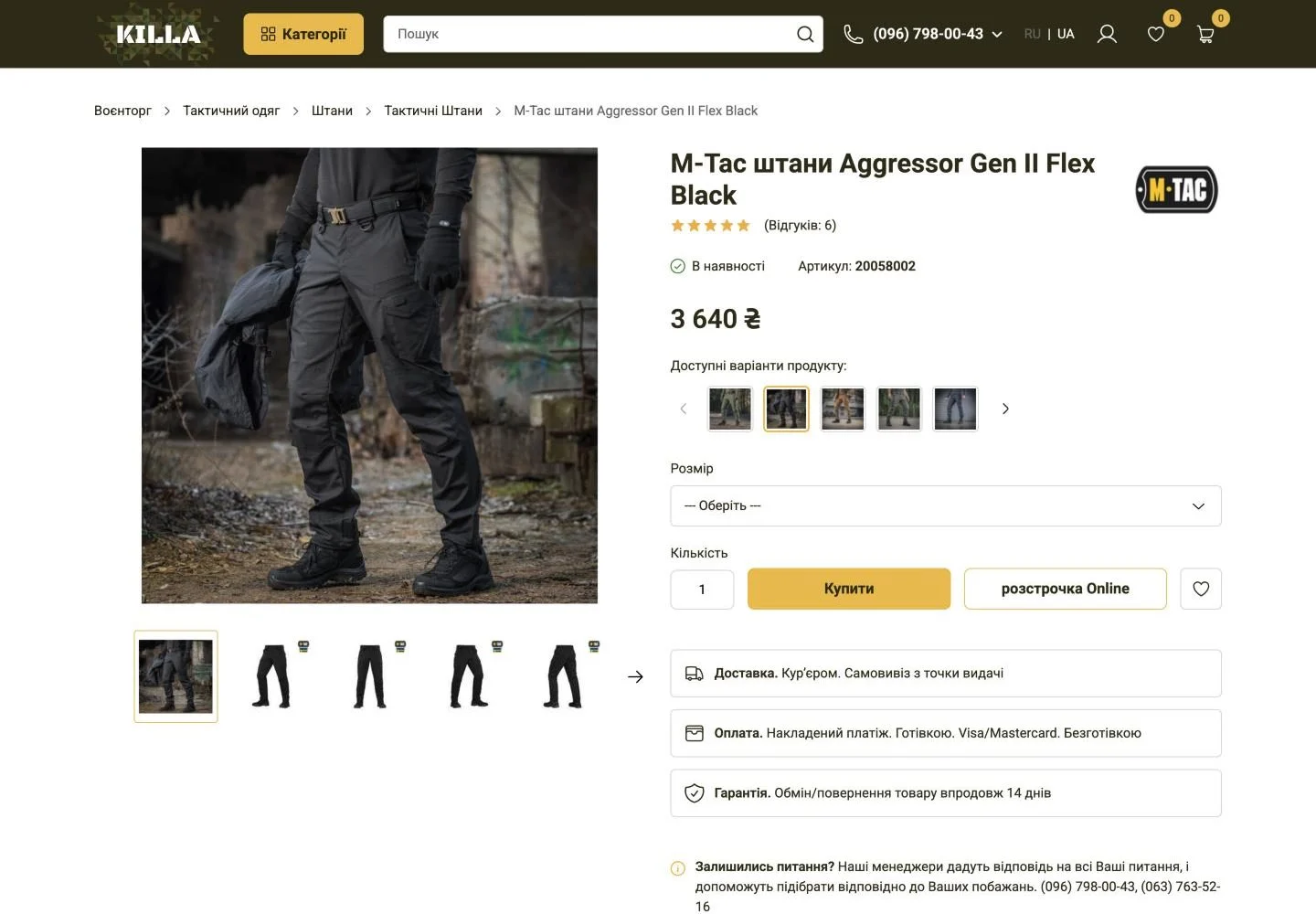
A gallery with thumbnails, brand logo, rating and SKU. Colour variants are shown as photos, size is picked from a list. Buy, Online installments and wishlist buttons, then delivery, payment and warranty notes, the description and reviews.
Cart and checkout
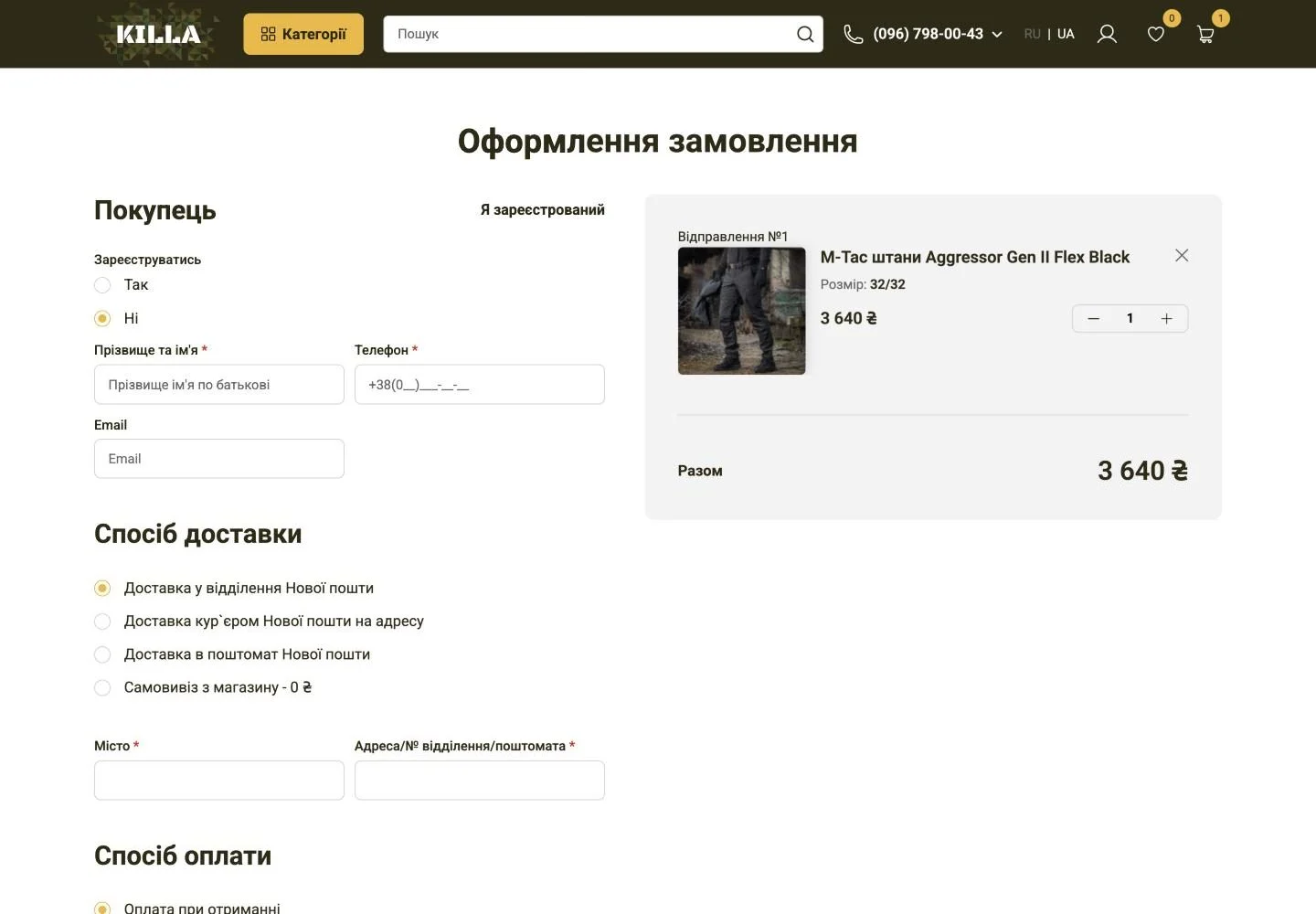
Adding an item opens a side cart. Checkout is one page: optional registration, name, phone, email, Nova Poshta branch, courier or parcel locker delivery or store pickup, and payment on delivery or by bank transfer.
Home and navigation
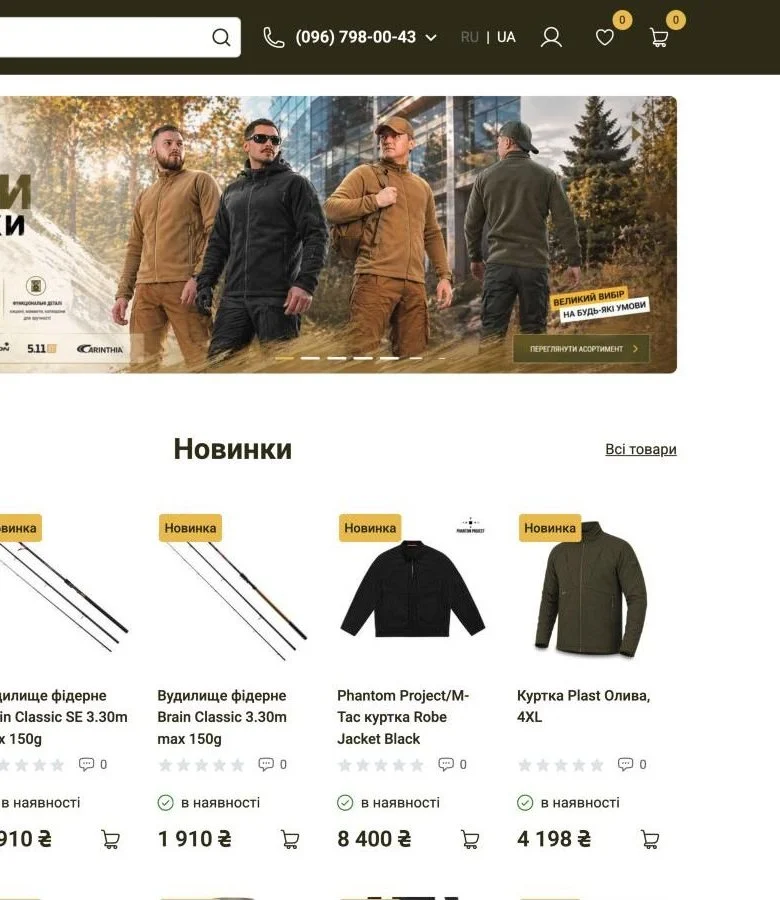
The icon catalog is available on the home page and behind the Categories button. Sign-in with Google, Apple or Facebook, a wishlist and recommendations for signed-in shoppers.
CRO with heatmaps and analytics
After the move we studied click and scroll heatmaps and web analytics, found the blocks where shoppers left or missed key information, and reworked them.
Integrations and stack
Want a project like this?
Describe your task – within one business day we'll reply with questions and a rough timeline estimate.