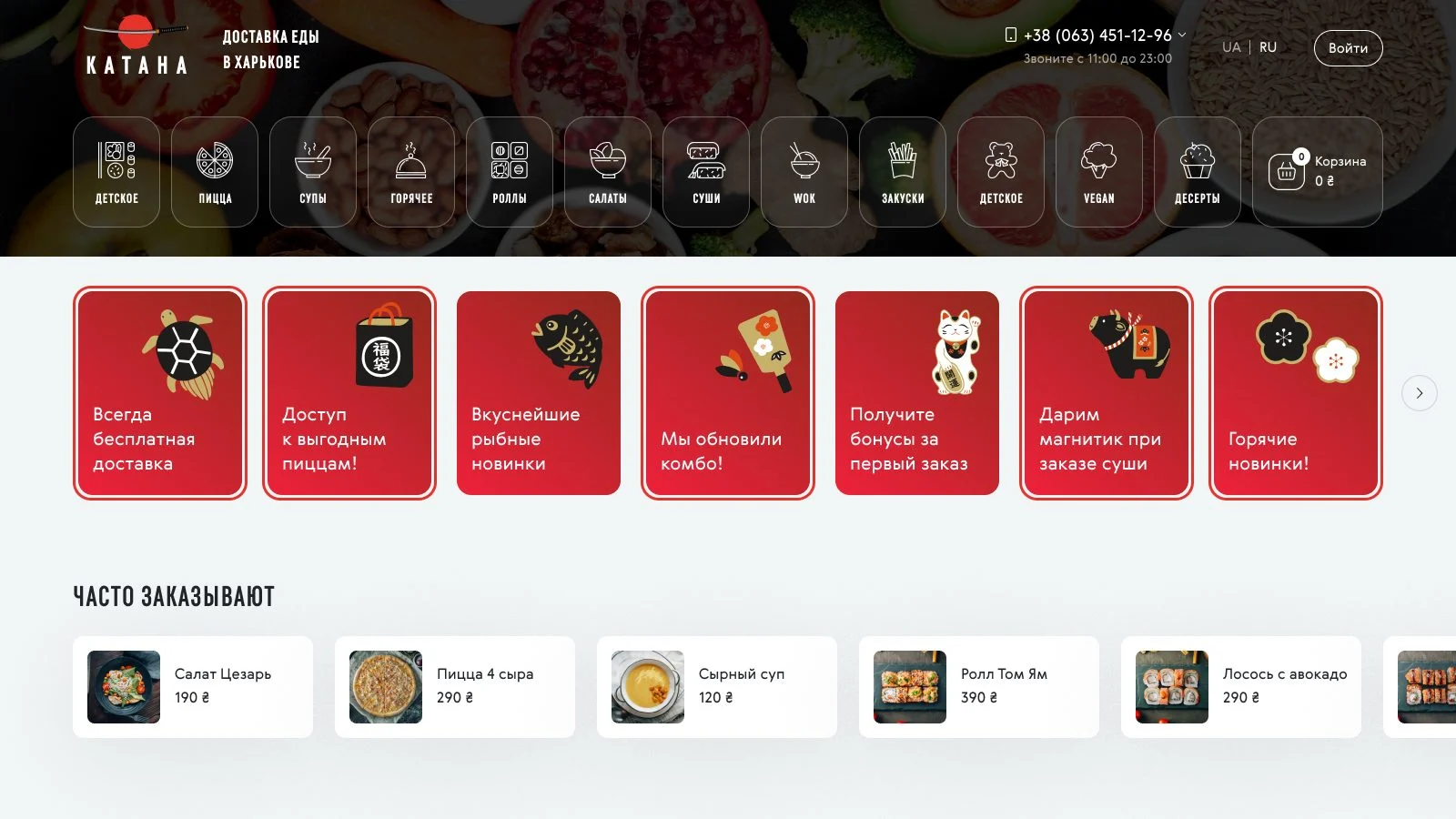
The goal: a site where a hungry visitor finds a dish and places a delivery order in a minute. We started with a UX prototype covering the menu structure, the path from the home page to the thank-you page and the mobile flows. Then came the UI in a dark Japanese style and a UI kit, and finally the build: Laravel on the back end, Vue.js for the dynamic cart, filters and checkout.
Visual style
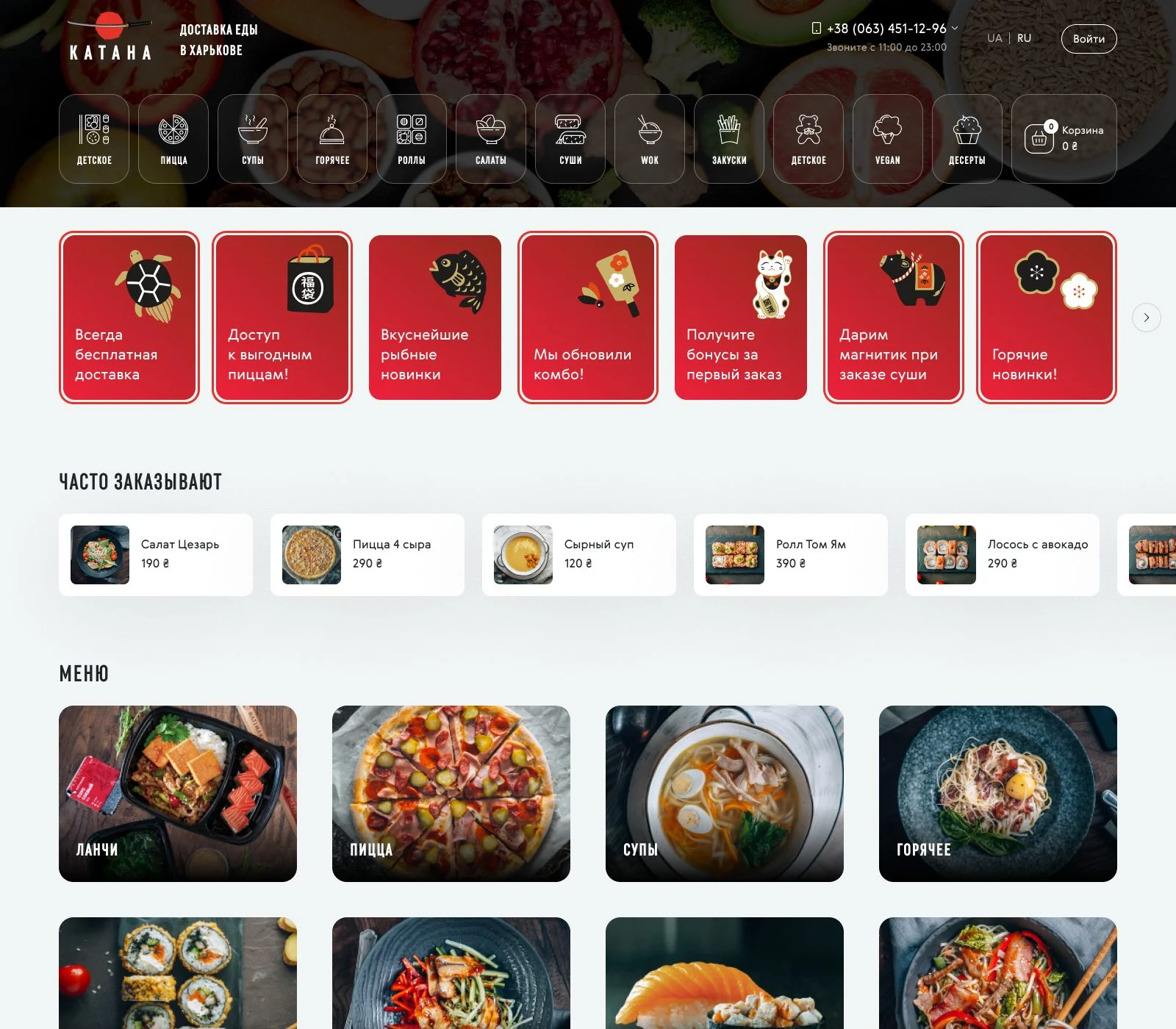
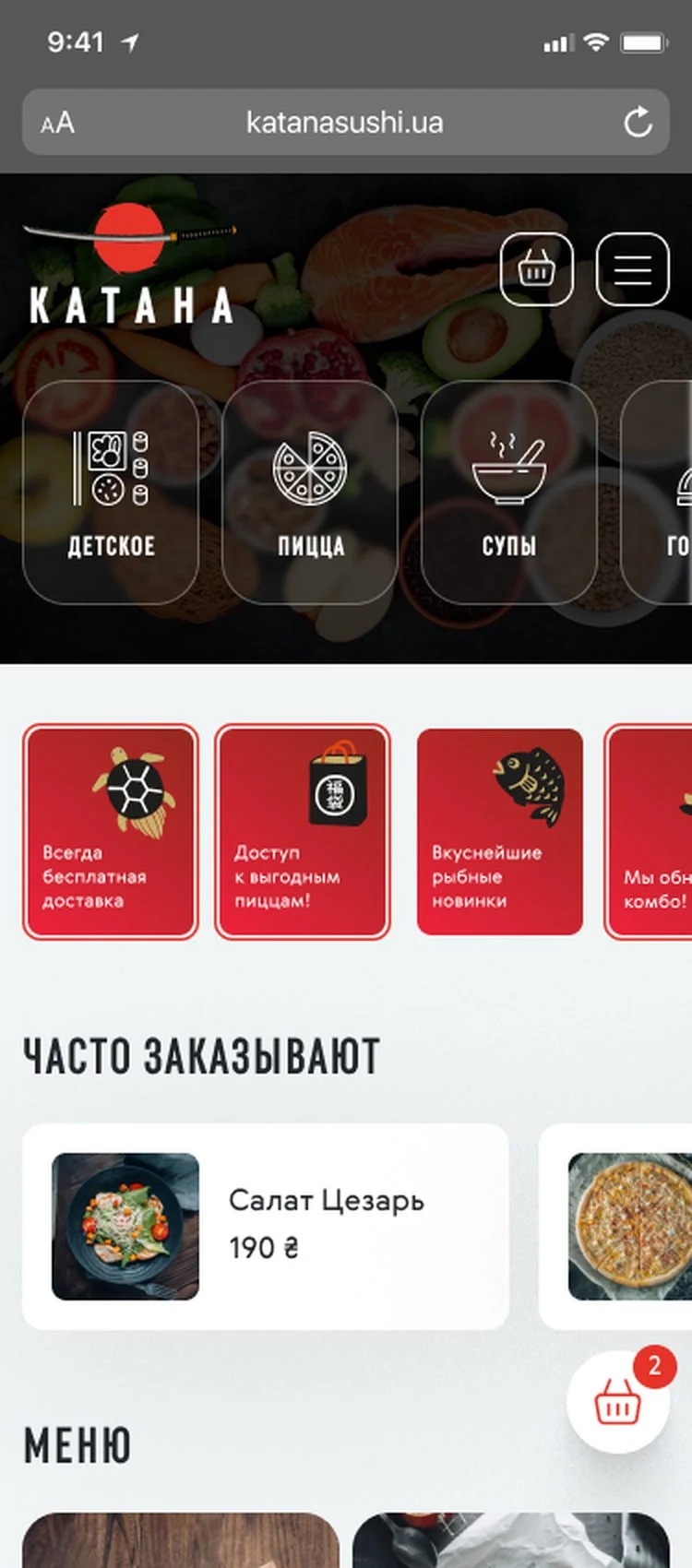
A dark header with food photography, white cards on a light grey background and a single bright red accent, like the sun in the logo. Headings use the condensed RF Rufo in capitals, body text is set in Gerbera.
Mobile version
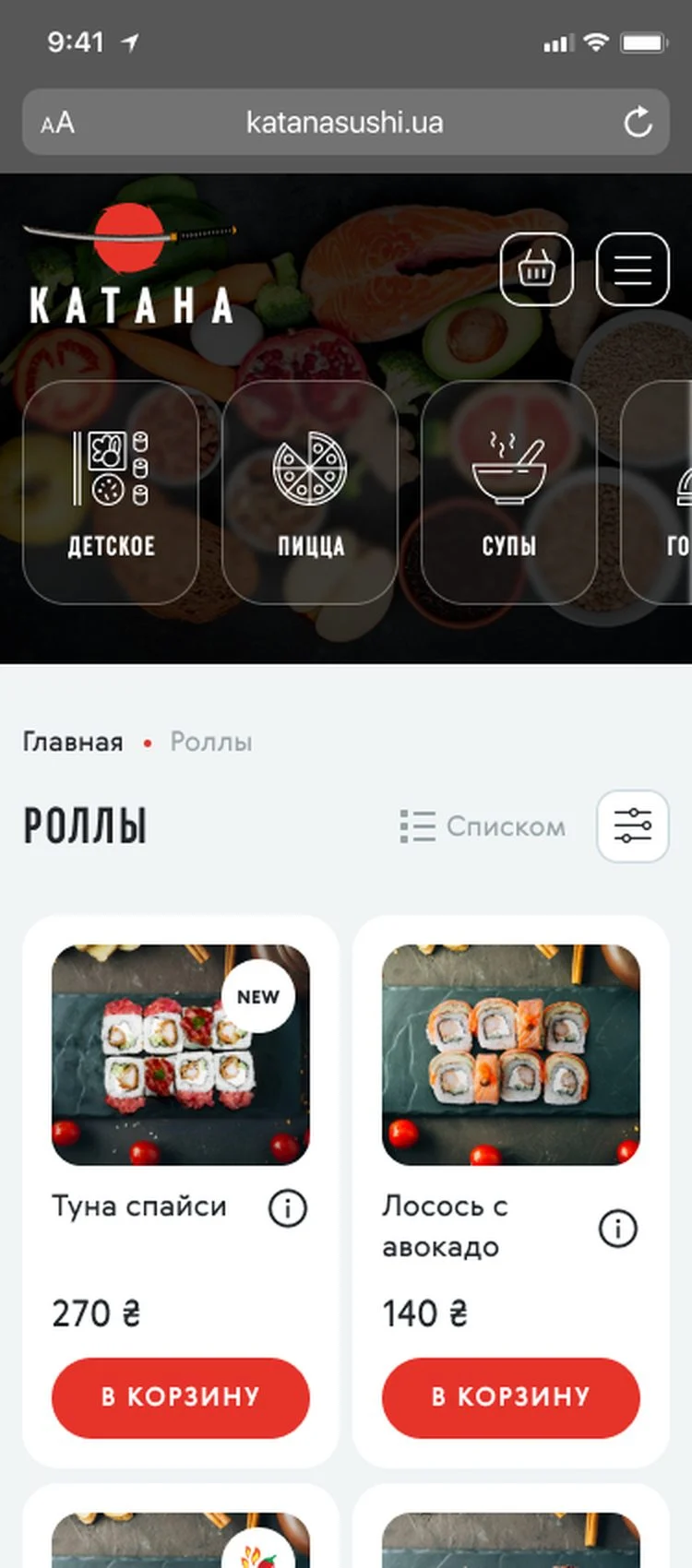
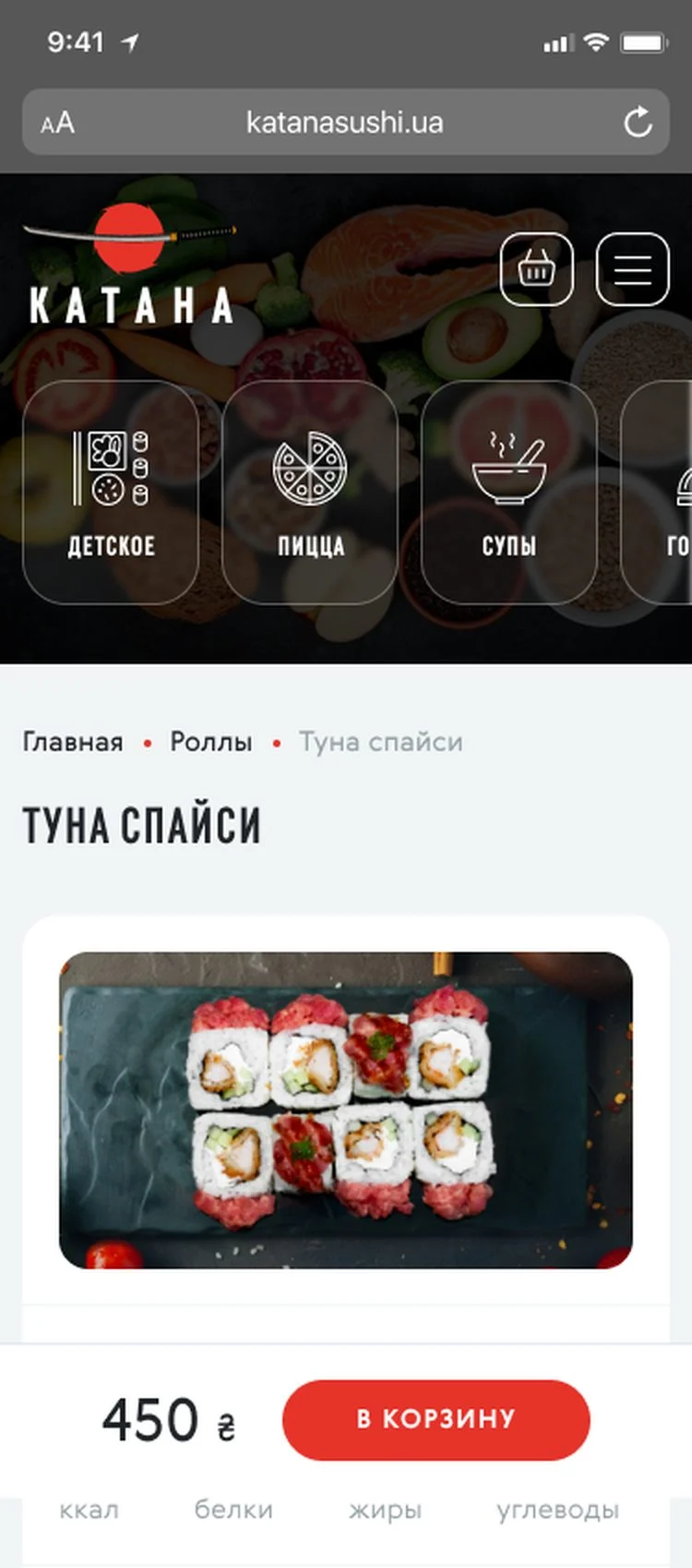
Every page was designed for mobile too: the menu icons scroll sideways, the cart is a floating button with a counter, and on the dish page the price and Add to cart stay pinned to the bottom.
Goals
- 01Find a dish fastMore than ten menu sections had to be reachable from any page in one tap.
- 02Short path to an orderAdd to cart from any card, a cart that does not leave the page, one-click ordering.
- 03Bigger orders"Better together" and "Bestsellers" suggestions, add-ons and a choice of gifts at checkout.
- 04Prototype before designAgree on structure and flows in a UX prototype first, then draw the UI and UI kit.
- 05Solid developmentBuild on Laravel and Vue.js so the site is easy to manage and extend.
Key solutions
Menu navigation
Section icons (kids, pizza, soups, hot dishes, rolls, salads, sushi, wok, snacks, vegan, desserts) sit in the header on every page.
Catalogue with filters
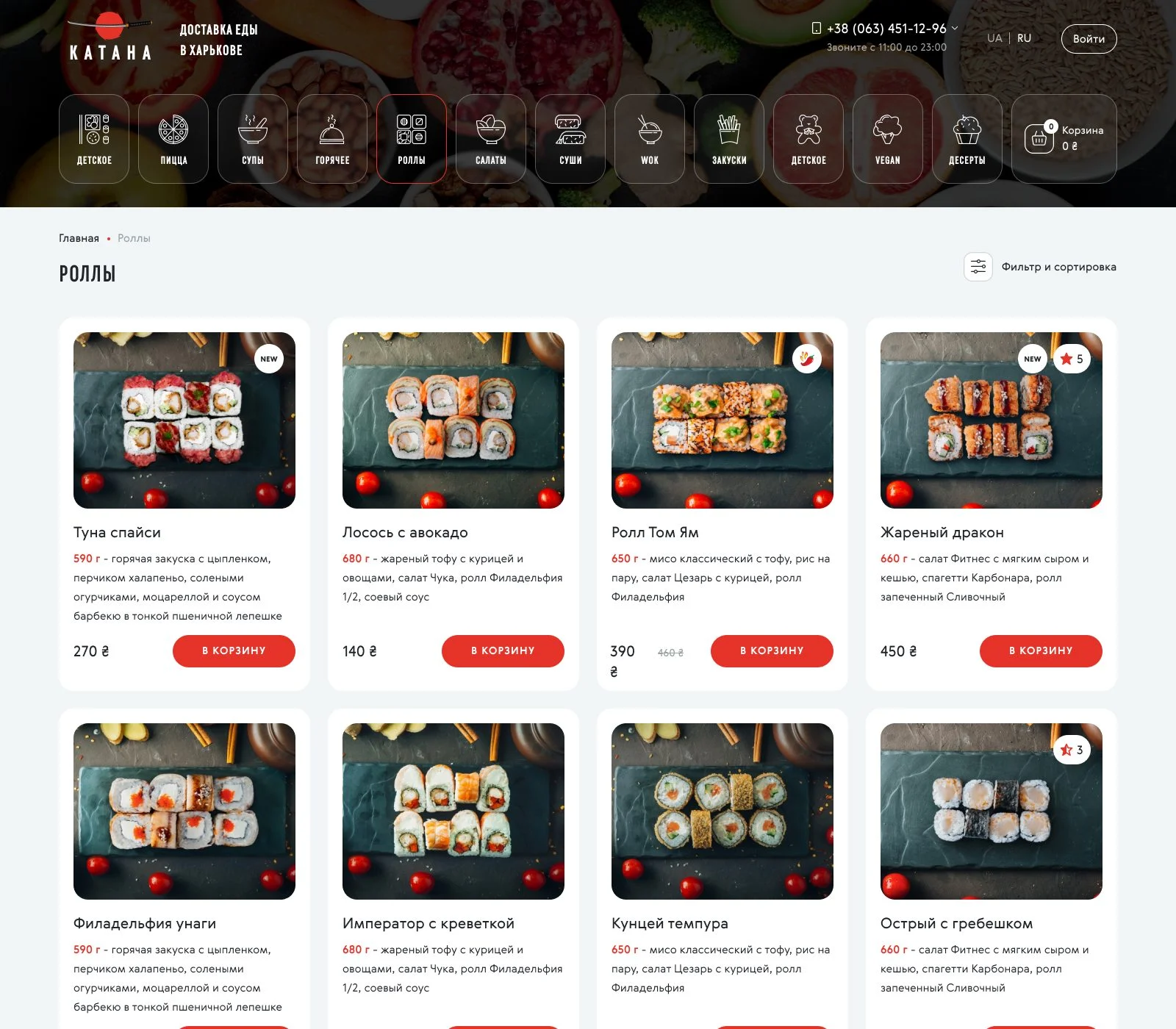
Tile or list view, filters and sorting, "New" and "Spicy" badges, discounted prices and an Add to cart button on each card.
Dish page
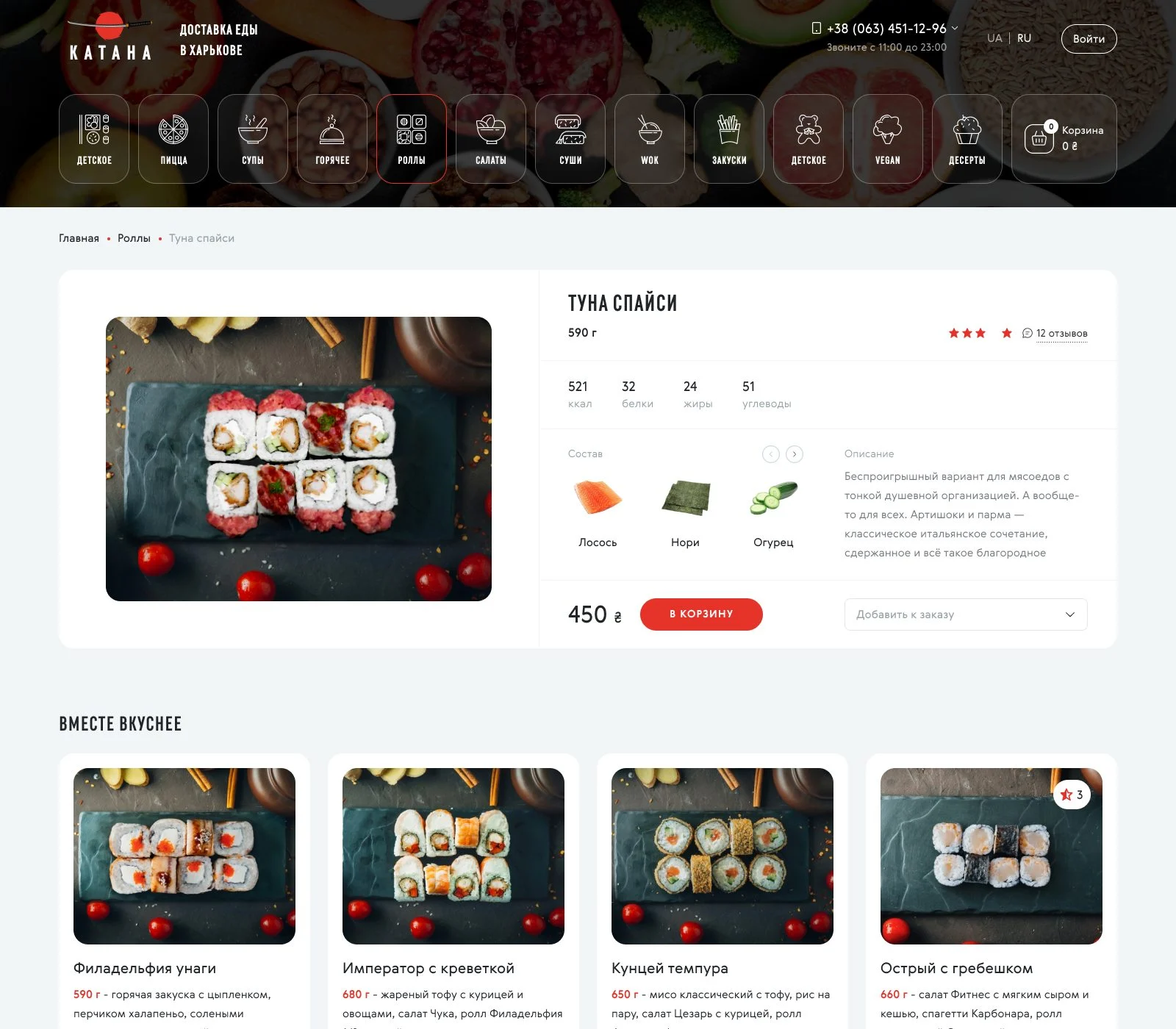
Weight, calories, protein, fat and carbs, ingredients with icons, an add-on picker, rated reviews and similar dishes.
Slide-out cart
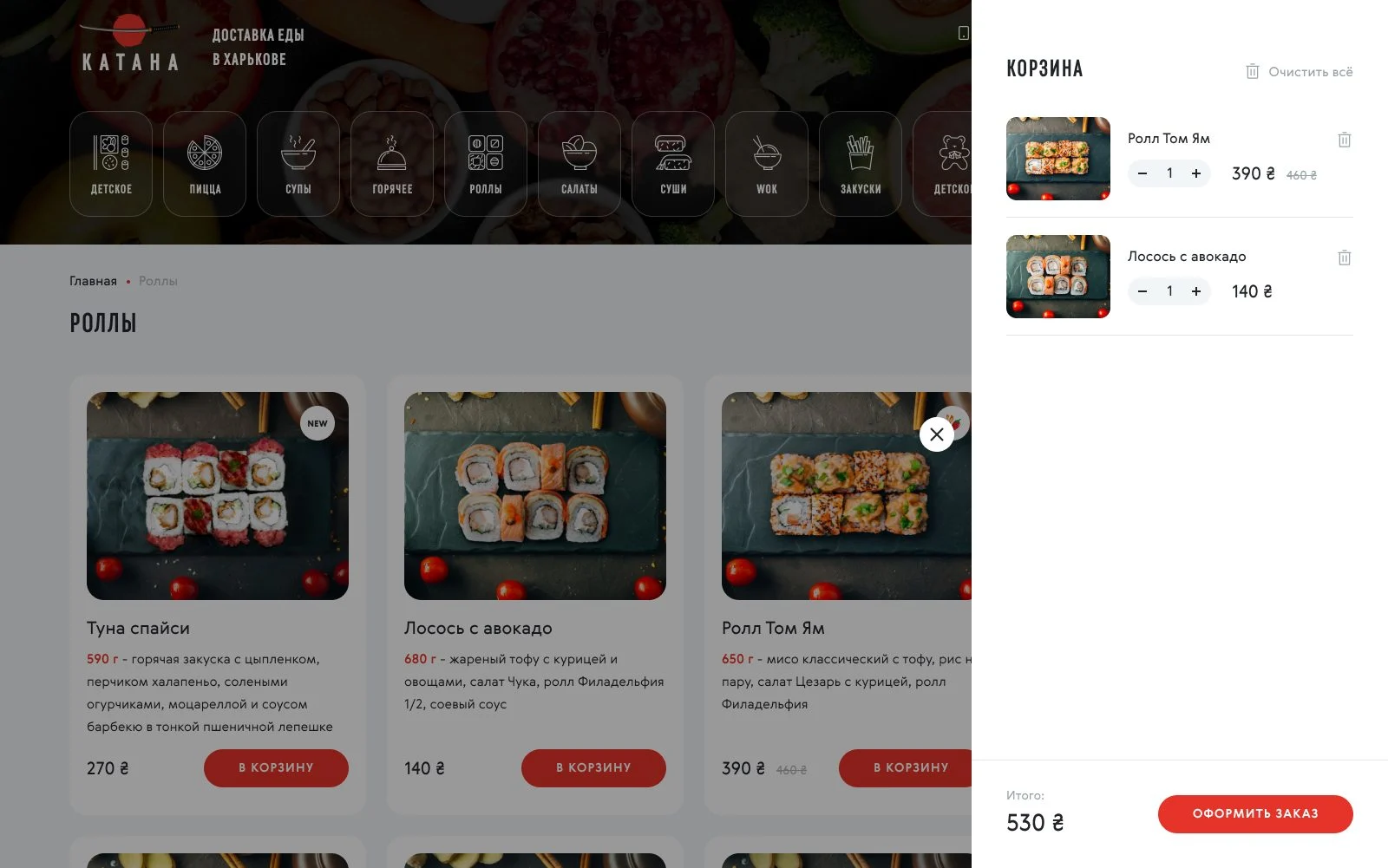
The cart slides in from the right over the catalogue: change quantities, remove items and go straight to checkout.
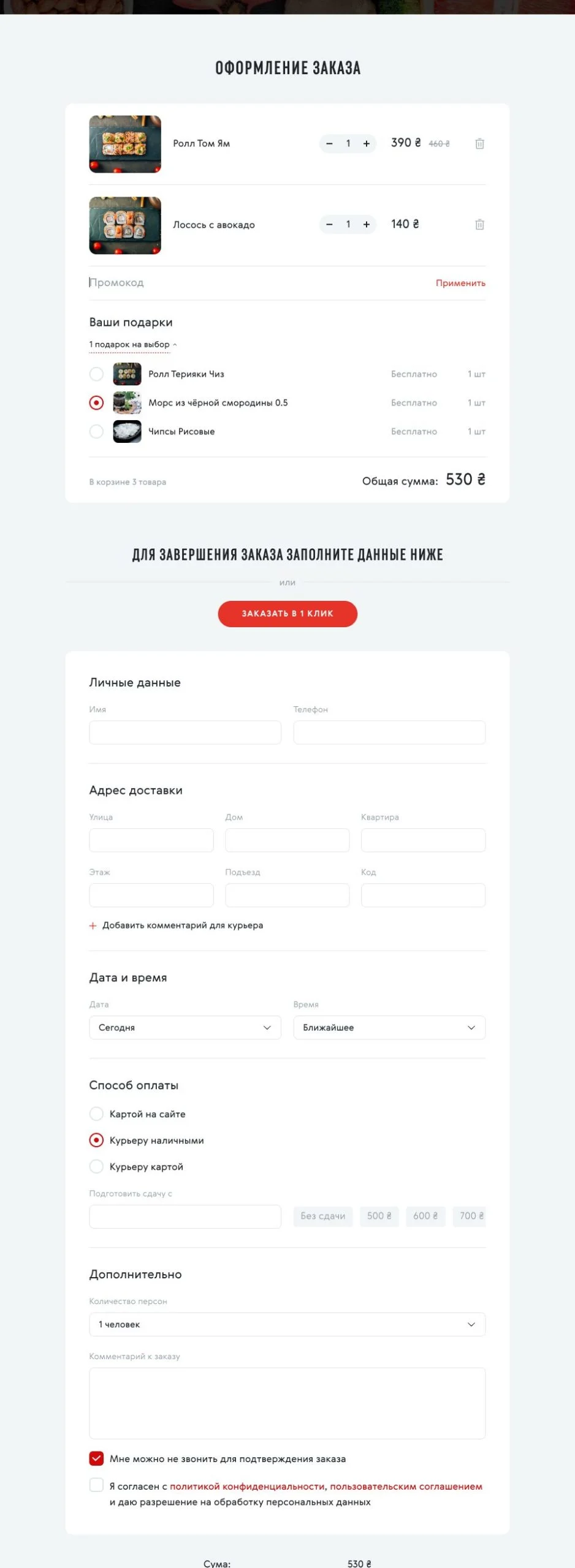
Checkout
Promo code, gift choice, one-click order, address with a note for the courier, date and time, card payment online or to the courier, change, number of guests and a total with packaging.
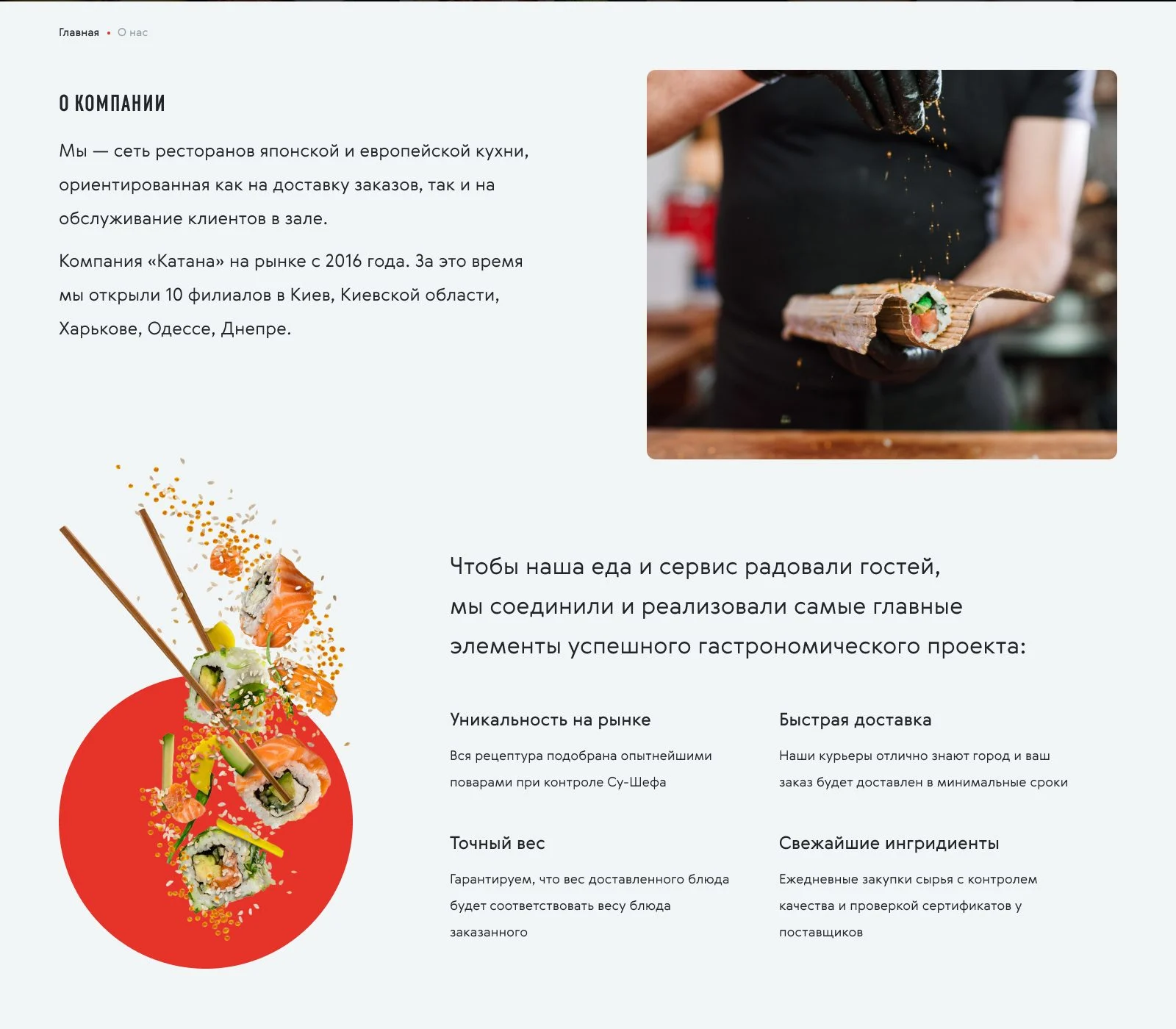
About page
Company history on a timeline, service principles, a kids menu block and a free delivery across Kharkiv banner.
Stack
Want a project like this?
Describe your task – within one business day we'll reply with questions and a rough timeline estimate.